

ChatGPT Voice vs Gemini Live vs Claude Voice vs Krater Voice Mode: Plans, Limits and Features Compared
Four AI voice modes side by side: what each plan costs, daily limits, where it runs, camera and screen, tool use, models and training defaults. From the vendors' own docs, 20 Sep 2026.
ChatGPT Voice, Gemini Live, Claude voice mode and Krater Voice Mode all give you a real time, interruptible spoken conversation with an AI. The differences are in what comes with it. ChatGPT Live gives Plus subscribers 3 hours a day for $20 and has web search and memory. Gemini Live is free in the Gemini app and is the only one that streams your camera and screen, but it does not run in a browser. Claude voice mode is free on every plan and talks with the same Claude models you use in text. Krater Voice Mode needs a paid plan ($20 and up), is billed per second of talk, and is the only one of the four that can generate images, video and songs, search the web and use your connected apps during the call.
Key Takeaways
- Price for voice: Gemini Live and Claude voice mode are free. ChatGPT Voice is limited on Free and 3 hours a day on Plus ($20). Krater Voice Mode has no free tier and costs 15 credits a minute on Pro ($20, 1,500 credits) and up.
- Platforms: ChatGPT, Claude and Krater work in the browser and on phones. Gemini Live is Android and iOS app only.
- Seeing: Gemini Live streams camera and screen. ChatGPT Live does not (only the older Advanced mode does, on mobile). Krater takes an attached photo. Claude's help centre does not mention camera.
- Acting: Krater's voice can create images, videos and songs, edit images, search the web and use your connected apps. ChatGPT Live has web search and memory. Claude asks permission before using a connected tool. Gemini Live cannot use Gems.
- Models: ChatGPT uses GPT-Live-1 (Plus and up) or GPT-Live-1 mini. Claude uses the fastest version of your last text model. Krater runs OpenAI's gpt-realtime-mini. Google does not name the Live model.
- Training: OpenAI does not train on voice clips unless you share them, but may use transcripts if "Improve the model for everyone" is on. Krater does not train on any of your content. Google's Live data follows its Gemini Apps Privacy Hub. Anthropic publishes no voice specific statement.
Side by side
| ChatGPT Voice (Live) | Gemini Live | Claude voice mode | Krater Voice Mode | |
|---|---|---|---|---|
| Free voice | Yes, limited, GPT-Live-1 mini | Yes, standard limits | Yes, beta, all plans | No, paid plans only |
| Cheapest paid plan with voice | Go $8 (3 h/day, mini). Plus $20 (3 h/day, GPT-Live-1) | AI Plus $4.99 (2x limits). AI Pro $19.99 (4x) | Pro $20 monthly, $17 on annual | Pro $20, 1,500 credits |
| Usage limit | Rolling 24 hours: Plus 3 h, Pro $100 15 h, Pro $200 unlimited | Plan multipliers; Live hours not published | Shares plan usage; voice hours not published | 0.25 credits a second, 30 minute sessions, no daily cap |
| Platforms | Web, iOS, Android | Android and iOS app; Pixel Buds. Not in web app | Web, desktop app, iOS, Android | Web app, desktop and mobile browser |
| Interrupt and hands free | Listens and speaks at the same time; background conversations | Interrupt any time; Hold and Mute controls | Hands free by default; push to talk option | Interrupt any time; the AI pauses when you start speaking |
| Camera or screen | Not in Live; Advanced mode on mobile only | Camera streaming and screen sharing | Not mentioned | Attached photo stays in context; no live camera |
| Can it act | Web search, memory, visual widgets | No Gems; camera and screen context | Connected tools with permission (Gmail, Slack and others) | Image, video and song generation, image editing, web search, connected apps |
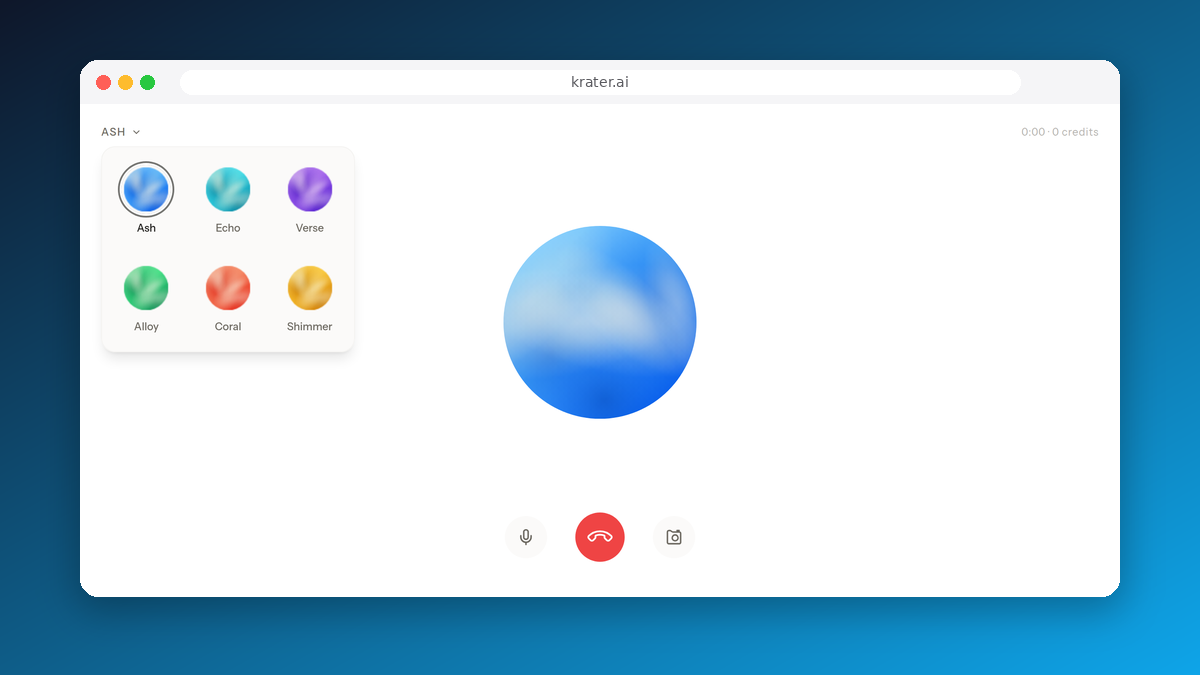
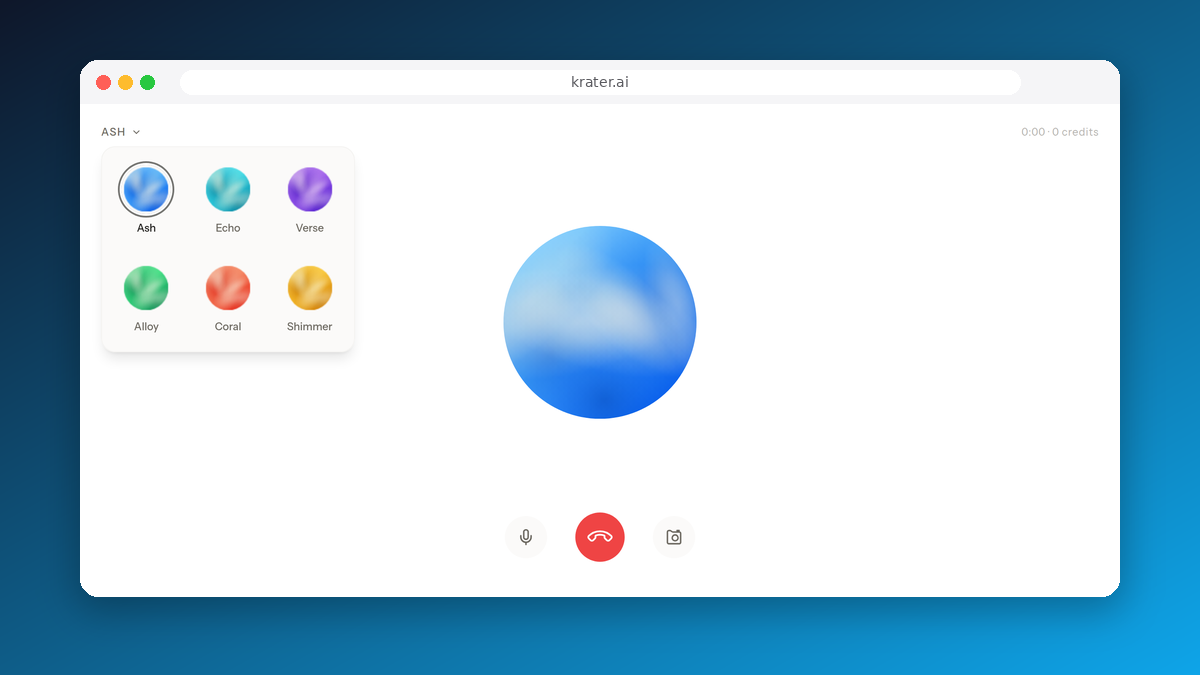
| Voices | Nine standard voices | Selectable, availability varies by language | Several, with pace control on mobile | Six: Ash, Echo, Verse, Alloy, Coral, Shimmer |
| Transcript | Saved with the chat; audio kept 30 days | Shown when you end the session | Not stated in the help article | Saved to chat history with a Voice badge, captions during the call |
| Model | GPT-Live-1 or GPT-Live-1 mini | Not named | Fastest version of your last Claude model | OpenAI gpt-realtime-mini, gpt-4o-mini-transcribe for transcripts |
| Trains on your voice | Not on clips unless shared; transcripts if "Improve the model" is on | Per Gemini Apps Privacy Hub and activity settings | Not stated for voice | No, Krater does not train on user content |
| Source | OpenAI help | Google help | Anthropic help | Krater |
Prices are US list in USD. OpenAI has paused new sign ups to the $200 Pro plan; the $100 Pro plan is open.
Price and limits: what $20 buys you
This is where the four differ most, so do the arithmetic for your own habit.
- ChatGPT Plus, $20: 3 hours of Live a day on GPT-Live-1, about 90 hours a month if you use it every day. The $8 Go plan gets the same 3 hours on the mini model.
- Google AI Pro, $19.99: 4x the free limits. Google does not say how many Live minutes that is, and the free Gemini app already includes Live.
- Claude Pro, $20 monthly: voice shares your general usage limit, so heavy voice use eats into text use. Free plan users also get voice, in beta.
- Krater Pro, $20: 1,500 credits. Voice costs 15 credits a minute, so 100 minutes a month if you spend everything on voice, with no daily cap and sessions up to 30 minutes. Credits not spent on voice go to text, image and video generation across 400+ models.
Plain reading: if voice is your main use and you talk for an hour a day, ChatGPT Plus is the best value of the four. If voice is one thing you do among many, Krater's credit pool means you are not paying for hours you do not use, and Claude's free voice costs nothing on top of what you already have.
Platforms: where you can actually talk
Gemini Live is the outlier. Google's help page says "Gemini Live isn't available in the Gemini web app", so it is phones and tablets only, plus a shortcut from Pixel Buds. ChatGPT Voice is on web, iOS and Android. Claude voice mode is on "Claude Mobile (iOS and Android), Claude Desktop, and the web". Krater Voice Mode runs in the browser on desktop and mobile; there is no separate app to install and nothing to update.
Seeing: camera and screen
Gemini Live wins this outright. You can "stream video and share your screen", switch cameras and talk about what it sees, on every plan. ChatGPT moved its real time mode to Live, which "does not initially support video, screen sharing"; you have to switch back to the older Advanced option on mobile for those. Krater's approach is a photo you attach at the start, which the AI keeps in context for the whole session, useful for "what is this error" or "describe this product for a listing" but not for live pointing. Anthropic's voice mode article does not mention camera or screen at all.
Acting: what the voice can do besides talk
Here Krater is the outlier. Its voice session has tools wired in: generate an image (Flux 2 by default), generate a video, generate a song, edit an image, search the web, and any app you have connected to Krater. You can say "make a square version of this photo with a white background" and get the image in the chat while you keep talking. Read how it works in Voice Mode on Krater.
ChatGPT Live has web search and memory and shows visual widgets, and OpenAI says it "does not initially support ... connected apps, or plugins". Claude voice mode can use your connected tools such as Gmail and Slack, and "will ask for permission before using one of your connected tools". Gemini Live has the camera and screen as context but cannot use your Gems.
One thing none of the four does: answer or place phone calls for you. That is a separate product category (business phone agents such as Retell or Vapi, priced per minute of call) and it is not what any of these voice modes is for.
Models: what is talking back
OpenAI is explicit: Live runs GPT-Live-1 on Plus and above, GPT-Live-1 mini on Free and Go. Anthropic is explicit in a different way: voice "can use the same Claude models you use in text chat", starting with the one you last used, in its fastest version. Google's help page does not name the Live model. Krater's speech runs on OpenAI's gpt-realtime-mini, with gpt-4o-mini-transcribe producing the transcript; we say that plainly rather than imply a house model. What Krater adds is the tool layer, the credit billing, and the surrounding workspace, not a different voice engine.
Privacy: what happens to the audio
OpenAI keeps audio clips from Live and Advanced conversations with the transcript for 30 days and does not use them for training unless you choose to share them; transcripts can be used if "Improve the model for everyone" is on in Data Controls. Google points Live users to its Gemini Apps Privacy Hub, where handling depends on your activity settings. Anthropic's voice mode article does not include a voice specific training statement; its general consumer policy applies. Krater's policy is that it does not use your data to train AI models, and voice sessions are saved to your history as text, not audio.
How to start each one
- ChatGPT: choose Live, Advanced or Standard under Settings, then Voice. Live is the conversational one; Advanced is the one with video and screen sharing on mobile; Standard transcribes first and answers turn by turn.
- Gemini Live: open the Gemini app on Android or iOS and start Live. On Pixel Buds, "Hey Google, let's talk" starts it. It is not in the Gemini web app.
- Claude: voice mode is hands free by default and responds to natural pauses. Hold the button for push to talk instead.
- Krater: click Start voice mode next to the message box, choose one of six voices, talk. Attach a photo from the same panel to keep it in context for the session. Needs a paid plan.
Which one to pick
- ChatGPT Voice if you want hours of talk at a flat $20 and already live in ChatGPT.
- Gemini Live if you want to show the AI things through your phone camera, free.
- Claude voice mode if you want to talk to Opus or Sonnet and pay nothing extra.
- Krater Voice Mode if you want the voice to create and do things during the conversation, and one subscription for voice, text, image and video. It starts on Pro at $20 a month.
Frequently Asked Questions
Is ChatGPT Voice free?
Free accounts get "limited access to GPT-Live-1 mini". Go ($8) gets 3 hours a day on the mini model, Plus ($20) gets 3 hours a day on GPT-Live-1, Pro $100 gets 15 hours and Pro $200 is unlimited, all on a rolling 24 hour basis.
Does Gemini Live work on desktop?
No. Google's help page says Gemini Live is not available in the Gemini web app. It runs in the Gemini app on Android and iOS, and can be started from Pixel Buds.
Is Claude voice mode free?
Yes. Anthropic describes it as a beta feature available on all plans including Free, on mobile, desktop and web. It shares your plan's general usage limit.
How much does Krater Voice Mode cost?
0.25 credits per second of active conversation, which is 15 credits a minute. Sessions run up to 30 minutes. It is included in the Pro ($20, 1,500 credits), Ultra ($49, 4,000 credits) and Max (from $119, 10,000 credits) plans and is not available on free or guest accounts.
What is the difference between voice dictation and voice mode?
Dictation converts your speech to text and the reply comes back as text. Voice mode is a two way spoken conversation you can interrupt. ChatGPT's Standard option transcribes first and then speaks, turn by turn; Live listens and speaks at the same time. Claude's push to talk still answers out loud. On Krater, /transcribe is dictation and Voice Mode is the spoken session.
Which voice assistant can see my screen?
Gemini Live streams camera and screen on Android and iOS. ChatGPT offers video and screen sharing only in the Advanced voice option on mobile, not in Live. Krater keeps a photo you attach in context. Claude's help centre does not mention camera or screen for voice.
Bottom Line
On documented features alone: ChatGPT Voice for the most talk time per dollar, Gemini Live for a voice that sees, Claude for free voice on the models you already use, and Krater Voice Mode when you want the voice to generate, search and act inside the call, billed only for the seconds you talk. None of the four is best at everything; pick by the one thing you will do most.