

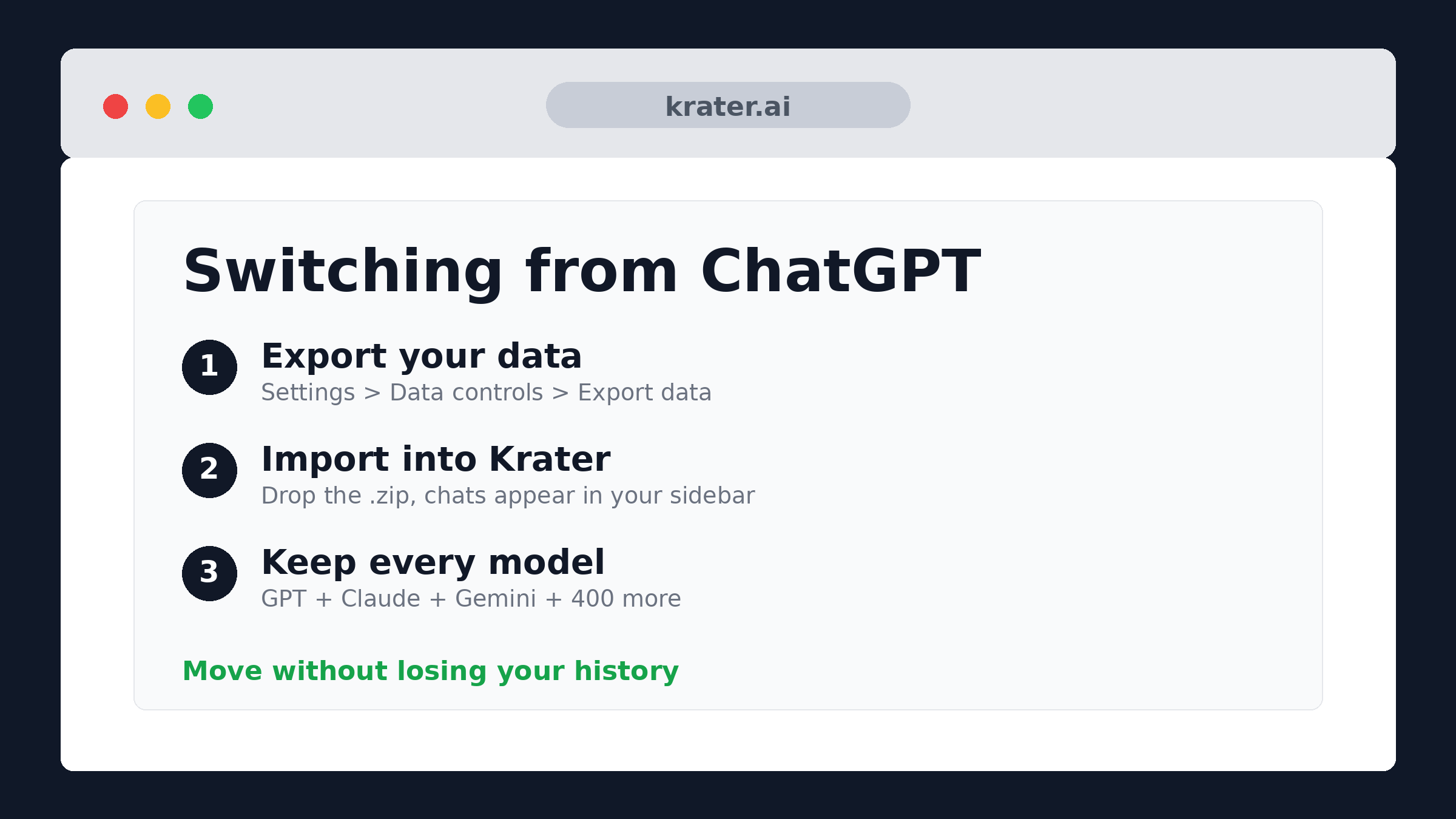
Switching from ChatGPT: How to Move Your Chats to Krater
Export your ChatGPT history, import the .zip straight into Krater, and keep every conversation. Steps, screenshots, and what you get on the other side.
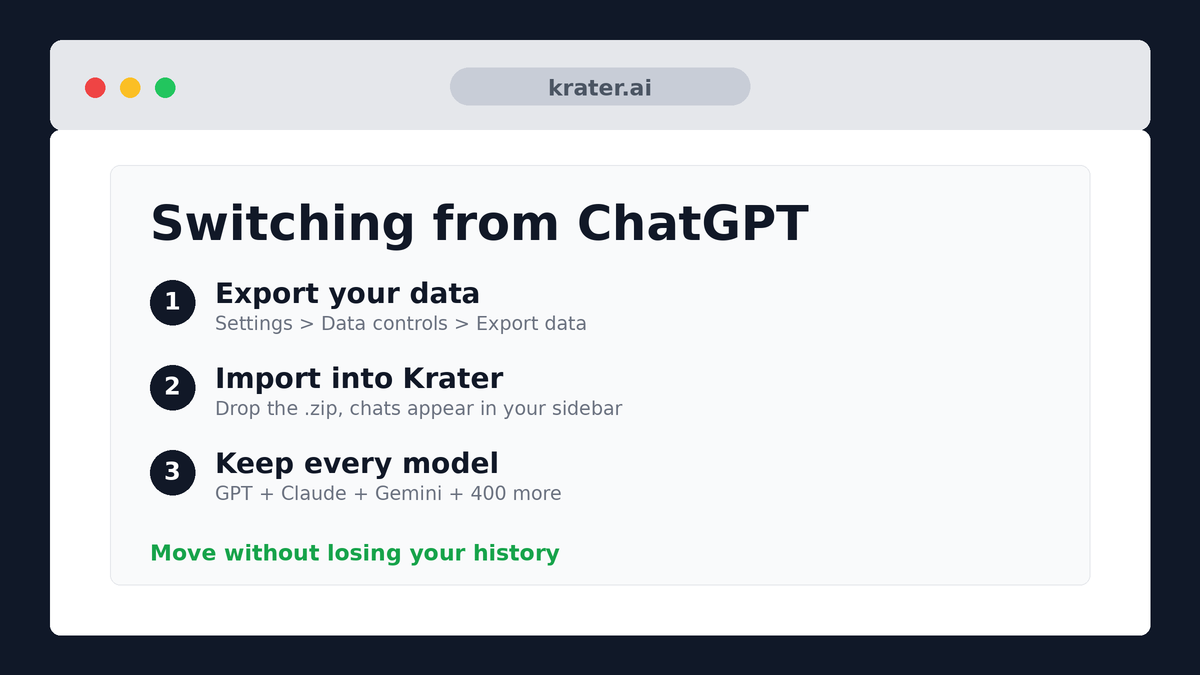
Step 1: Export your ChatGPT data
- Open ChatGPT and go to Settings → Data controls → Export data.
- Confirm the export. OpenAI prepares an archive and emails you a download link - usually within a few hours, sometimes up to a day.
- Download the .zip from that email. Don't unzip it; Krater reads the archive directly.
Heads up: the export contains every conversation, not a selection. There's no partial export - you import all of it and tidy up inside Krater afterwards if you want.
Step 2: Import it into Krater
Once you have the export file, the Krater side takes about a minute:
- Open Krater and click your profile menu in the bottom-left corner.
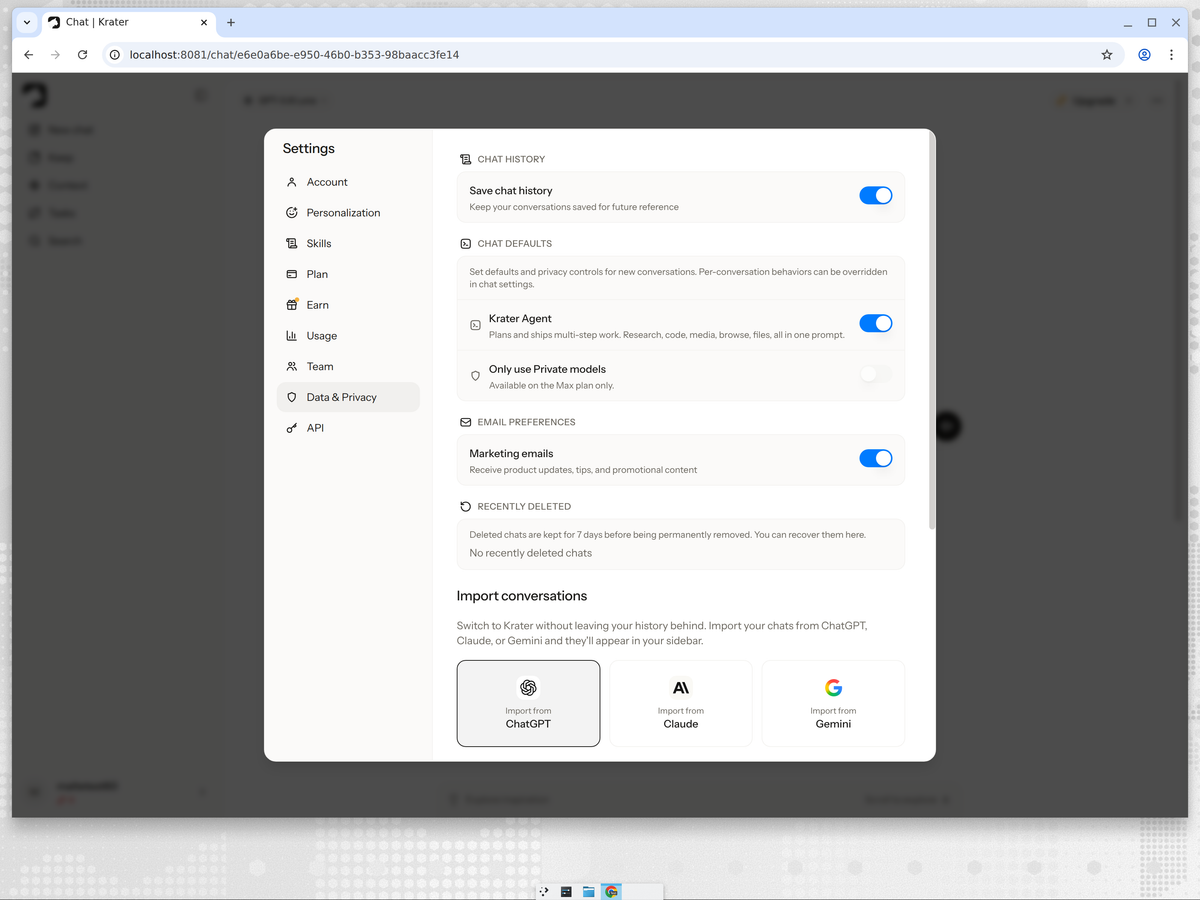
- Open Settings → Data & Privacy.
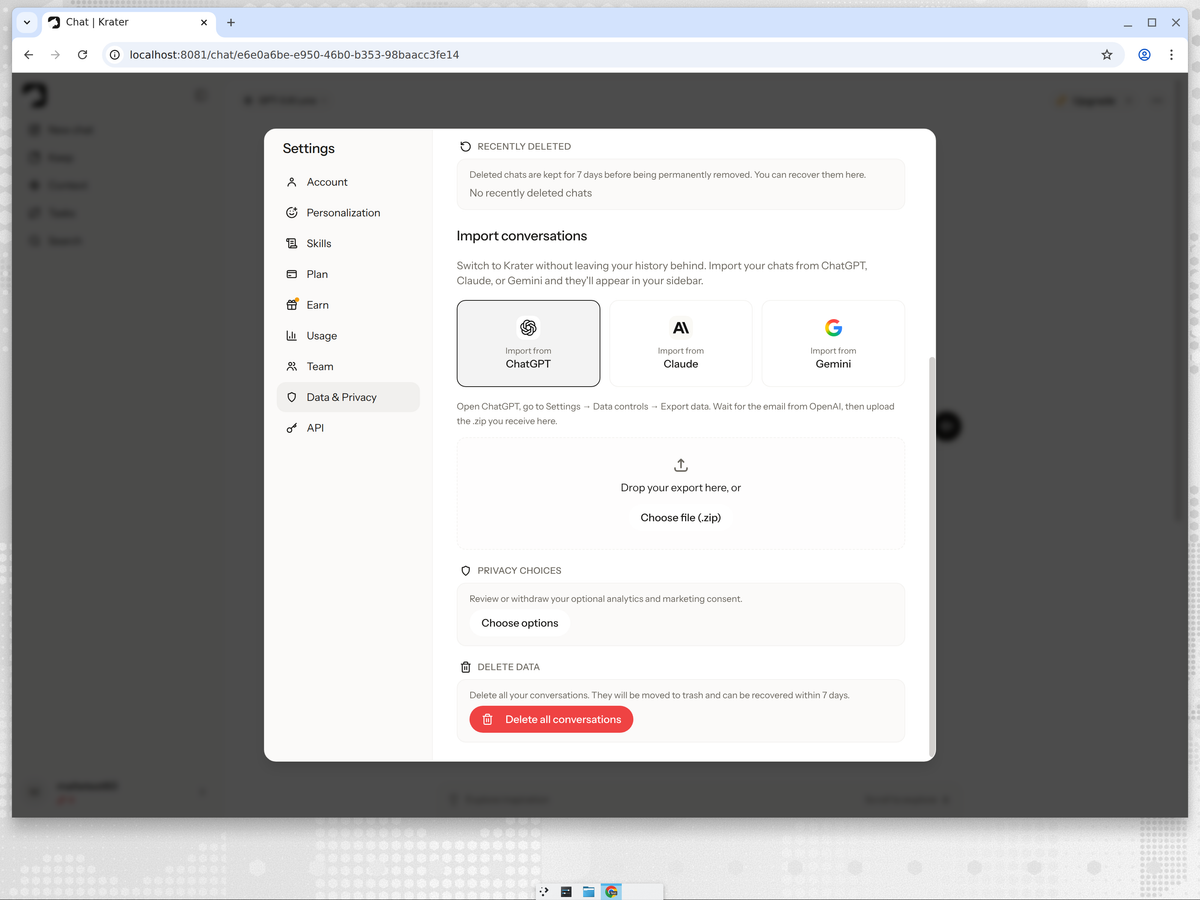
- Scroll to Import conversations and pick the ChatGPT tile.
- Drop the export file (or click Choose file) and wait for the import to finish. Your chats appear in the sidebar.
Step 3: Cancel your ChatGPT subscription (if you want)
Cancel from the same Settings area on ChatGPT's side. Do it after your import finishes, not before - once the account is closed you lose access to the export.
What carries over, and what doesn't
- Carries over: your full conversation history, searchable and organized in the sidebar.
- Doesn't: custom GPTs, ChatGPT memories, and subscription state - those live on OpenAI's side. Krater has its own memory and instructions per Project, which most people end up preferring anyway.
How Krater beats ChatGPT
Quick version, because the point of switching is what you get on the other side:
- Every model, one workspace. Krater runs 400+ AI models - GPT, Claude, Gemini, Grok, DeepSeek, Perplexity-style search models and more - in one place. When the next ChatGPT update lands badly, you switch models mid-conversation instead of switching apps.
- Answers from multiple models at once. Krater's Arena runs the same prompt through several models side by side, so you stop wondering whether another model would have answered better.
- More than chat. Image generation, video, voice, transcription, an Agent that runs multi-step work, and 1,400+ app connections are all in the same subscription.
- One bill. $20/mo on Krater Pro replaces stacking ChatGPT Plus with Claude Pro and Gemini Advanced. See Krater pricing.
We build Krater, so read this part with that in mind. For a neutral model-by-model breakdown with measured results, see our tested Gemini vs Chatgpt page, or the community view in best ChatGPT alternatives.
FAQ
Is importing ChatGPT into Krater safe?
Yes. The file goes from your machine to your Krater account over an encrypted connection. Krater doesn't send your history anywhere else.
Does Krater have ChatGPT's models?
Yes - the latest GPT models run inside Krater alongside Claude, Gemini, Grok and 400+ others. You lose nothing in model access and gain every competitor's lineup.
Is Krater free?
Krater is a paid product - Pro is $20/mo and covers every model and tool. That's the trade: one subscription instead of stacking ChatGPT Plus with everything else.
Can I keep using ChatGPT and Krater together?
Of course. Import doesn't delete anything from ChatGPT - it copies your history. Plenty of people import first, run both for a week, then cancel.
Related reads
- Switching from Claude: how to move to Krater
- Switching from Gemini: how to move to Krater
- Switching from Grok: how to move to Krater
- Switching from Perplexity: how to move to Krater
- Krater Academy course: get more out of every model
- Why one workspace for all AI models beats five subscriptions
- Krater pricing