Upload two images
Image A is usually the subject (a product, a person, a logo), image B the scene, background or style. PNG, JPG and WebP up to 6 MB each.


Combine two images into one with AI, free and online. Upload two photos, describe how to merge them, and get one seamless picture in seconds. No sign-up.
Home / AI tools / AI Image Combiner
PNG, JPG or WebP, up to 6 MB each
Aspect ratio: 1:1, 4:3, 3:4, 16:9, 9:16
One free run per visitor, verified automatically, no account needed.
How it works
No layers, no masks, no cutting out. Two uploads and one sentence.
Image A is usually the subject (a product, a person, a logo), image B the scene, background or style. PNG, JPG and WebP up to 6 MB each.
Say what goes where: put A on the table in B, dress A in B's outfit, paint A in B's style. Pick a preset if you want a head start.
The model matches perspective, light and shadows and returns a single coherent image. Inside Krater you can refine it with every editing model.
Two in, one out
Every result below was made on Krater from the two images shown, with the prompt underneath. Copy a prompt and adapt it to your own photos.
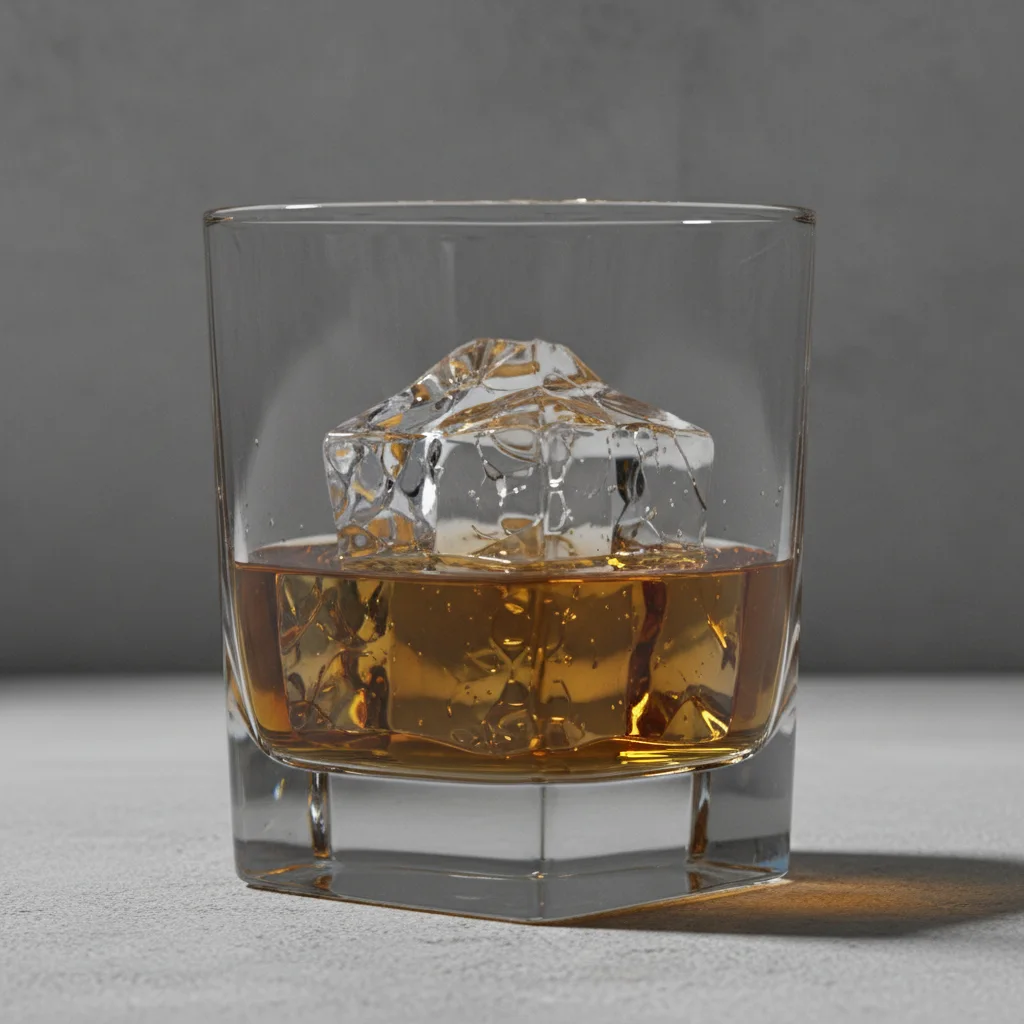
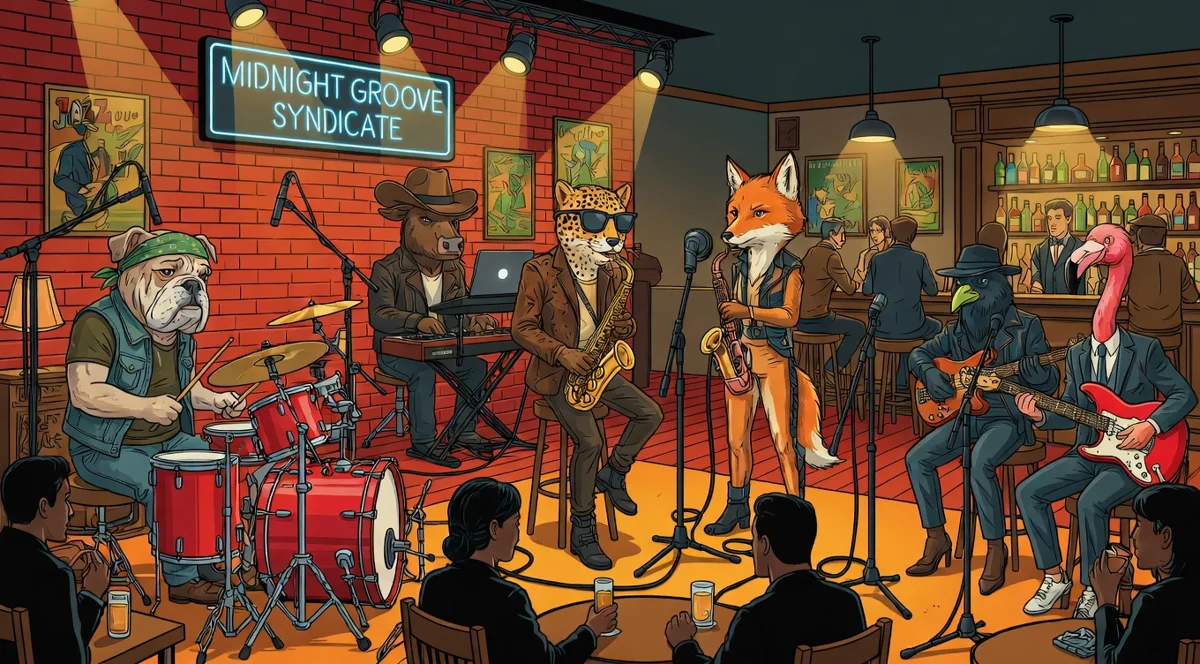
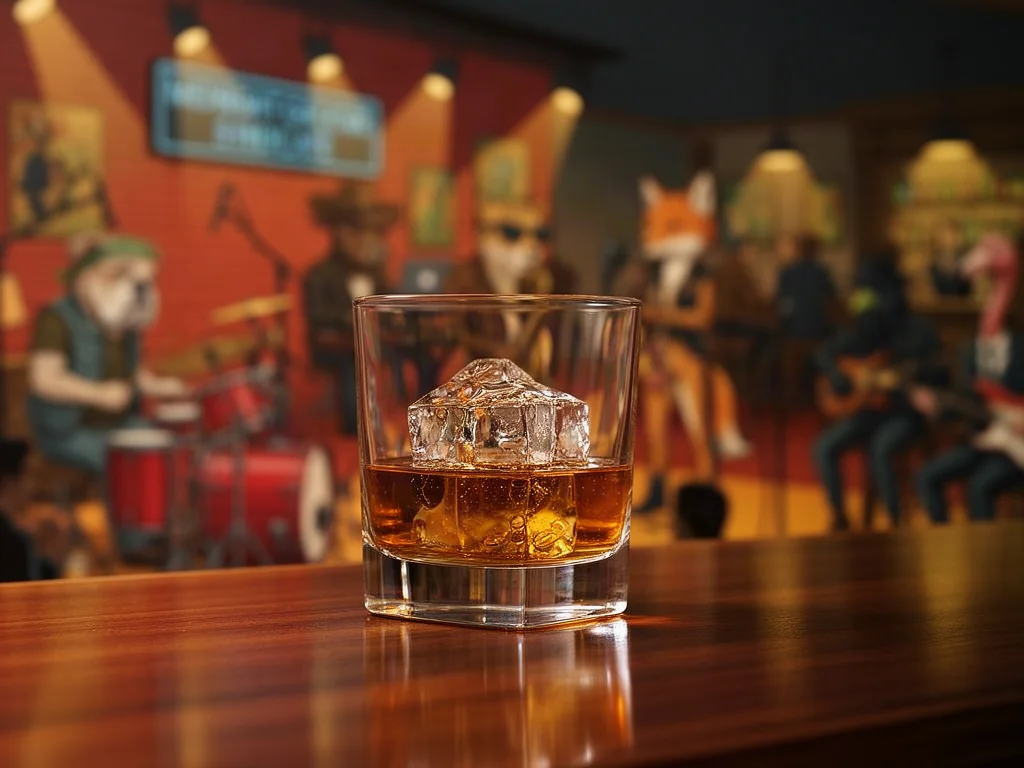
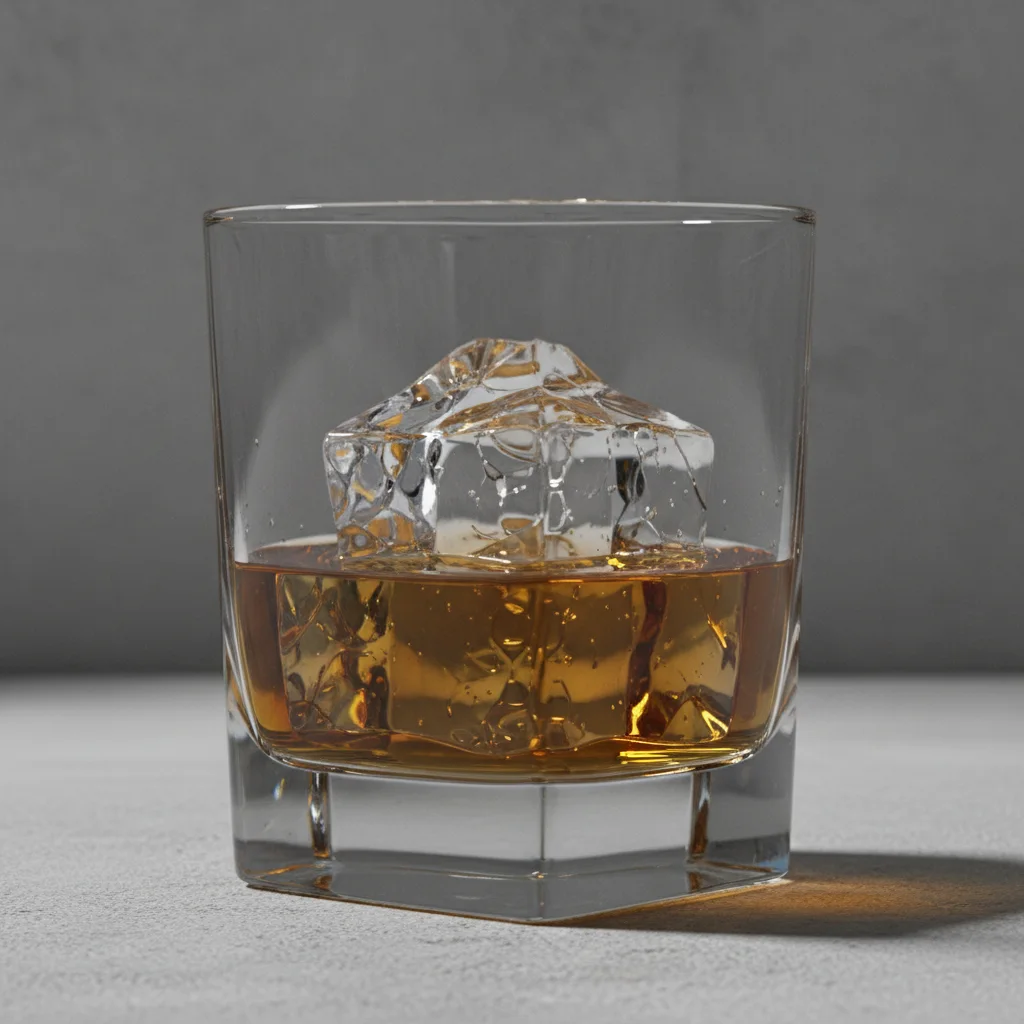
Prompt: Place the whisky glass from image A on the bar counter in image B, match the warm lighting and add a realistic reflection
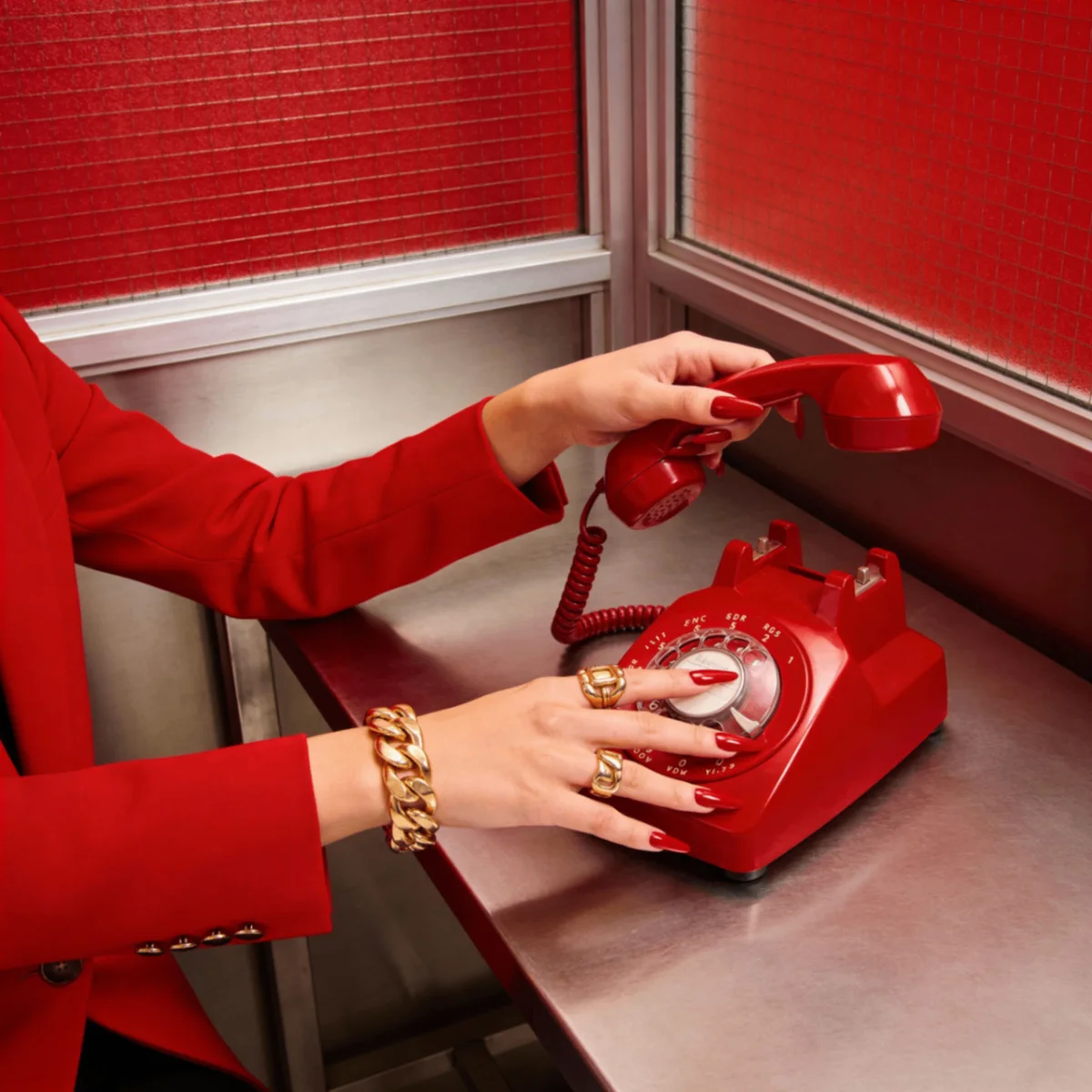
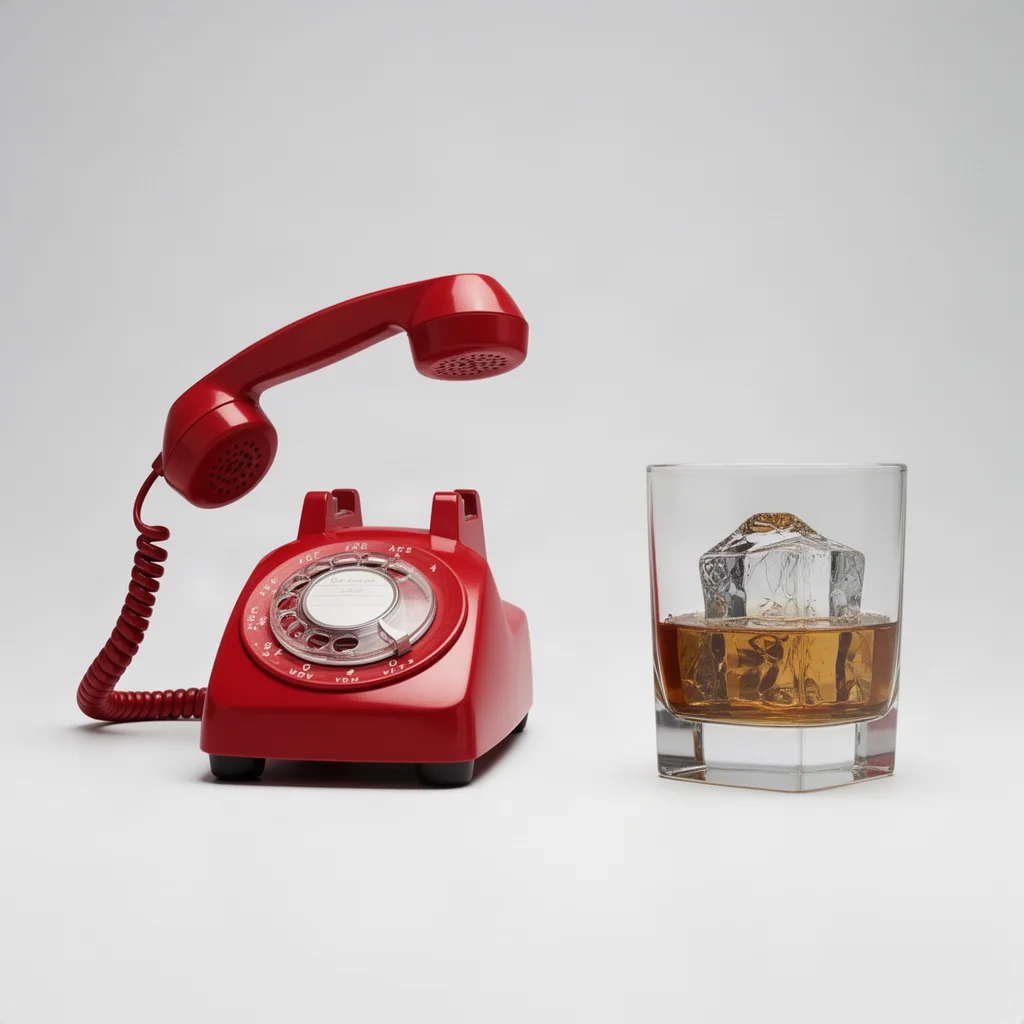
Prompt: Arrange the red phone from image A and the whisky glass from image B together on one clean studio surface as a single product photo
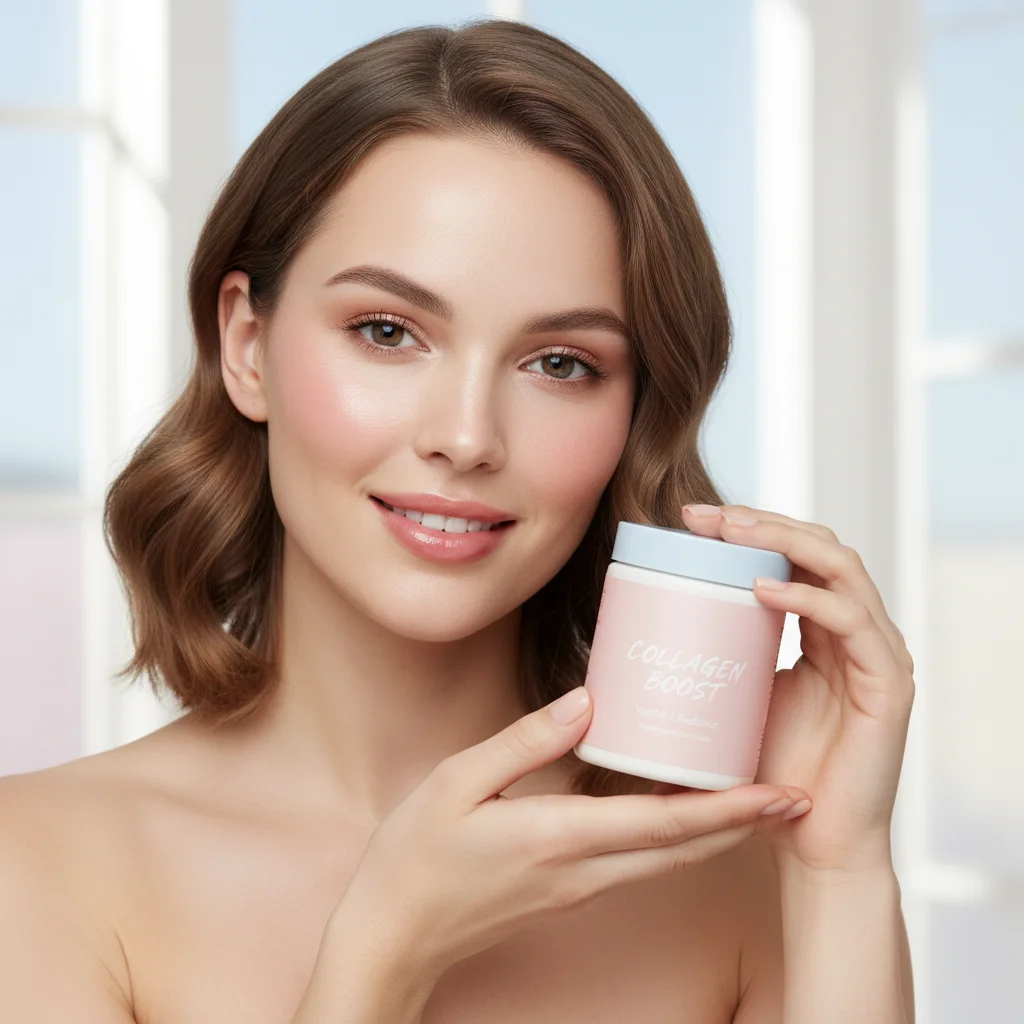
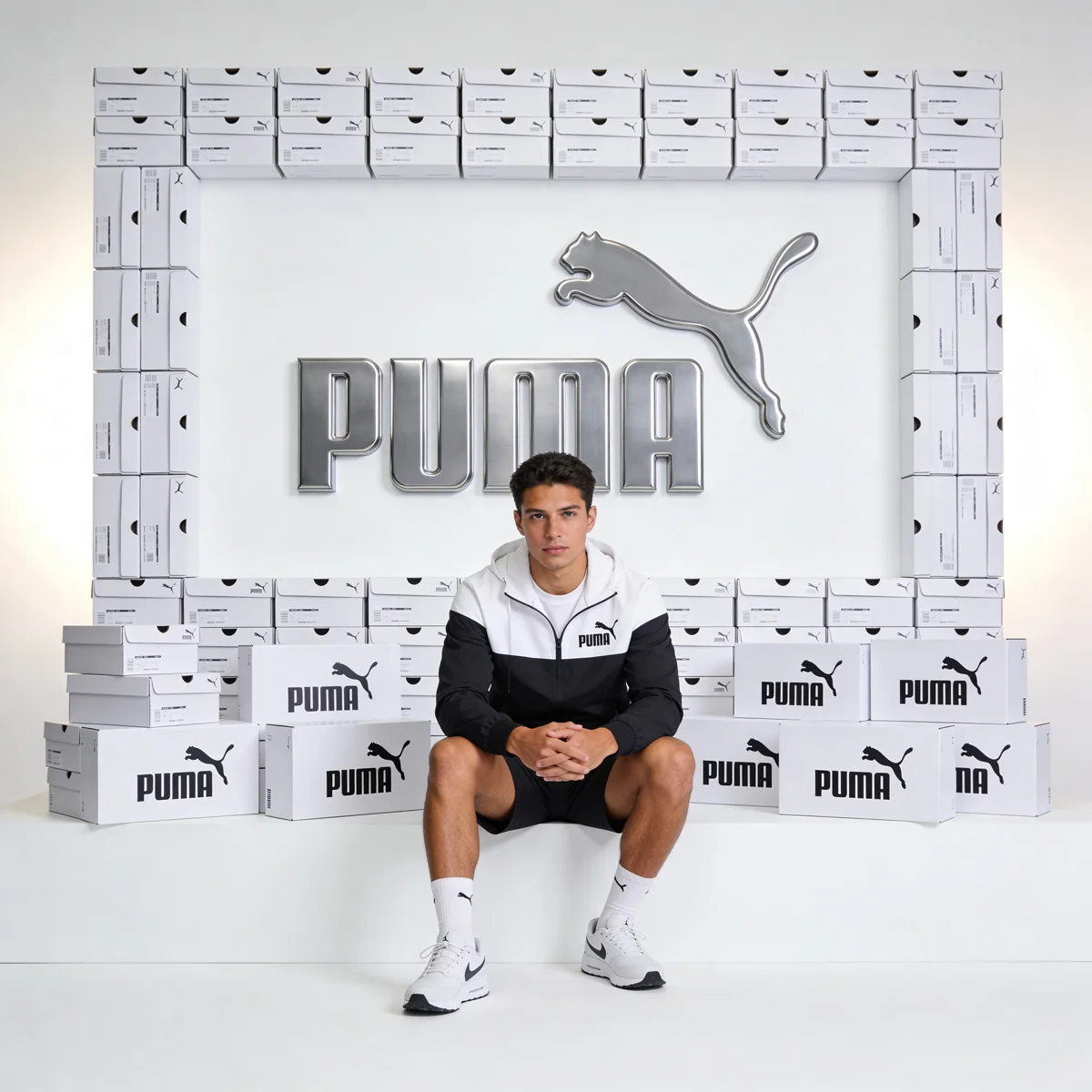
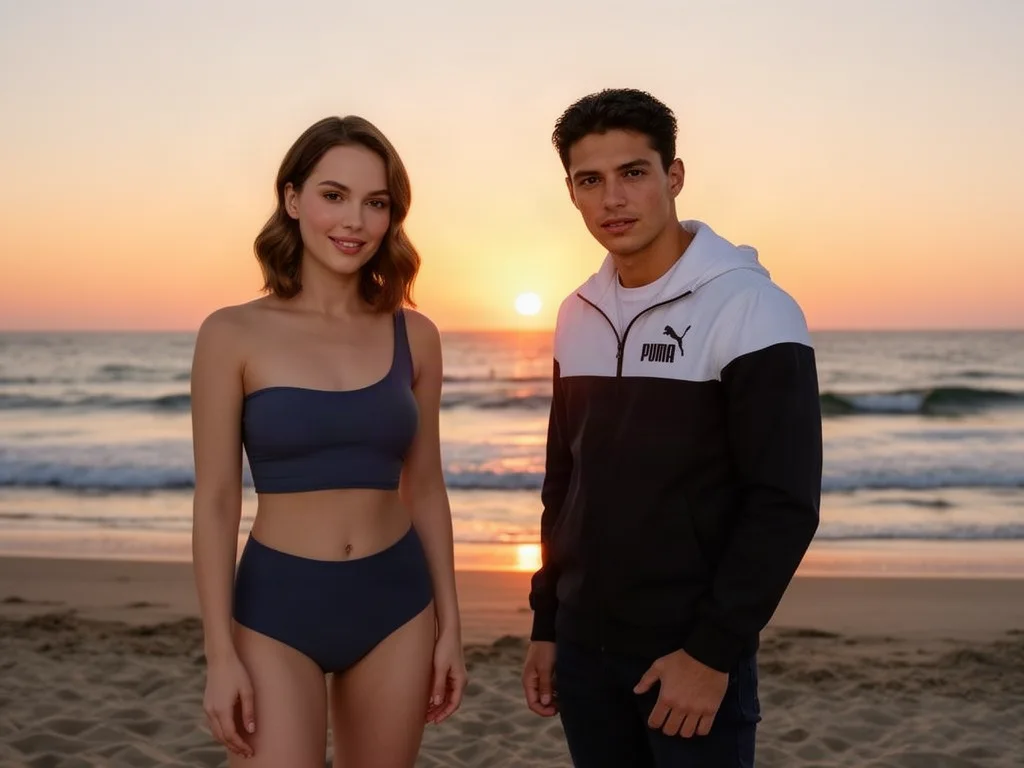
Prompt: Put the woman from image A next to the man from image B on the same beach at sunset, keep both faces exactly as they are
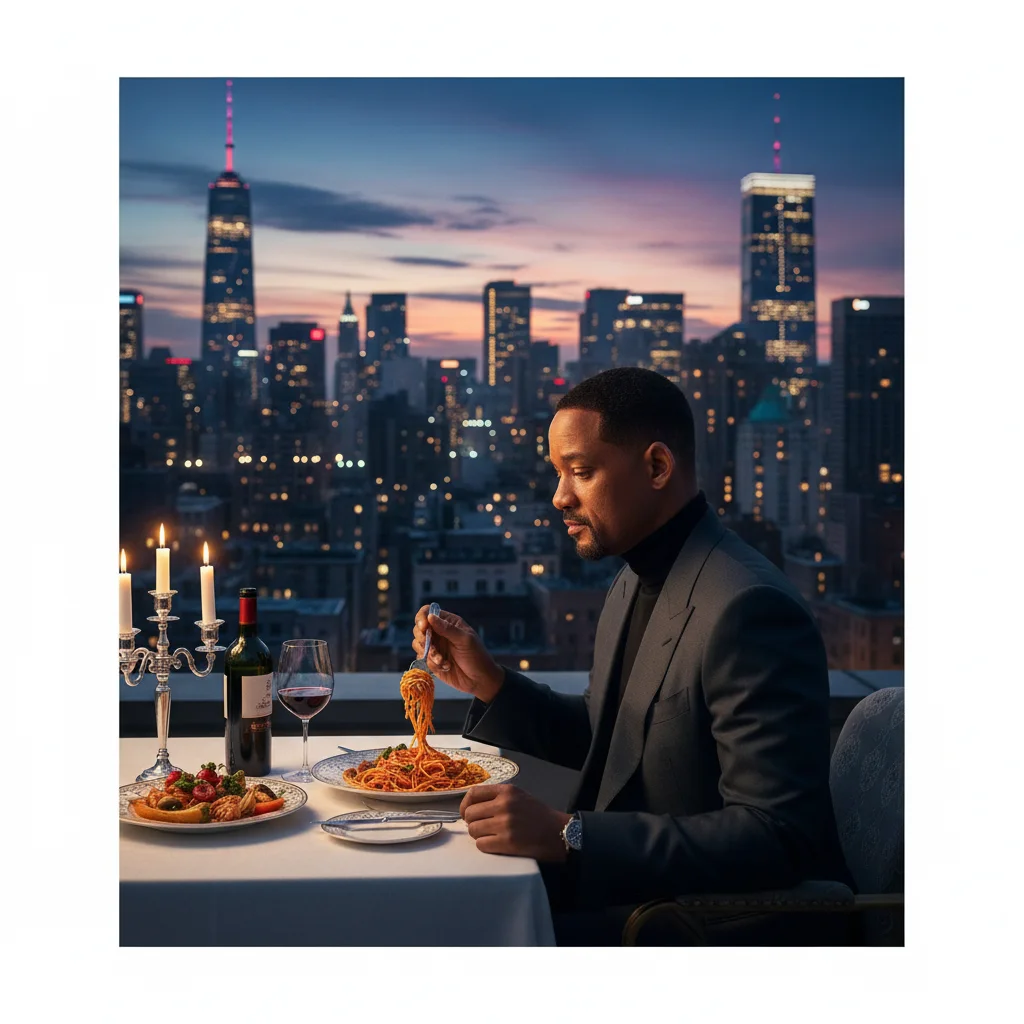
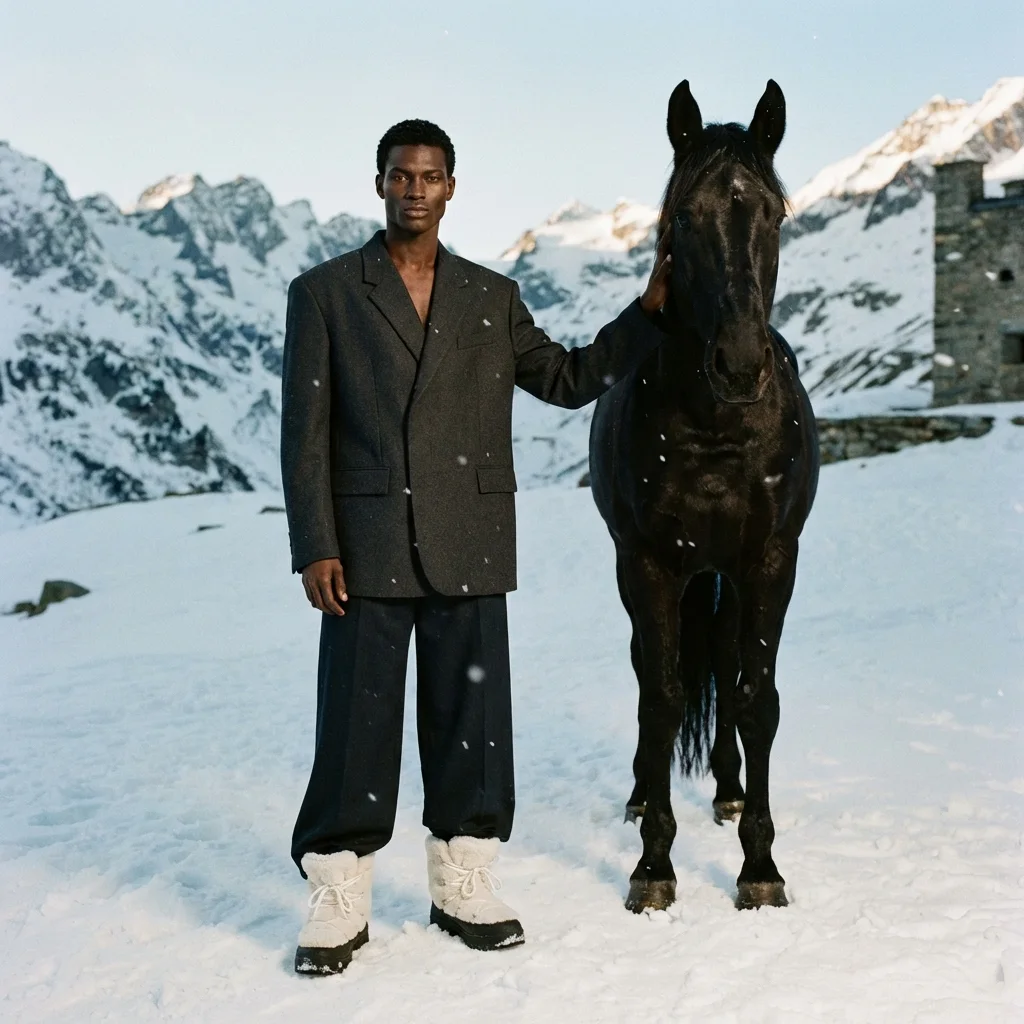
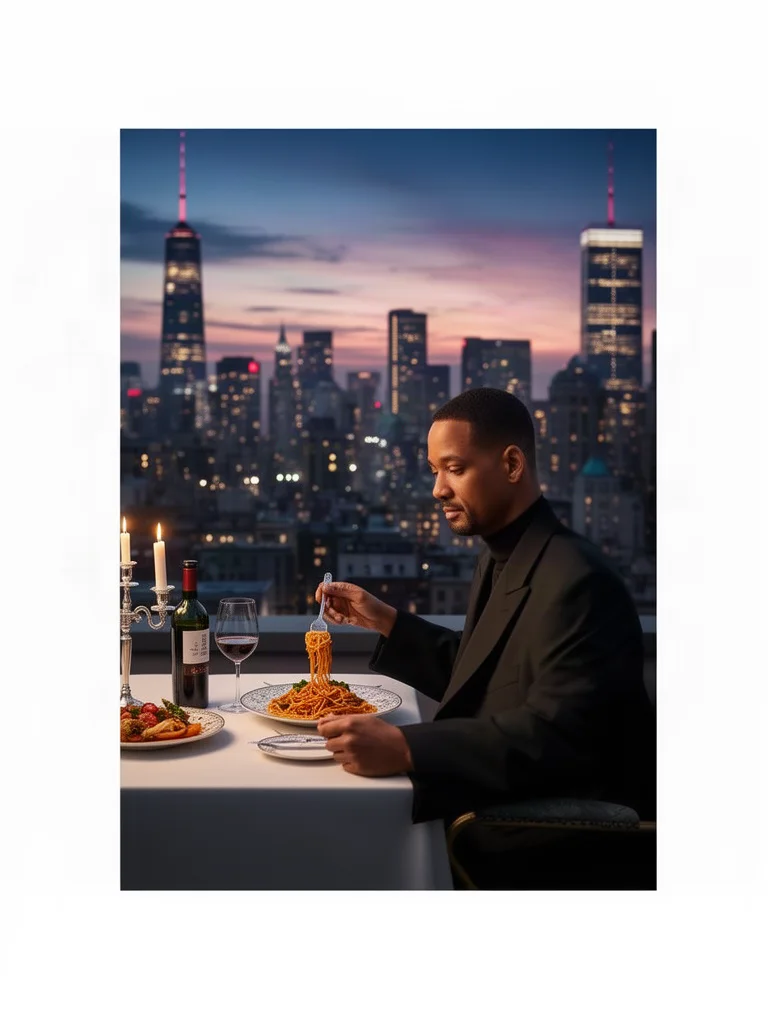
Prompt: Dress the man in image A in the black outfit and white boots worn by the man in image B, keep his pose, face and the restaurant background unchanged
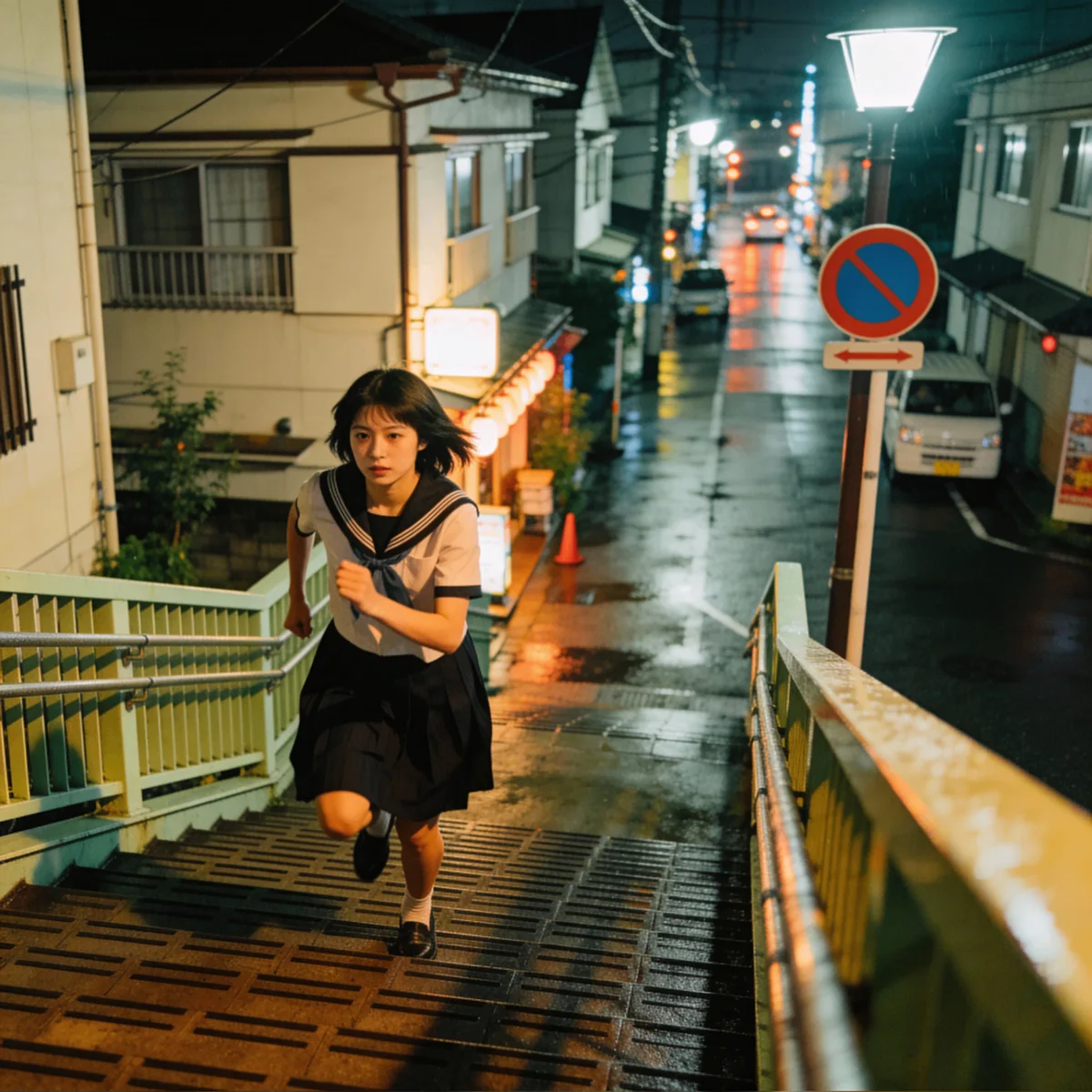
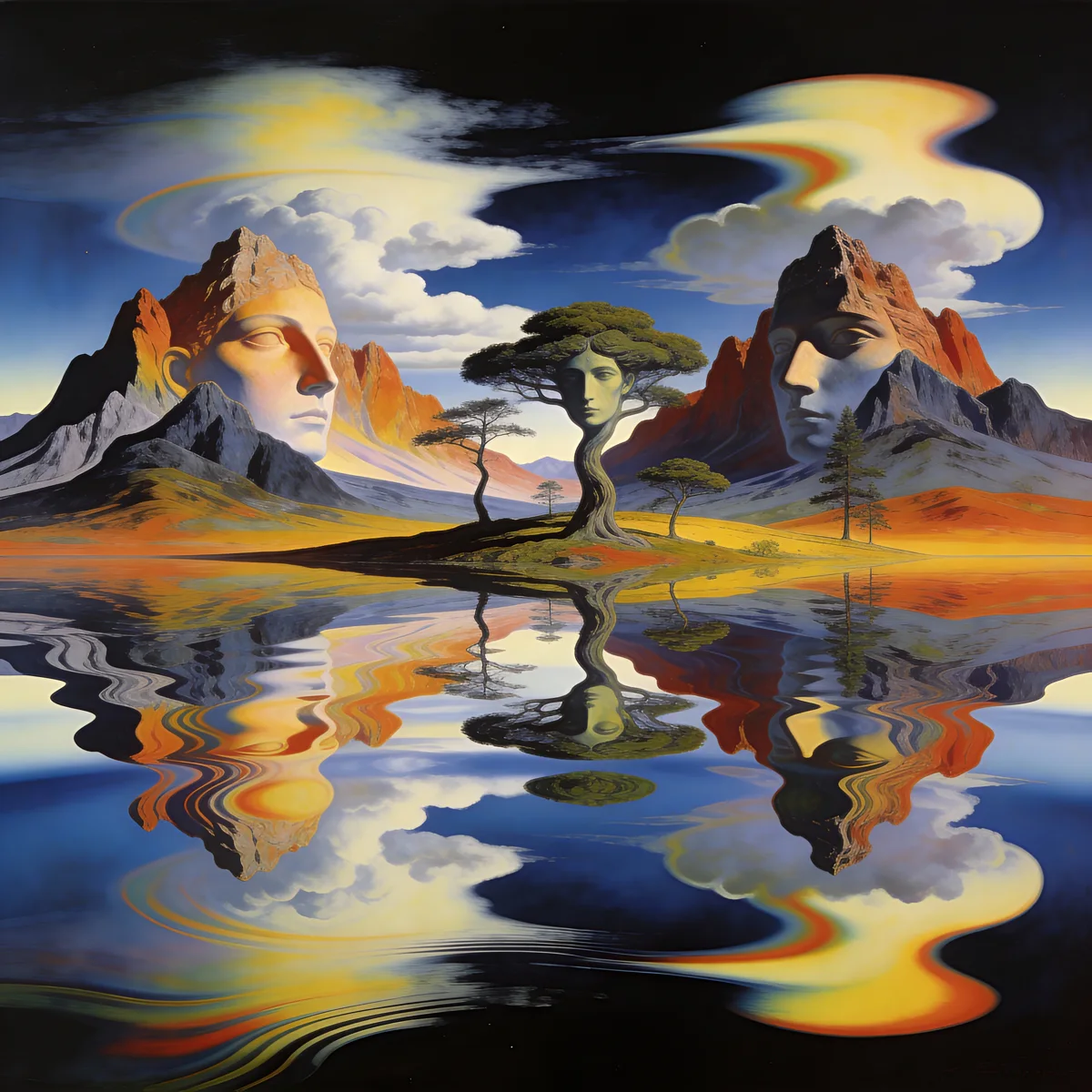
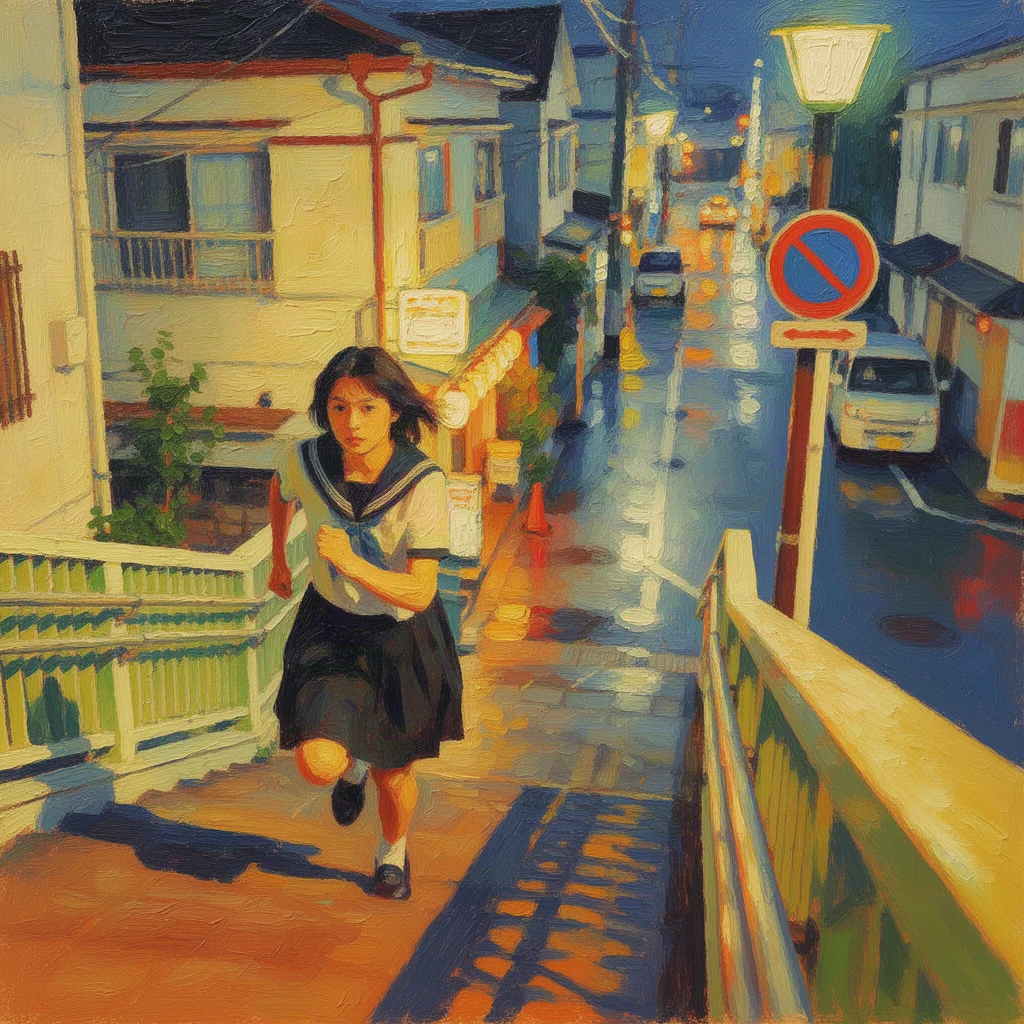
Prompt: Recreate the street photo in image A in the painting style and color palette of image B
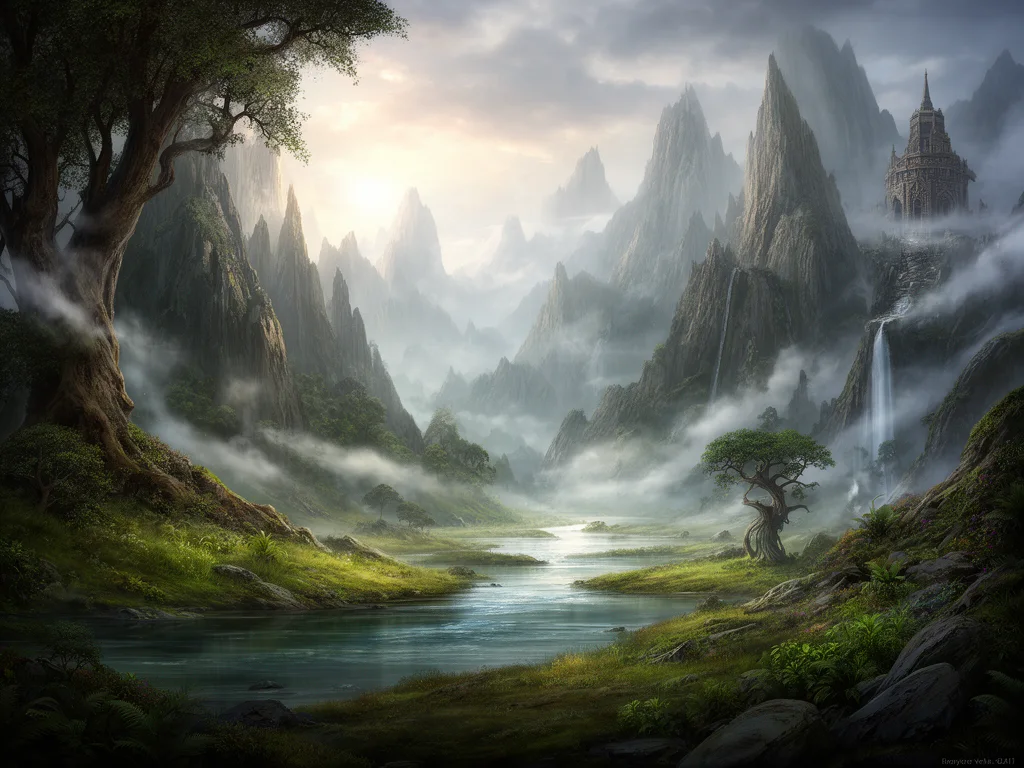
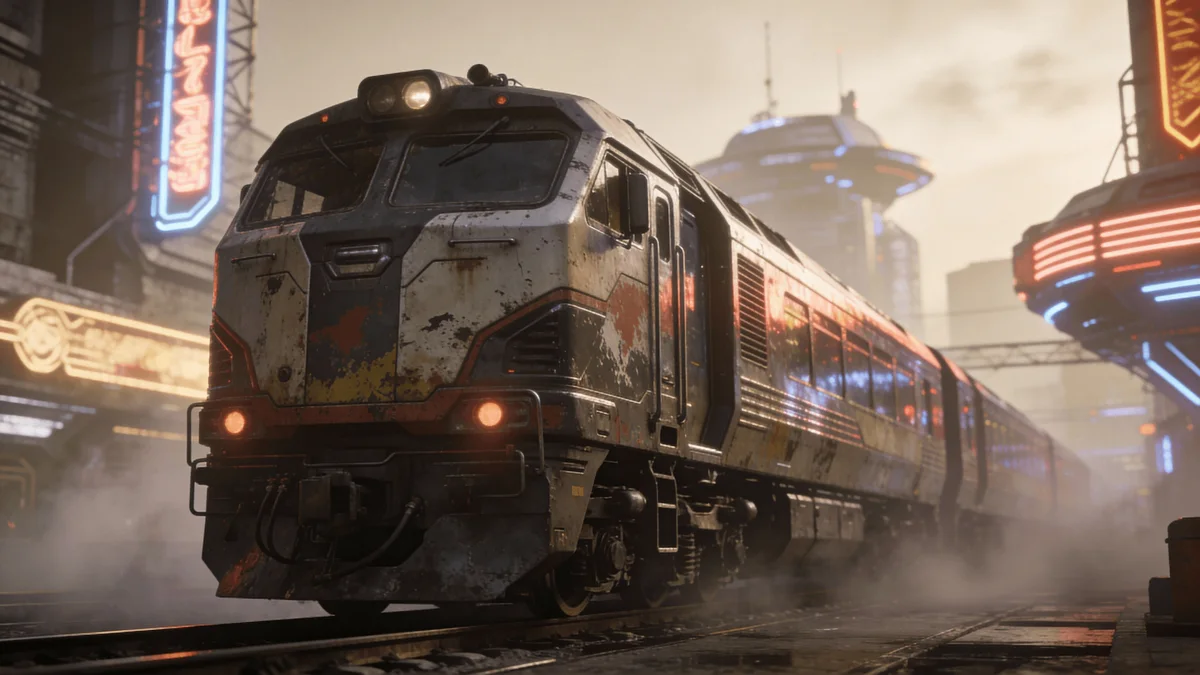
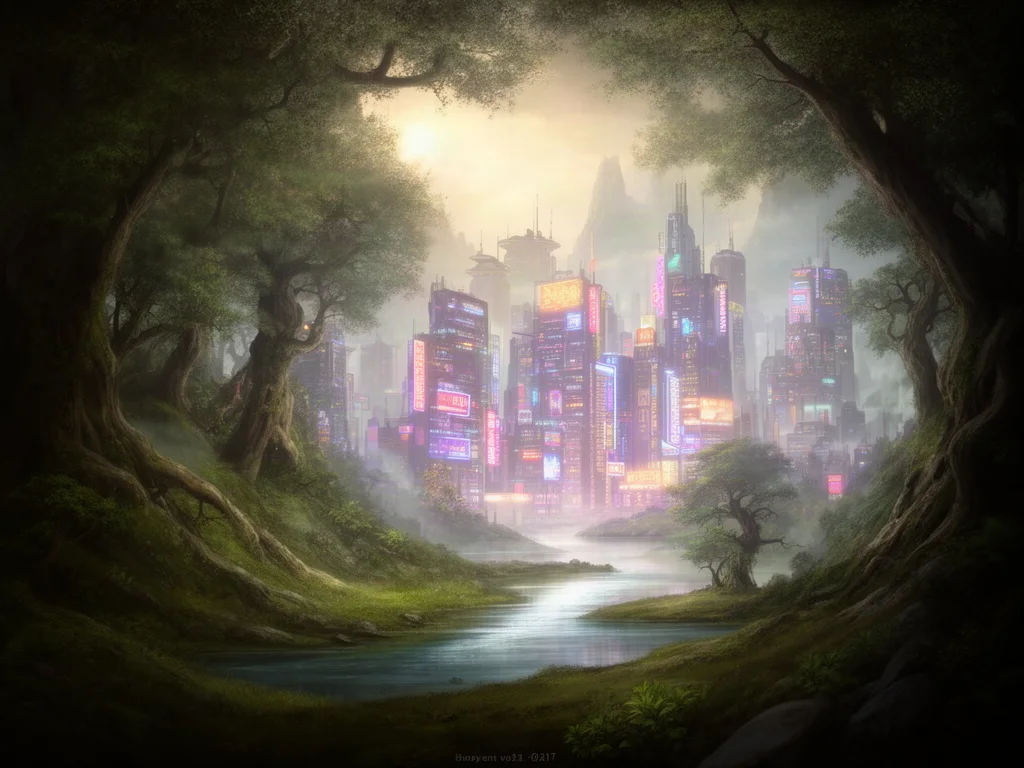
Prompt: Blend the forest valley in image A and the neon city in image B into one continuous scene where the trees give way to the buildings
Photo merging with AI
An AI image combiner takes two separate pictures and produces one new image that contains elements of both: a subject from the first placed in the scene of the second, two people photographed together who never were, a product dropped into a lifestyle setting, or one photo re-rendered in the style of another. Instead of cutting, masking and color matching by hand, you describe the result and the model composes it.
The difference from a collage or a side by side merge is coherence. The model understands what is in each image, so it matches perspective, scale, lighting direction and shadows. The combined picture looks like it was shot once, not pasted together.
On this page you can combine two images free with Flux 2. Inside Krater you can use more reference images, higher resolutions and every image model we host, then keep editing the result in the same chat.
Every image model in one place
The free combine uses Flux 2, which reads two reference images at once. Inside Krater you can combine with Nano Banana, GPT Image, Seedream and every other editor we host, with more references and higher resolution.
Techniques
The same two uploads can produce very different results depending on what you ask for. These are the patterns that work best.
Keep the subject from A exactly as it is and place it into B. Name what must stay identical (face, product, logo) and ask the model to match light and shadows.
Bring a person or object from each image into one frame. Say where each one stands and which background to use; the model handles scale and eye lines.
Move a garment, accessory or object from B onto the subject in A. Ask to keep pose and background unchanged so only the swapped item changes.
Use B as a style reference for A: color palette, medium, lighting, era. Keep the composition of A recognisable and let everything else follow B.
What people combine
Most businesses already have the pieces: product shots, portraits, location photos, brand references. An image combiner turns them into finished visuals without a shoot.
Place packshots into kitchens, desks, bathrooms and outdoor scenes for listings, ads and social posts.
Put two people photographed separately into one frame for websites, press and about pages.
Drop a logo, a poster or a screen onto a photo of a wall, a shirt or a device in matching perspective.
Show a garment from a flat lay on a model photo you already have, in the model's original pose.
Apply a brand moodboard or reference image to existing photos so a whole campaign shares one look.
Combine a furniture photo with an empty room to show how a space could look.
Suitable for everyone
Whether you merge two holiday photos or produce a hundred product placements, the model and the quality are the same. Inside Krater you also get every other image model, higher resolution and batch runs.
Turn packshots into lifestyle imagery for every channel without booking a studio.
Produce composites and mood explorations in minutes and iterate live with clients.
Combine product, people and place into campaign visuals that match one brand look.
Merge the best subject from one frame with the best background from another.
Show garments and products on the models and settings you already photographed.
Put family members, pets and places together in a picture that never got taken.
Every image model, every app
Combining, editing, upscaling and generation models plus the apps you already use, all inside one workspace.
Why Krater
Krater is The All-in-One AI Workspace. Combining two photos is one of hundreds of things you can do in the same chat, with the same files and the same team.
Flux 2, Nano Banana, GPT Image, Seedream and more. Switch models on the same two photos until the composite is right.
Inside Krater you can combine several reference images at once and export at resolutions ready for print and ads.
Uploads are used only to produce your result. Inside Krater everything you create is stored in your own workspace.
Upscale it, remove an element, write the caption or turn it into a short video, all in the same conversation.
AI image generation in Krater Flux image editing Nano Banana image editing GPT Image Seedream image model Krater pricing
More free AI tools
Upload image A and image B at the top of this page, describe how they should come together (for example, place the product from A on the table in B), and click Combine images. The model composes one seamless picture in under a minute. One run is free with no account.
No. A collage places photos next to each other. An AI image combiner understands the content of both images and produces one coherent scene with matched perspective, lighting and shadows, so the result looks like a single photograph.
Use A for the subject you want to keep (a product, a person, a logo) and B for the scene, background or style. Then refer to them by name in your prompt. The presets follow the same convention.
Yes, when you ask for it. Say explicitly which elements must stay exactly as they are and the model preserves them. Whatever you do not mention it is free to adapt to the new scene.
The free run on this page takes exactly two. Inside Krater you can attach several reference images in one request and combine them with Flux 2, Nano Banana, GPT Image and more.
PNG, JPG and WebP up to 6 MB each. The output follows the aspect ratio you choose. Inside Krater you can export at higher resolutions for print and ads.
The free run uses Flux 2 in edit mode, which reads two reference images at once. Inside Krater you can run the same two photos through every image model we host and pick the best result.
No. The free run is verified automatically with no sign-up. Get Started on Krater when you want more runs, more references and every other model.
Your uploads are used only to produce your result and are not used to train models. Inside Krater everything you create is stored in your own workspace under your control.
Yes, for images you have the rights to use. Combined images made on Krater are yours to use in listings, ads and content.
One workspace, 500+ AI models, image combining, editing, upscaling, writing and automation. Get Started free.