Upload your image
Drop in a product shot, portrait, screenshot, sketch or any other picture. PNG, JPG and WebP up to 6 MB work.


Free image to image AI generator online. Upload a photo, describe the change, and create a new image in seconds with the leading AI image models. No sign-up.
Home / AI tools / Image to Image AI
PNG, JPG or WebP, up to 6 MB
Aspect ratio: 1:1, 4:3, 3:4, 16:9, 9:16
One free run per visitor, verified automatically, no account needed. Every run after that lives in your Krater workspace.
How it works
No layers, no masks, no learning curve. Describe the outcome and let the model do the work.
Drop in a product shot, portrait, screenshot, sketch or any other picture. PNG, JPG and WebP up to 6 MB work.
Say what should be different: a new background, a different style, other lighting, a cleaner composition. Plain language is enough.
The model keeps what you did not mention and changes what you did. Download the result or keep iterating inside Krater.
Before and after
Every pair below was created on Krater from the image on the left with the prompt shown underneath. Copy a prompt, upload your own photo and adapt it.
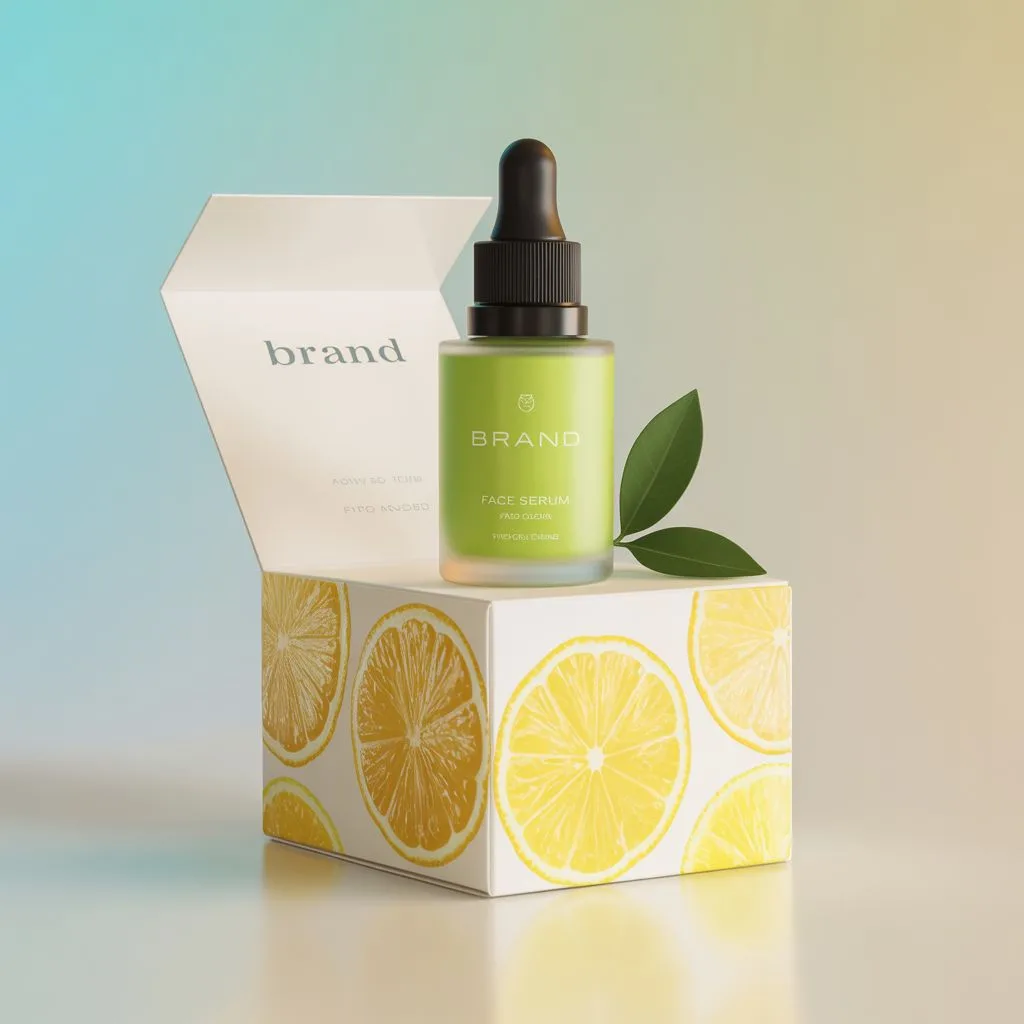
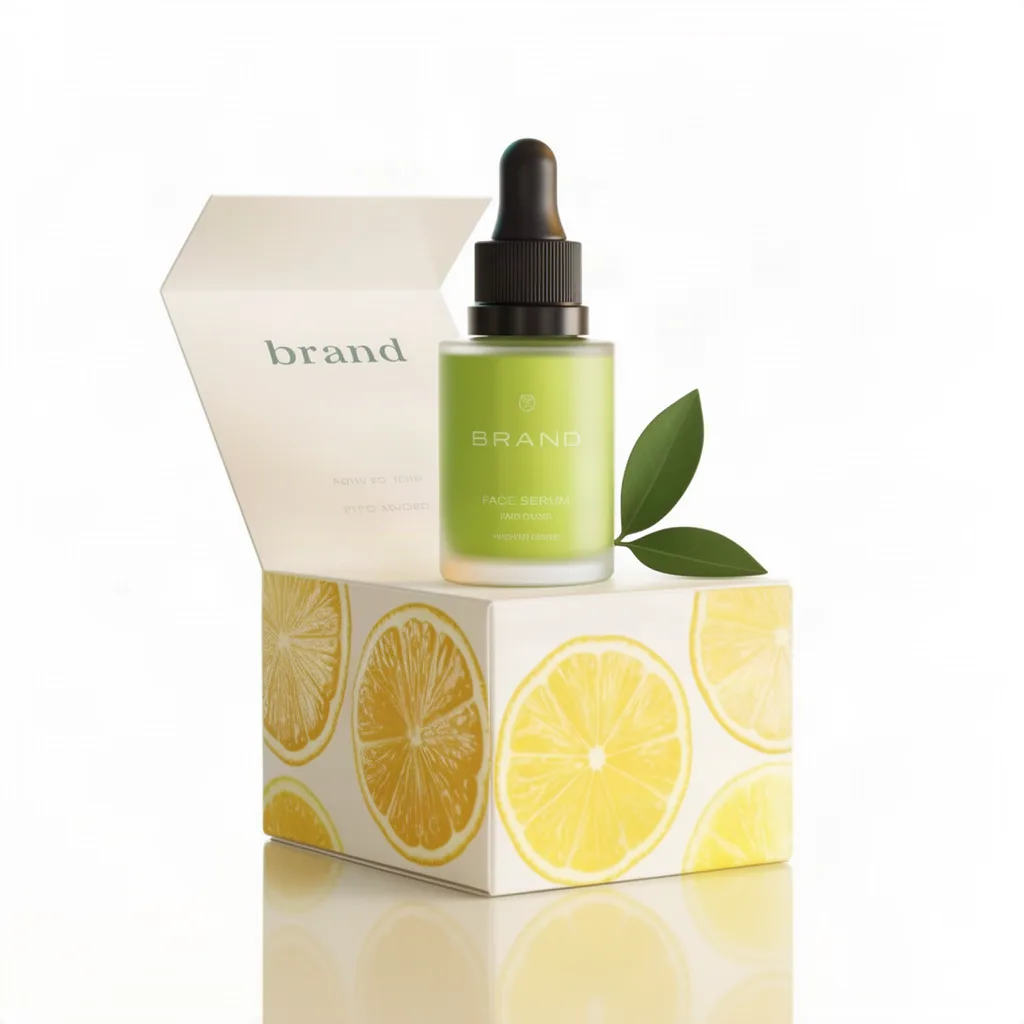
Prompt: Turn this into a clean studio product photo on a pure white background with soft, even lighting and a subtle reflection
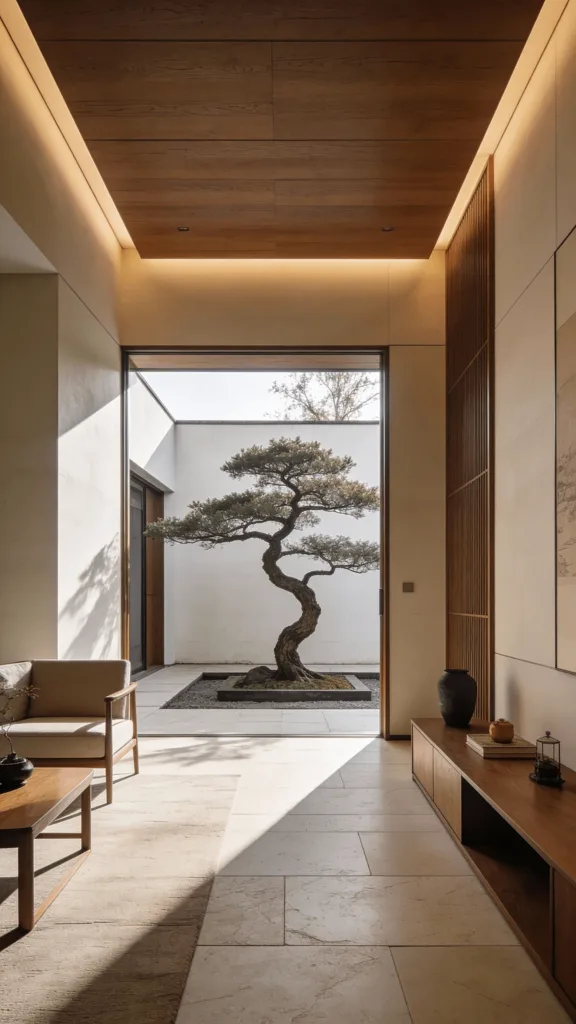
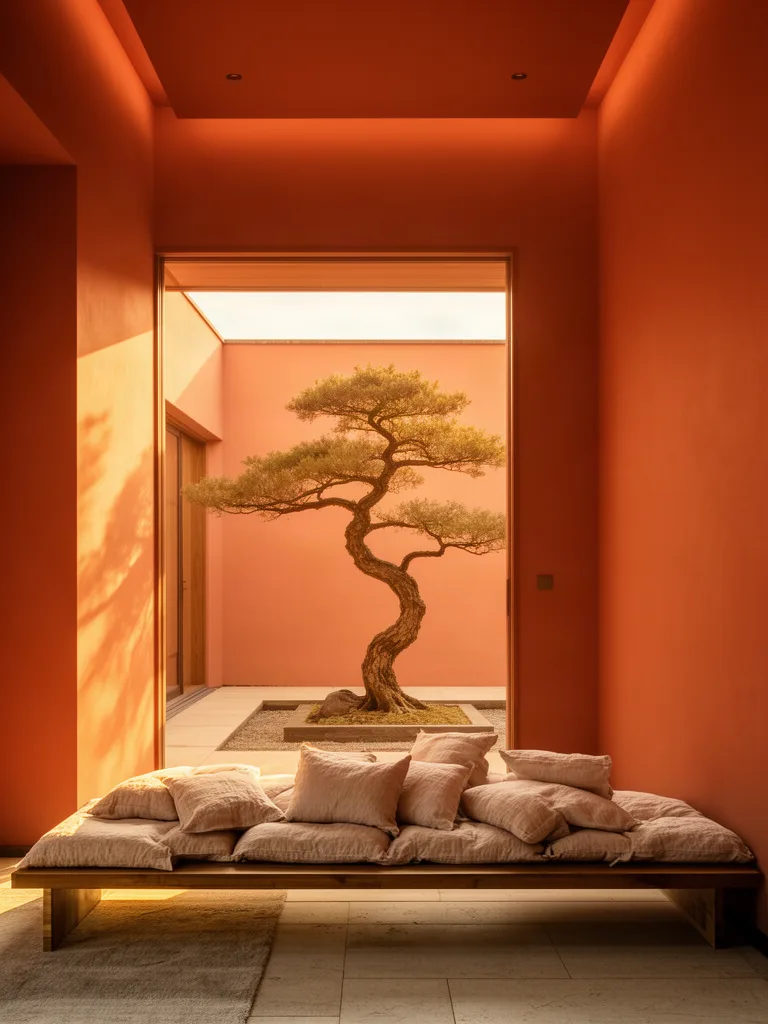
Prompt: Keep the room and architecture exactly the same, repaint the walls warm terracotta, add a low wooden bench with linen cushions and warm golden hour sunlight
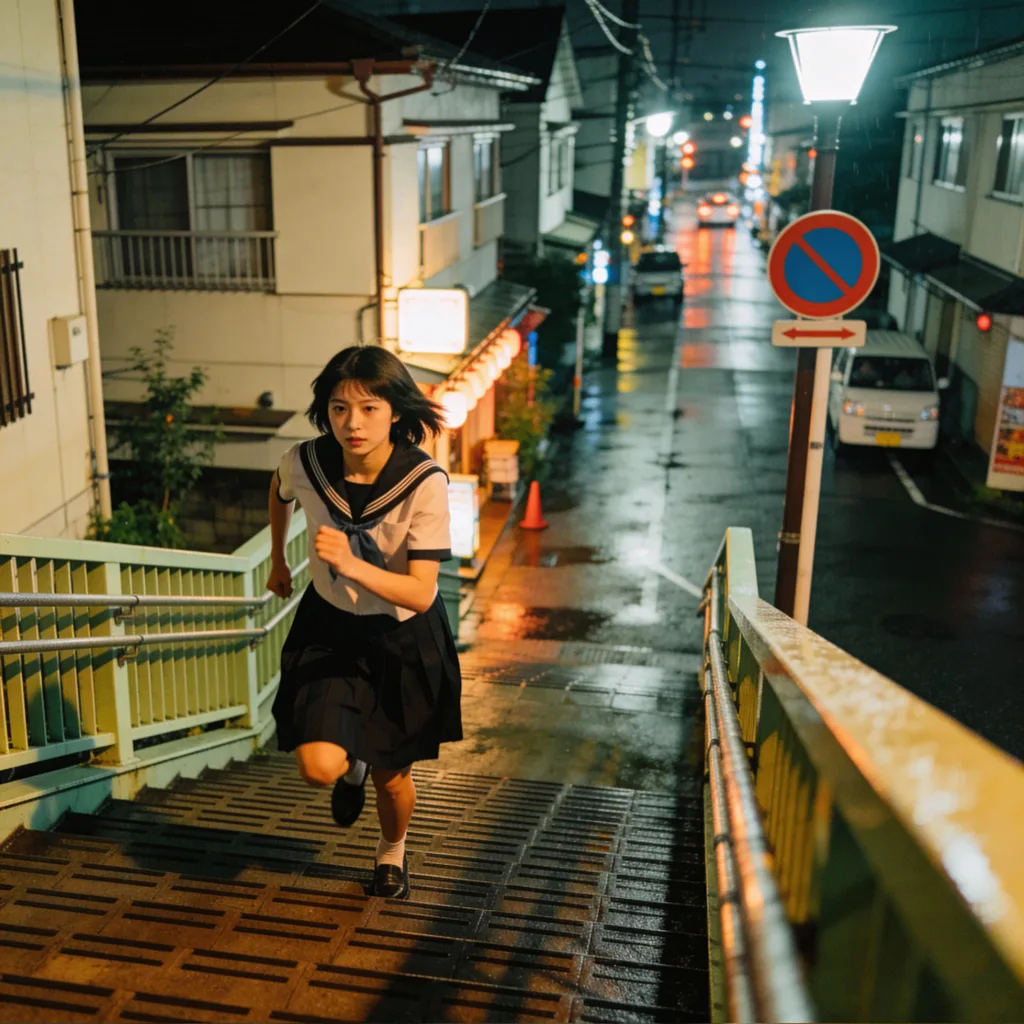
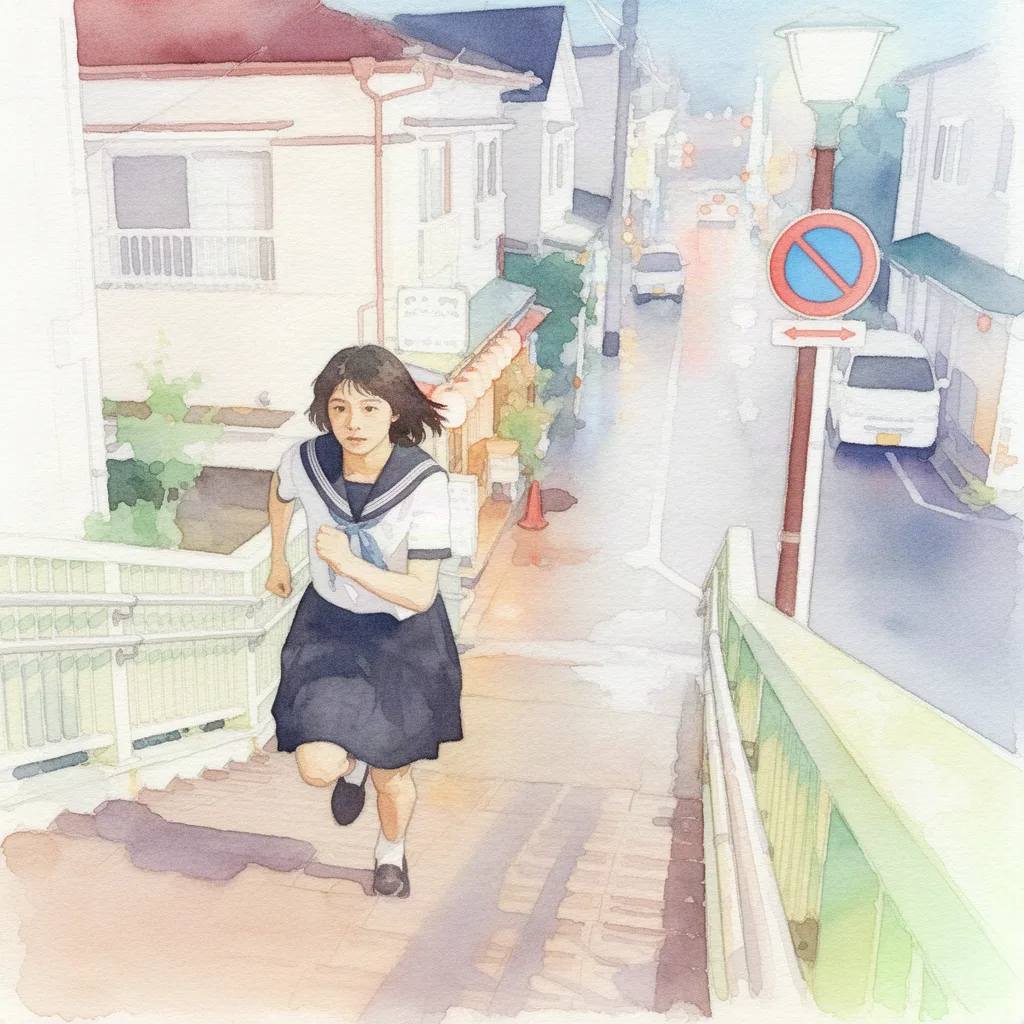
Prompt: Repaint this image as a soft watercolor illustration on textured paper, keep the composition and subject the same
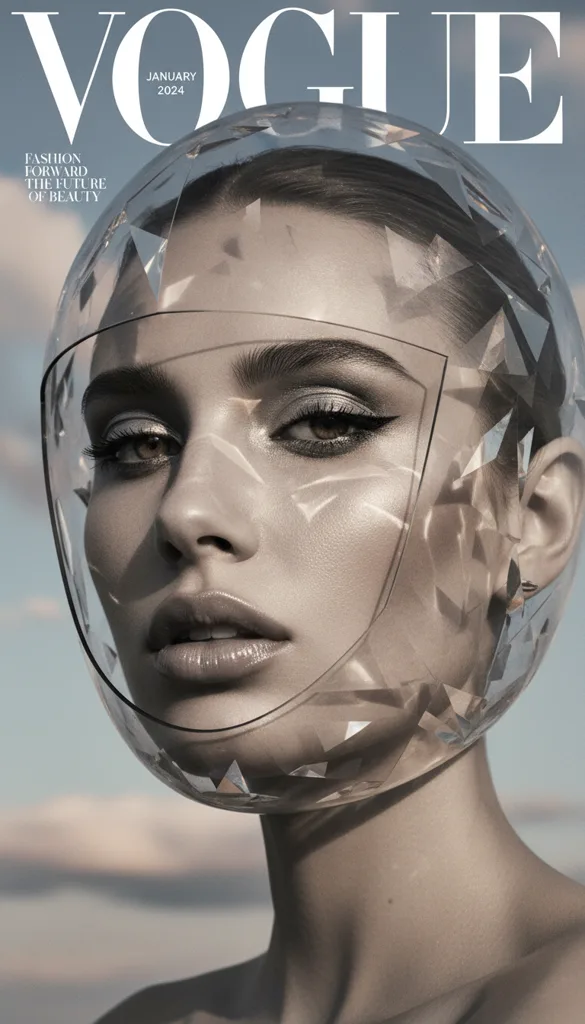
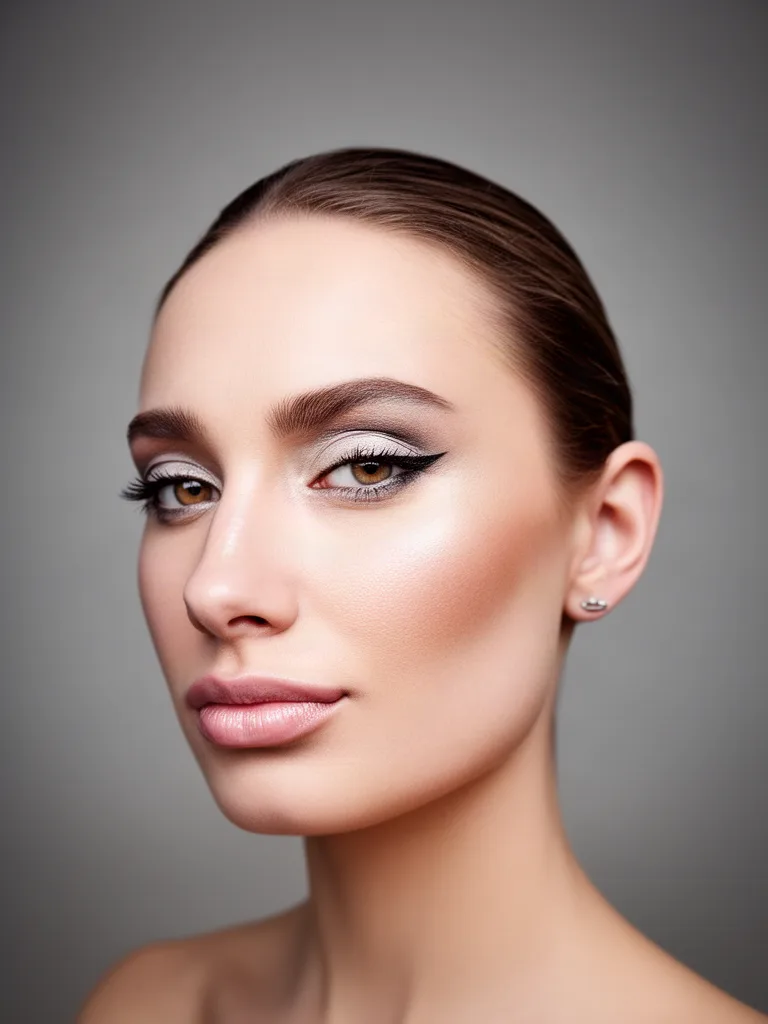
Prompt: Remove the crystal helmet and turn this into a professional corporate headshot with a neutral blurred grey studio background and flattering soft light
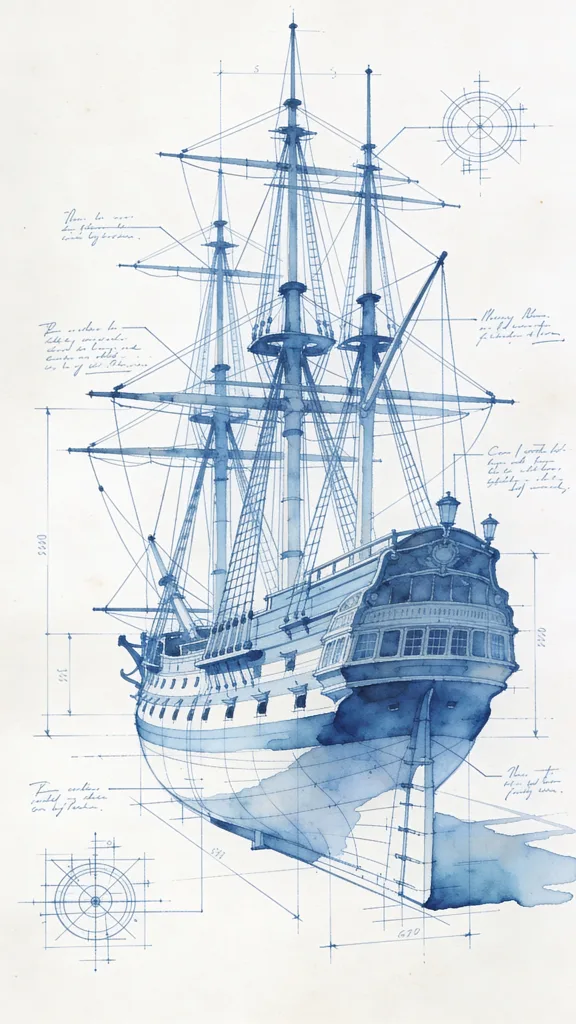
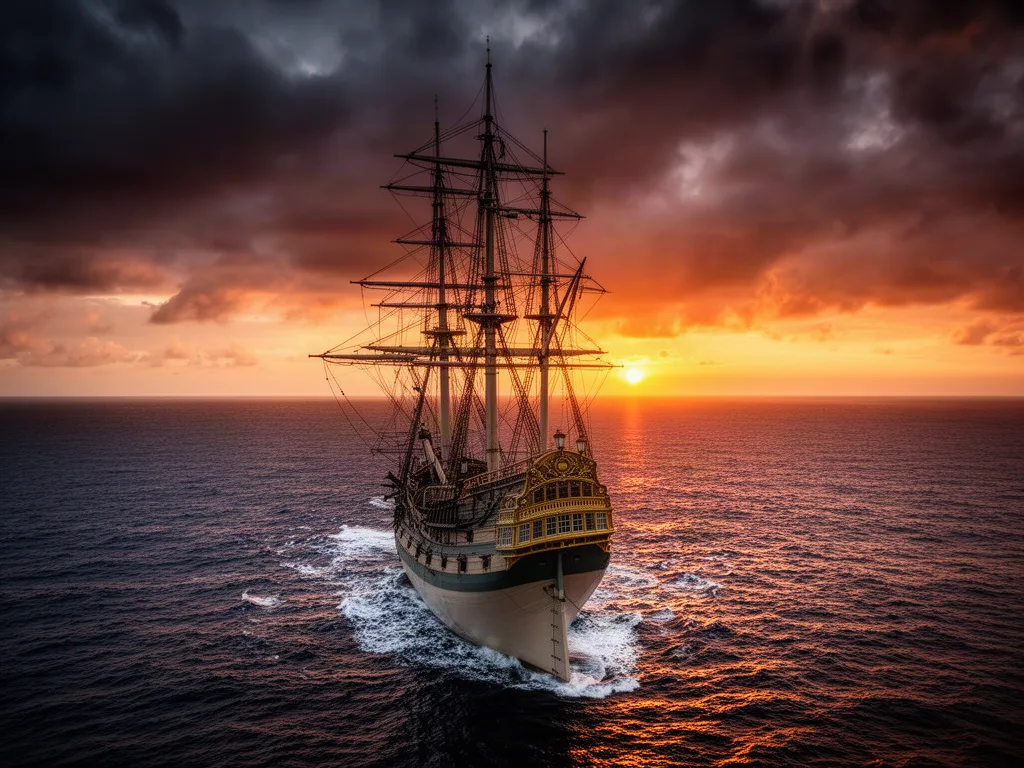
Prompt: Turn this blueprint into a photorealistic photograph of the same sailing ship on the open ocean at sunset, dramatic sky
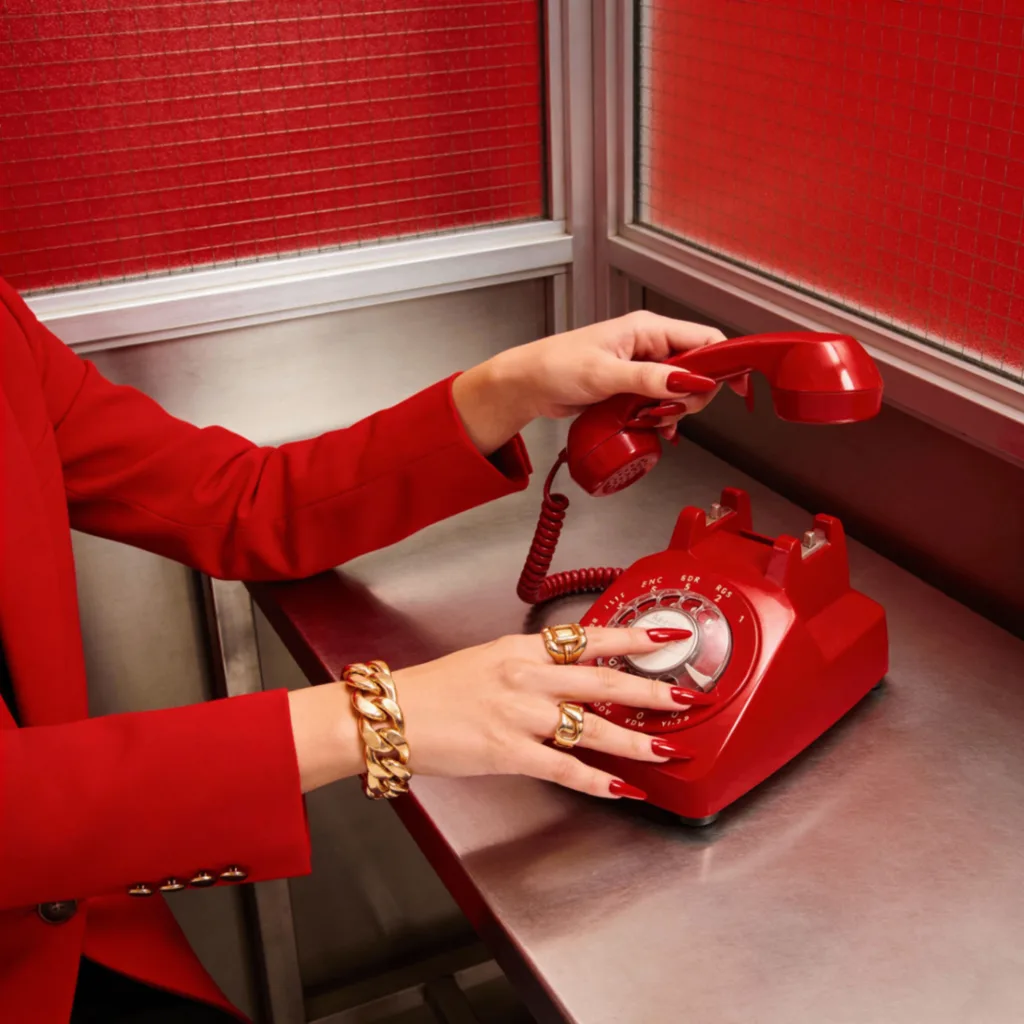
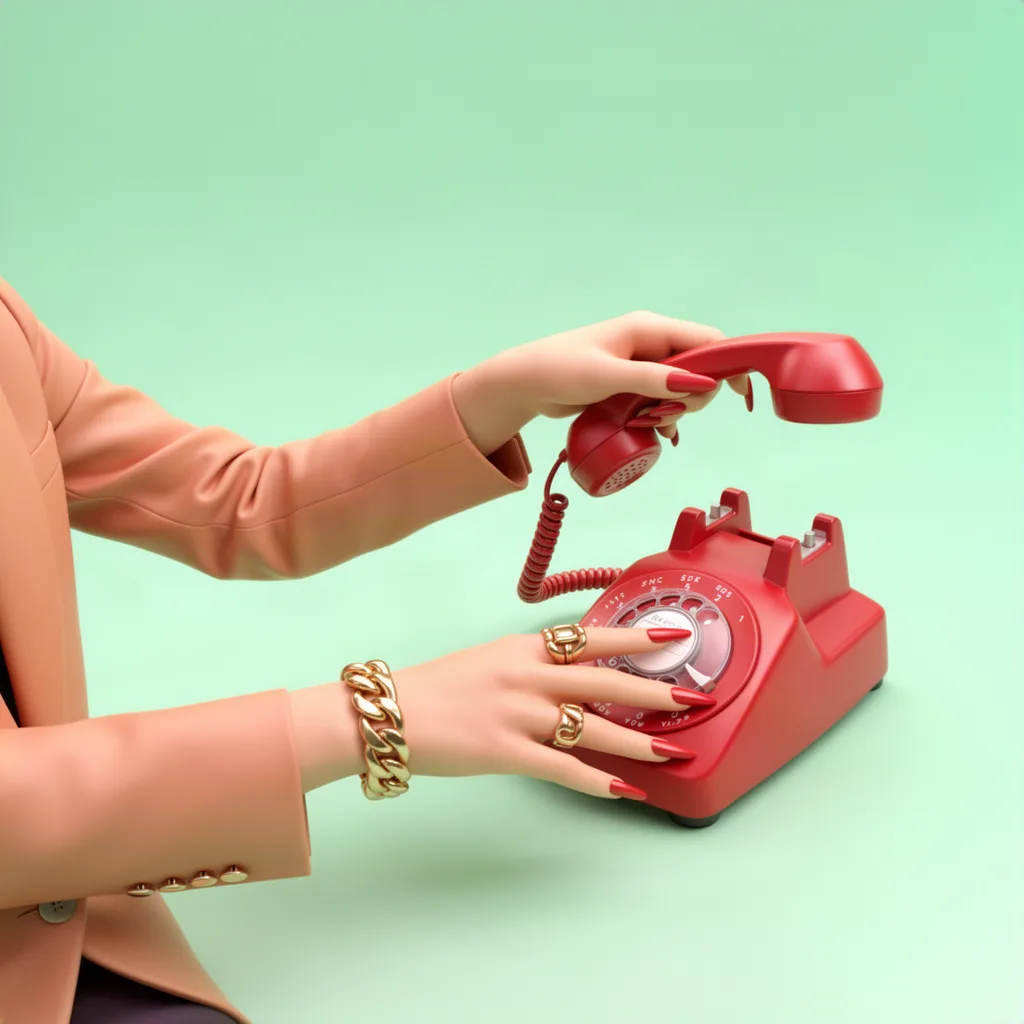
Prompt: Turn this into a polished 3D rendered version with smooth clay materials, pastel mint background and studio lighting
AI image generator from image
An image to image AI generator starts from a picture you already have instead of a blank canvas. You upload a photo, sketch, screenshot or render, add a short prompt, and the model produces a new version that keeps the parts you did not mention and changes the parts you did. That is the difference from a text to image generator: the composition, subject and proportions come from your image, so results stay recognisable and usable.
Under the hood, the source image is encoded and combined with your text instruction before the model denoises a new picture. In practice that means one upload can become a studio product photo, a watercolor illustration, a night version of a room, a cleaned up headshot, or a fully rendered concept of a rough drawing. The same workflow covers photo to AI art, style transfer, background replacement, relighting and object edits.
On this page you can generate an AI image from an image right away with our fast default model. Inside Krater the same upload works with every image to image model we host, side by side, with higher resolutions, multiple outputs and reference images.
Every image model in one place
The free run uses Flux 2, a fast model with strong quality. Inside Krater you choose from every image to image model below, compare results side by side, and never juggle another subscription.
Techniques
Image to image AI is one input and one instruction, but it covers very different jobs. These are the four you will use most, with what to ask for in each case.
Keep the subject and composition, change the medium: watercolor, oil paint, anime, pencil sketch, pixel art, 3D render or a clean vector look. Name the style and add "keep the composition and subject the same" so the model repaints instead of reinventing.
Swap a cluttered room for a studio backdrop, a beach or a marble tabletop while the subject stays pixel accurate. Describe the new scene, the lighting direction and the surface the subject stands on for realistic shadows.
Change colors, seasons, weather, time of day, outfits or materials with a sentence. Start the prompt with what must stay the same ("keep the car exactly the same"), then describe the change, and the model edits instead of regenerating.
Turn a line drawing, blueprint, 3D wireframe or rough render into a photorealistic image. Add camera language such as "shot on a 50mm lens, soft daylight" to steer the realism.
What people create with image to image AI
Image to image AI is the fastest way to get a usable visual out of the photo you already have: convert, restyle, relight or reimagine it.
Turn a phone snapshot into a clean catalog image, lifestyle scene or seasonal variant without a reshoot.
Polish lighting, swap the backdrop, or restyle a selfie into a professional profile picture.
Reimagine any picture as watercolor, oil paint, anime, line art, pixel art or a 3D render while keeping the composition.
Create ad variants, social posts and banners from one source image, each with a different scene or mood.
Restage rooms, change wall colors, swap furniture or show the same space in daylight and at night.
Bring a rough drawing, wireframe or mockup to life as a realistic render or a finished illustration.
Suitable for everyone
Whether you need one hero image or a hundred variants, the workflow is the same: upload, describe, download.
Turn one photo into thumbnails, cover art, story backgrounds and posts in ten different styles without opening an editor.
Explore directions fast: restyle a sketch, test palettes and materials, or convert a concept into a photoreal render.
Create ad variants, seasonal campaigns and localized visuals from a single approved source image.
Relight portraits, swap backdrops, retouch and deliver alternative looks without a second shoot.
Restage listings, change wall colors and furniture, or show daytime and evening versions of the same room.
Standardise product images, update catalogs and produce on-brand visuals with one shared workspace.
Every image model, every app
Every leading image to image model and the apps you already work in, connected in one workspace. Generate, compare, then send the result straight to the tools where it is needed.
Why Krater
Krater is The All-in-One AI Workspace. Image to image is one of hundreds of things you can do in a single chat, with 500+ AI models behind it.
Flux, Nano Banana, GPT Image, Seedream, Kling, Qwen, Ideogram, Recraft and more, all in the same picker.
Most edits finish in a few seconds. Higher resolutions and multi image references are one click away.
Uploads are used only to produce your result. Inside Krater, everything you create is stored in your own workspace.
Continue in the same chat: write the caption, generate a video from the result, or create ten variants for a campaign.
AI image generation in Krater AI model directory Krater pricing Flux image models Nano Banana image editing GPT Image Seedream AI image upscaler
More free AI tools
Image to image AI takes an existing picture plus a text instruction and produces a new picture. Unlike text to image, it starts from your photo, so the subject, layout and details you do not mention stay intact while the parts you describe change.
Yes, your first run on this page is free and needs no account. To keep generating, and to unlock every image model, higher resolutions, multiple outputs and reference images, get started on Krater with a paid workspace.
Text to image creates a picture from words alone, so the result can look nothing like what you had in mind. Image to image starts from your upload, keeps its composition and subject, and only changes what your prompt describes. It is the better choice whenever you already have a photo, sketch or product shot.
The free run uses a fast, high quality default. Inside Krater you can switch between every image to image model we host, including Flux, Nano Banana, GPT Image, Seedream, Kling, Qwen, Ideogram and Recraft, and compare their results on the same upload.
Clear, well lit photos with a visible subject give the most reliable results. PNG, JPG and WebP up to 6 MB are accepted here. Product shots, portraits, rooms, sketches, screenshots and anime or cartoon frames all work well.
Describe the outcome, not the steps. Name what should change (background, style, lighting, materials) and what must stay the same (the product, the face, the text). Short, specific sentences beat long lists.
Yes. Style transfer is one of the most common uses: ask for watercolor, oil paint, anime, line art, pixel art, clay or a 3D render and the model repaints your photo while keeping the composition.
Yes. The page works in any modern mobile browser. Tap the upload area to pick a photo from your camera roll, type the change, and download the result.
Your upload is sent to the model provider only to produce the result and is never used by Krater to train models. On this page nothing is saved to an account. Inside Krater, your images are stored in your private workspace and you can delete them at any time.
Results are delivered without a watermark. You can use what you create for personal and commercial projects, as long as you have the rights to the image you upload.
One workspace, 500+ AI models, images, video, text and more. Get Started on Krater and pick up where your first transformation left off.