Upload your image
A small product photo, a blurry screenshot, an old scan, a compressed social image. PNG, JPG and WebP up to 6 MB work.


Free AI image upscaler online. Upload a small or blurry photo and get a sharp 2x version in seconds: unblur, enhance, increase resolution. No sign-up.
Home / AI tools / AI Image Upscaler
PNG, JPG or WebP, up to 6 MB. Larger images are resized to 1024 px before upscaling.
Free run: 2x upscale, up to 2048 px. Inside Krater: up to 4x, 8K and video.
One free run per visitor, verified automatically, no account needed.
How it works
No settings to learn. Upload, wait a few seconds, download.
A small product photo, a blurry screenshot, an old scan, a compressed social image. PNG, JPG and WebP up to 6 MB work.
The upscaler analyses edges, textures, faces and text, and rebuilds them at twice the resolution instead of just stretching pixels.
Get a sharp, print ready version. Inside Krater you can go up to 4x, enhance video and edit the result with every image model.
Before and after
Every pair below was upscaled on Krater from the low resolution image on the left. No prompt, no manual sharpening.
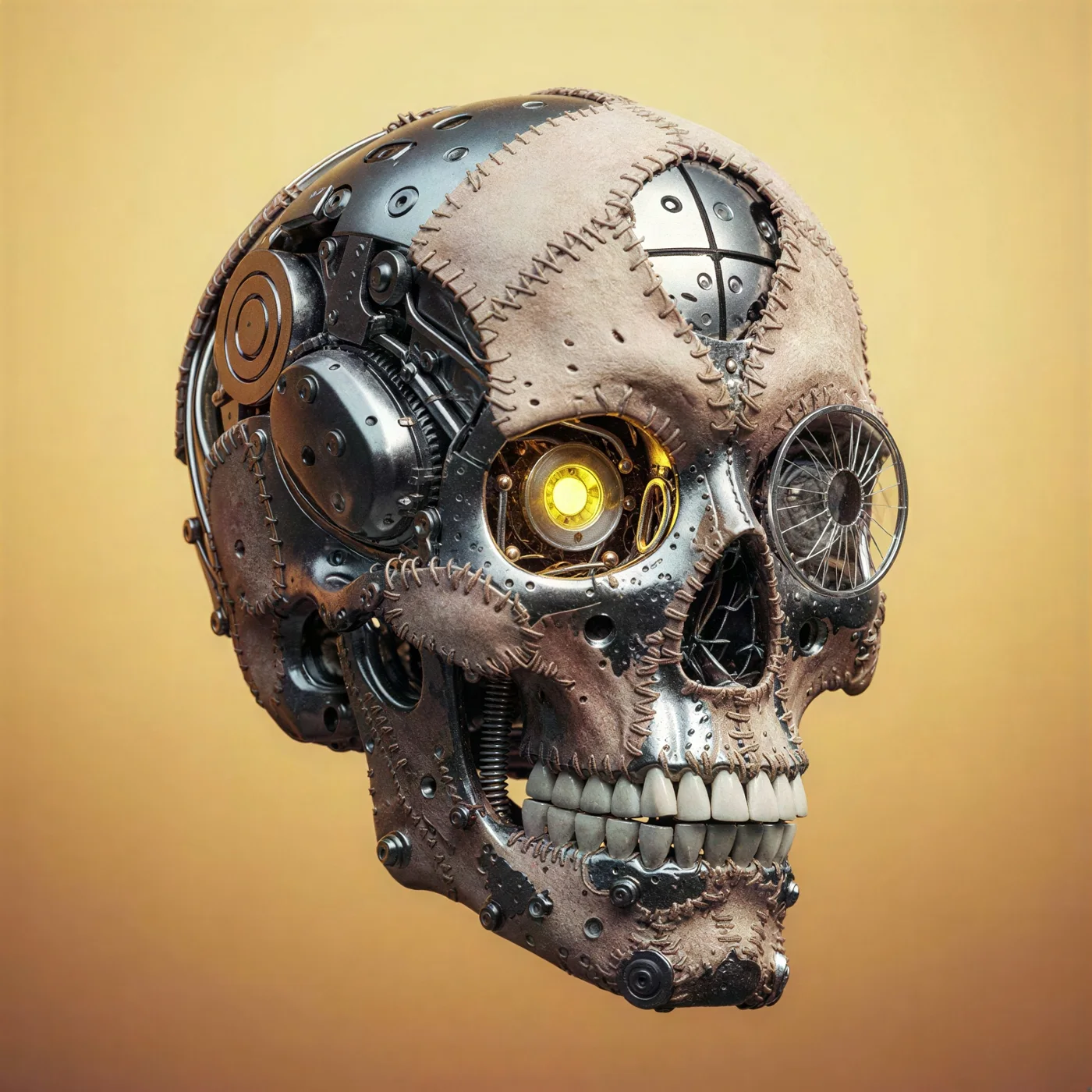
What changed: Soft 384 px render upscaled to sharp metal, wiring and reflections
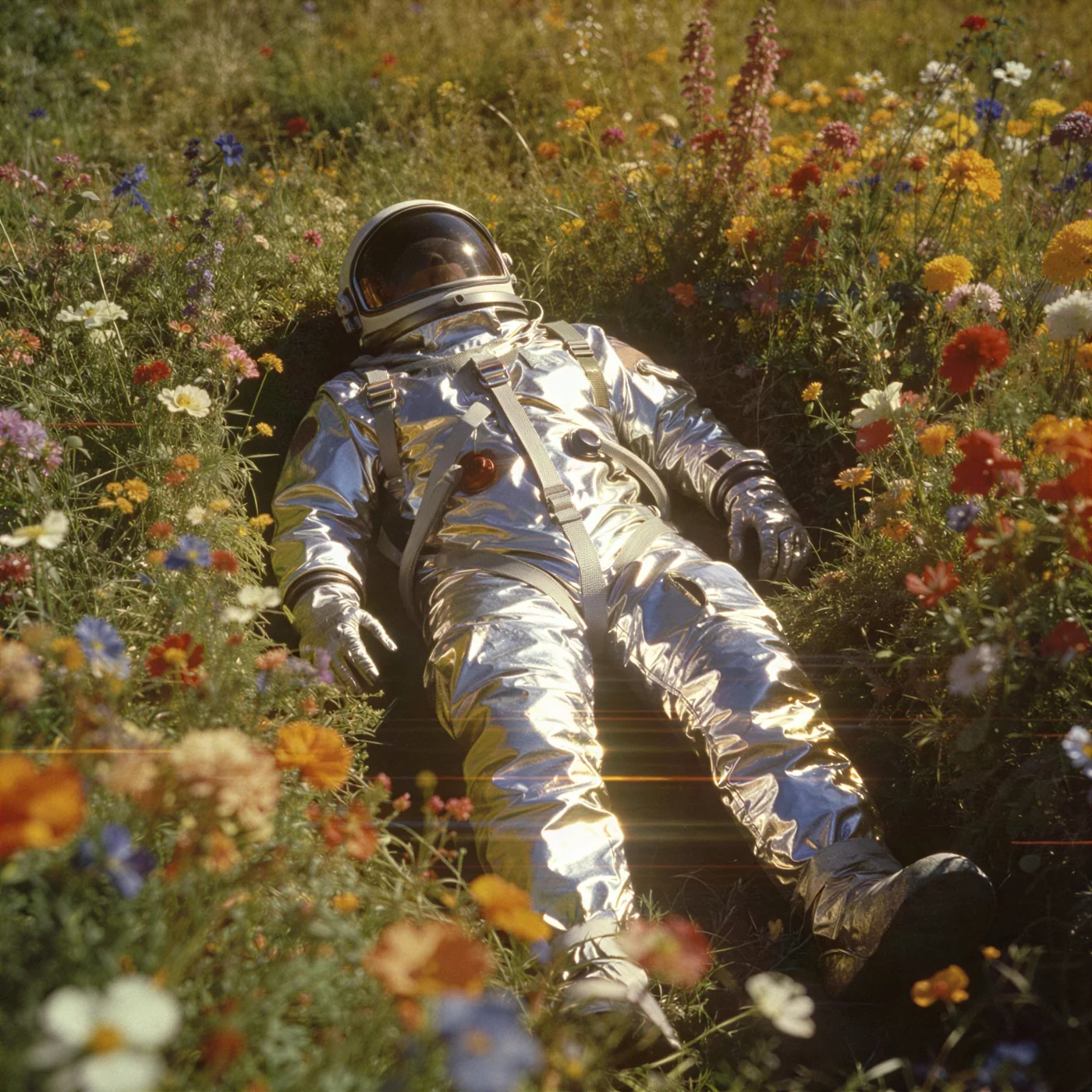
What changed: Blurry thumbnail upscaled to crisp flowers, fabric texture and visor detail
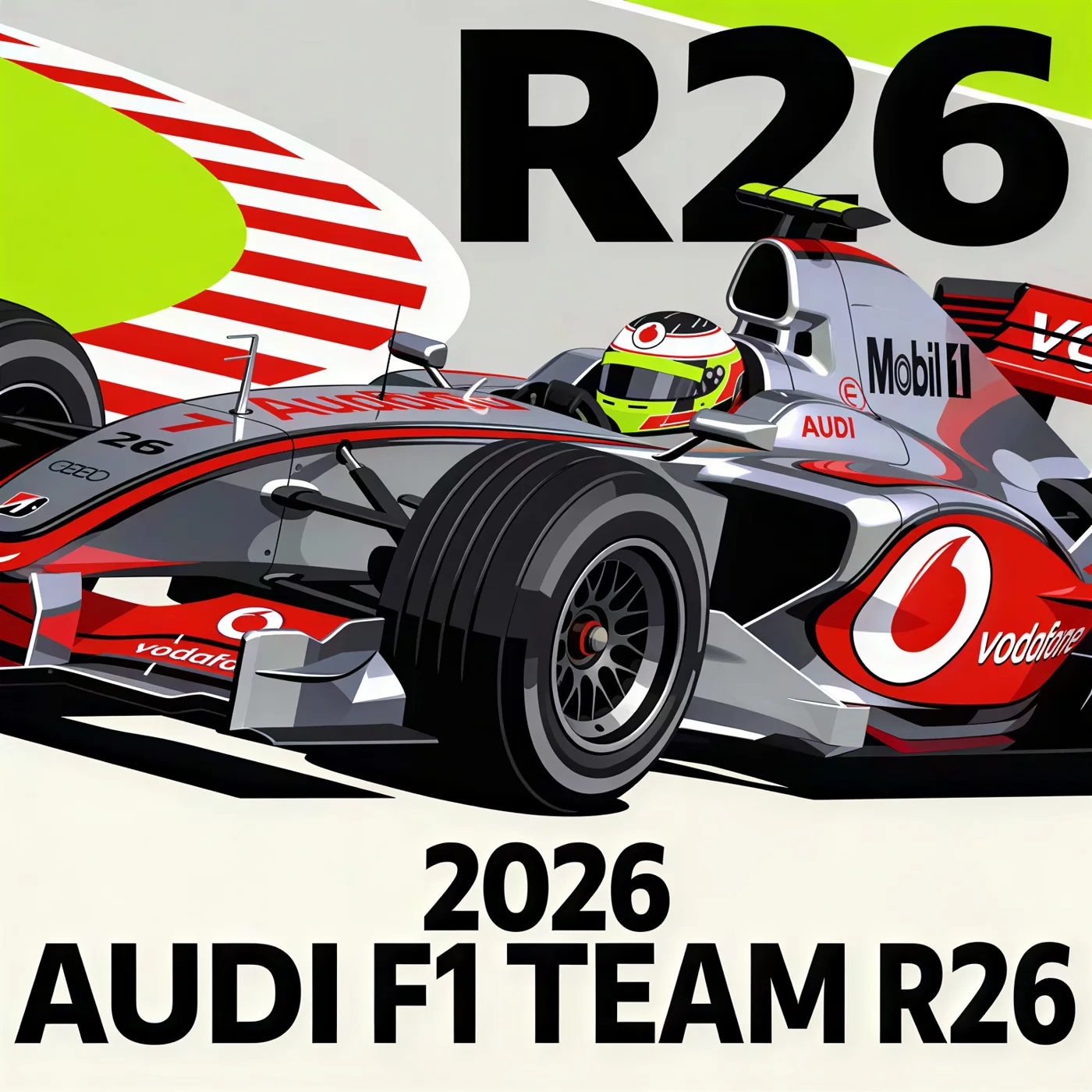
What changed: Compressed poster upscaled with clean type, sponsor logos and body lines
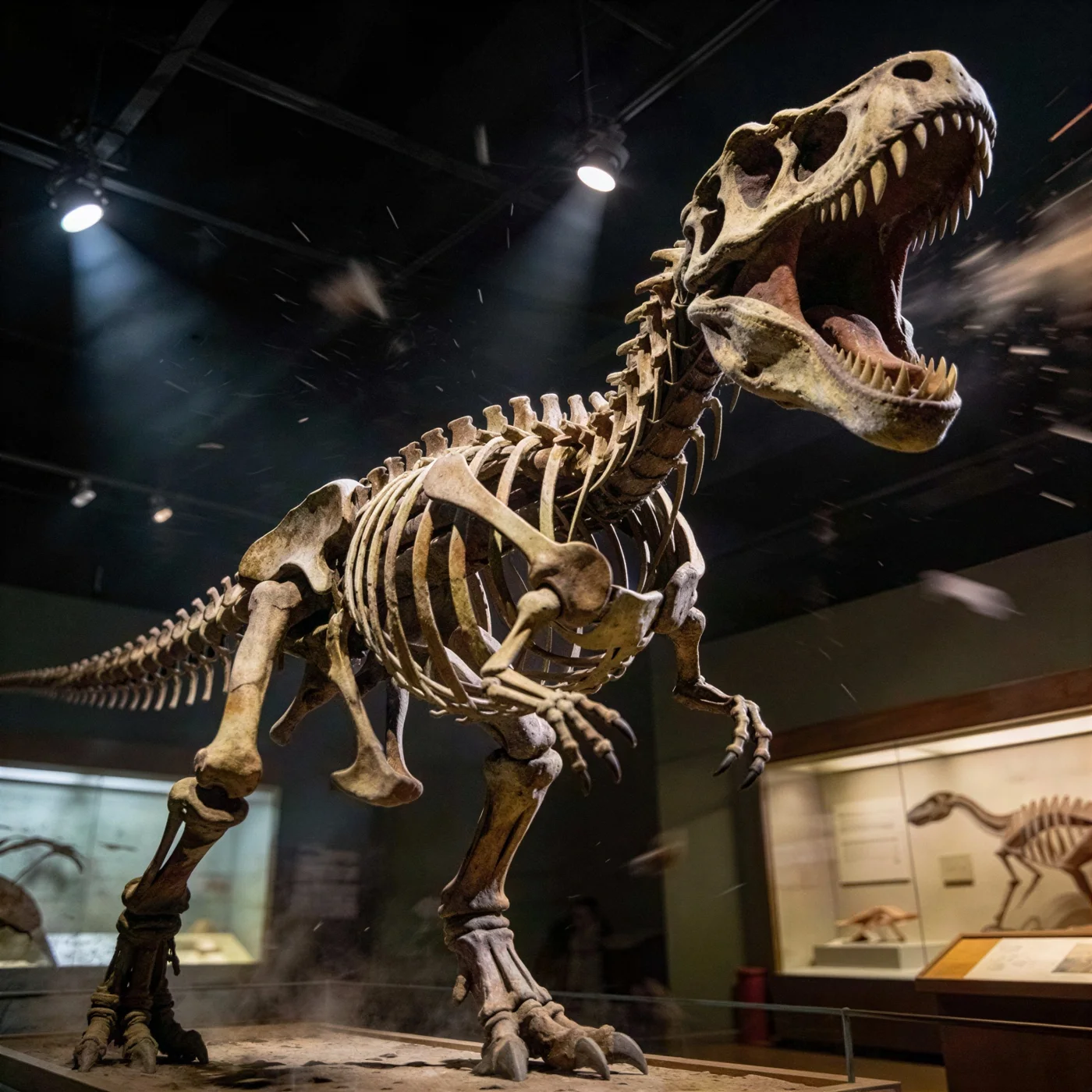
What changed: Low resolution museum shot upscaled to readable bone texture and lighting
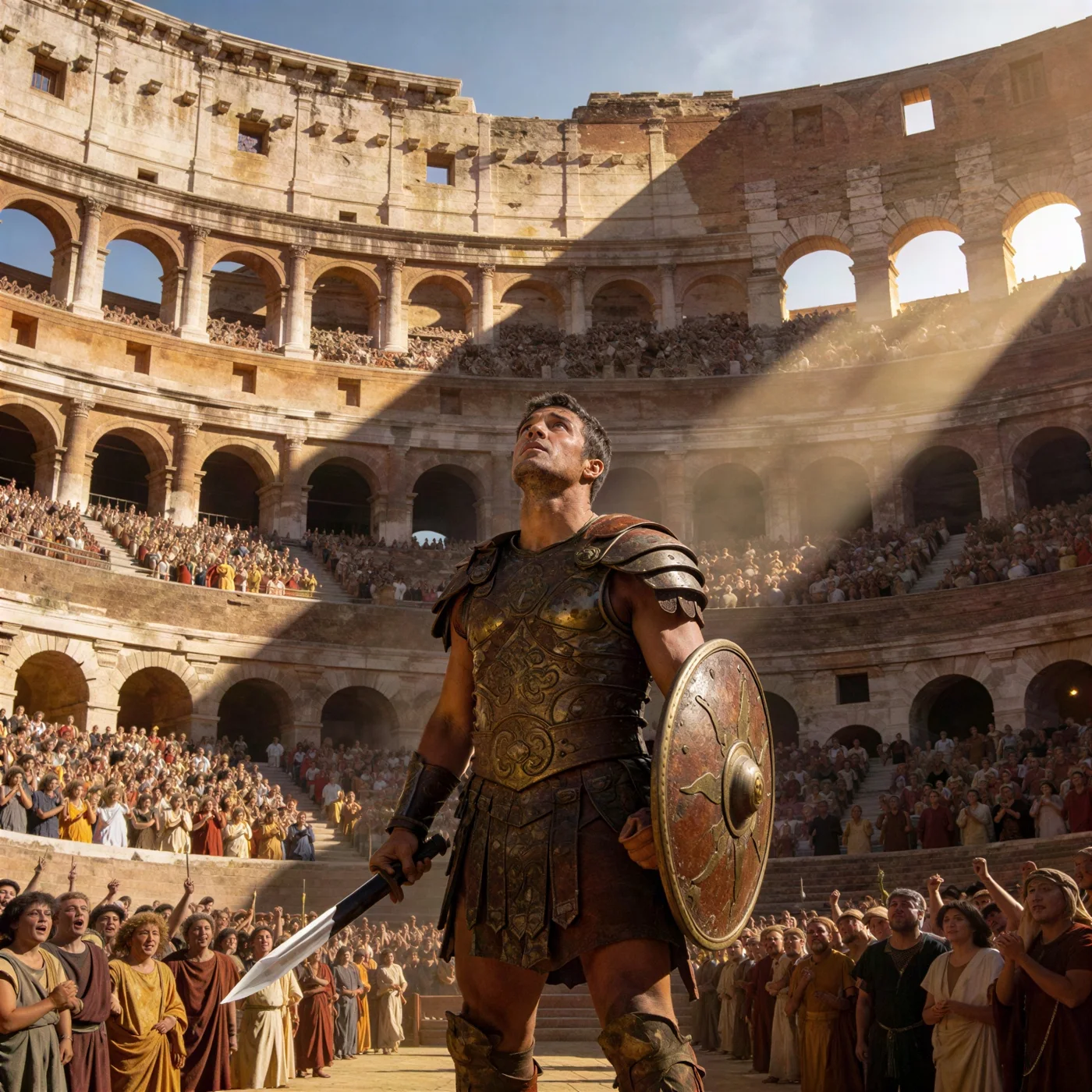
What changed: Small image upscaled to sharp armor, stonework and skin detail
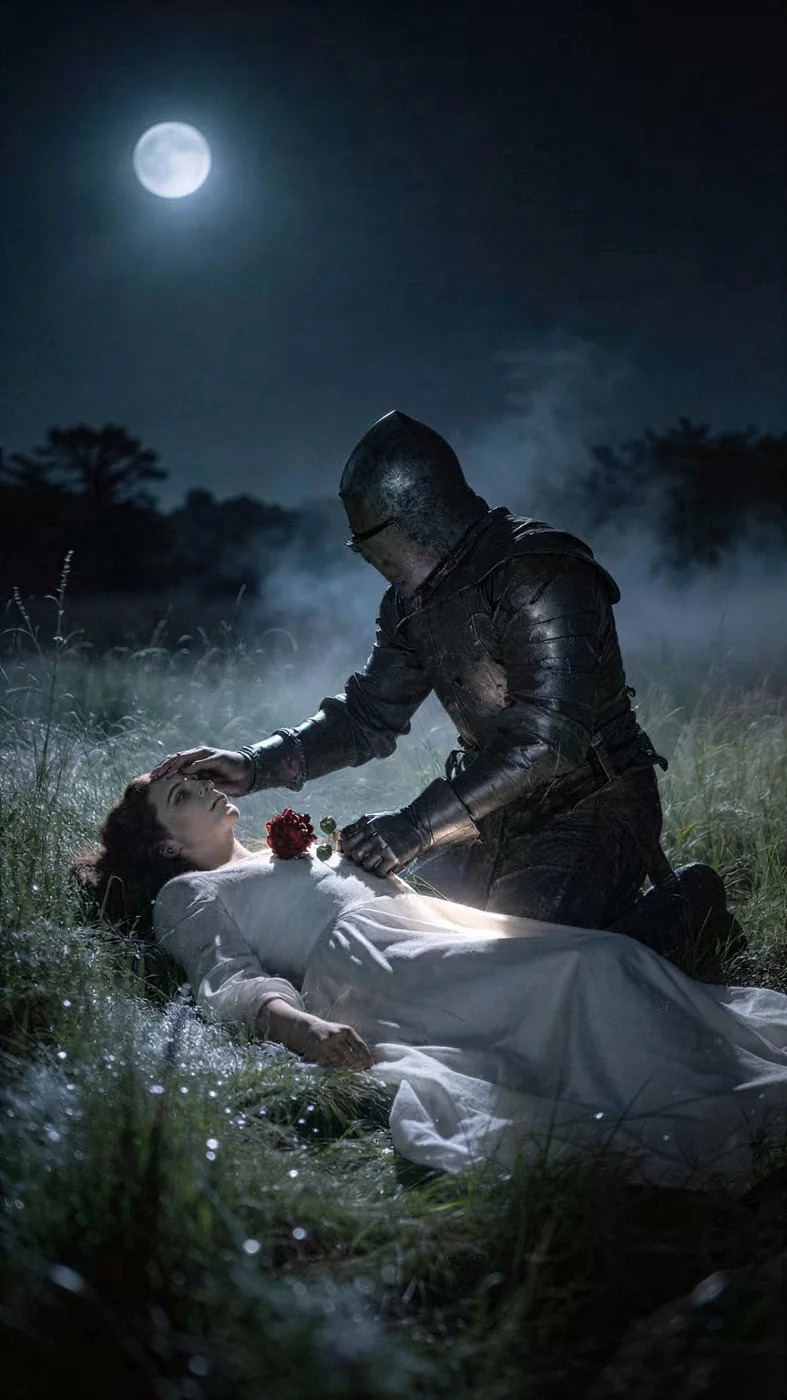
What changed: Dark, soft scene upscaled with clean edges and preserved atmosphere
AI photo enhancer
An AI image upscaler increases the resolution of a picture and adds real detail while doing it. A normal resize stretches the pixels you have and the result gets soft. An AI upscaler has learned what edges, skin, fabric, text and textures look like at high resolution, so it reconstructs them: a 500 px product photo becomes a 1000 px image that looks like it was shot that way.
The same technology unblurs slightly out of focus photos, removes JPEG compression artifacts, cleans up noise from low light shots and rescues old scans and screenshots. It is the fastest fix for images that are too small for print, a website hero, a marketplace listing or a large screen.
On this page you can upscale one image free, 2x with our default model. Inside Krater you can upscale up to 4x, enhance video to 4K, and finish the enhanced image with every editing model we host.
Every enhancement model in one place
The free upscale uses Crystal, a fast model that reconstructs detail without inventing it. Inside Krater you can upscale up to 4x, enhance video and finish the image with every editing model.
Techniques
Image enhancement is one upload but several different problems. These are the four the upscaler solves most often.
Go from a small web image to print or hero size. 2x here, up to 4x inside Krater. Edges stay crisp and textures are rebuilt rather than blurred.
Slightly out of focus or motion blurred photos get their edges back. Faces, product edges and lettering become legible again without halos.
Screenshots, downloaded social images and low light shots carry blocky artifacts and grain. The model smooths them while keeping real detail.
Scanned prints and old digital photos are usually small and soft. Upscaling brings back detail; the AI image editor can then fix scratches and colors.
What people enhance with AI
An AI photo enhancer turns the images you already have into ones that hold up at any size.
Meet marketplace resolution requirements and zoom views without reshooting the catalog.
Turn web sized images into posters, packaging, banners and brochures that stay sharp.
Rescue family photos, archive images and scanned prints that were never high resolution.
Make small screenshots crisp for docs, decks, app store listings and tutorials.
Recover images that were compressed by messaging apps and social platforms.
Upscale generated art and renders to full resolution for portfolios, clients and print.
Suitable for everyone
Whether you enhance one family photo or an entire product catalog, the workflow is the same: upload, upscale, download.
Bring every product image up to the resolution your channels demand, consistently.
Enlarge client assets, mockups and references without waiting for better source files.
Deliver crops and older work at print resolution, and rescue soft frames from a shoot.
Reuse existing visuals across formats, from stories to billboards, without quality loss.
Upscale generated images and thumbnails to full resolution for every platform.
Standardize image quality across catalogs, documentation and presentations from one workspace.
Every image model, every app
Upscaling, editing and generation models plus the apps you already use, working together in one workspace.
Why Krater
Krater is The All-in-One AI Workspace. Upscaling is one of hundreds of things you can do in a single chat, with 500+ AI models behind it.
Go beyond 2x: 4x upscaling for print, and frame by frame video upscaling to 4K, all from the same chat.
Most upscales finish in seconds. Batch several images in one conversation and download them together.
Uploads are used only to produce your result. Inside Krater everything you create is stored in your own workspace.
Continue in the same chat: remove a background, restyle the image or turn it into a short video.
AI upscaling in Krater AI image generation AI video generation Flux image models Nano Banana image editing Krater pricing
More free AI tools
An AI image upscaler increases the resolution of a picture while reconstructing real detail. Instead of stretching pixels, the model rebuilds edges, textures, faces and text the way they would look at the higher resolution.
Yes, your first upscale on this page is free and needs no account. To upscale more images, go up to 4x, enhance video and edit the results, get started on Krater with a paid workspace.
The free run doubles the resolution (2x) and returns up to about 2048 px on the long side. Inside Krater you can upscale up to 4x and enhance video to 4K.
Yes, for mild blur and softness. The model sharpens edges and reconstructs texture. Heavy motion blur or extreme out of focus shots cannot be fully recovered by any tool.
Yes. The default model is chosen because it keeps faces natural and lettering legible instead of inventing features. For very small faces or dense text, start from the best source you have.
PNG, JPG and WebP up to 6 MB. Images larger than 1024 px on the long side are resized to 1024 px before the free 2x upscale.
The model is tuned to add detail that is consistent with the original rather than repainting it. Results look like a sharper version of your photo, not a new image.
Yes. Aim for roughly 300 pixels per inch of the final print size. A 2x upscale of a 1000 px image covers about 17 cm wide; inside Krater 4x covers larger formats.
Uploads on this page are used only to produce your result and are not shown to anyone else. Inside Krater everything you create is stored in your own private workspace.
The page shows your result and a sign up option. In Krater you get 4x upscaling, video enhancement, every image editing model and 500+ AI models in one workspace.
One workspace, 500+ AI models, upscaling, image editing, video, text and more. Get started and take your enhanced image further.