Upload a clear photo of yourself
A selfie, a holiday photo or a casual snapshot works. Face the camera, keep your face well lit and unobstructed. PNG, JPG and WebP up to 6 MB.


Free AI headshot generator. Upload a selfie and get a professional headshot for LinkedIn, your team page or CV in under a minute. One free headshot, no sign-up.
Home / AI tools / AI Headshot Generator
PNG, JPG or WebP, up to 6 MB
Aspect ratio: 1:1, 4:3, 3:4, 16:9, 9:16
One free run per visitor, verified automatically, no account needed.
How it works
No photographer, no studio, no waiting. Upload a photo and pick a style.
A selfie, a holiday photo or a casual snapshot works. Face the camera, keep your face well lit and unobstructed. PNG, JPG and WebP up to 6 MB.
Pick a preset (studio, LinkedIn, office, outdoor, creative, team page) or describe the background, outfit and light you want.
Your face, expression and identity stay yours; the model changes the setting, clothing and light. Download it or create more variations inside Krater.
Before and after
Every pair below was created on Krater from the photo on the left with the prompt shown underneath. Same person, professional setting.
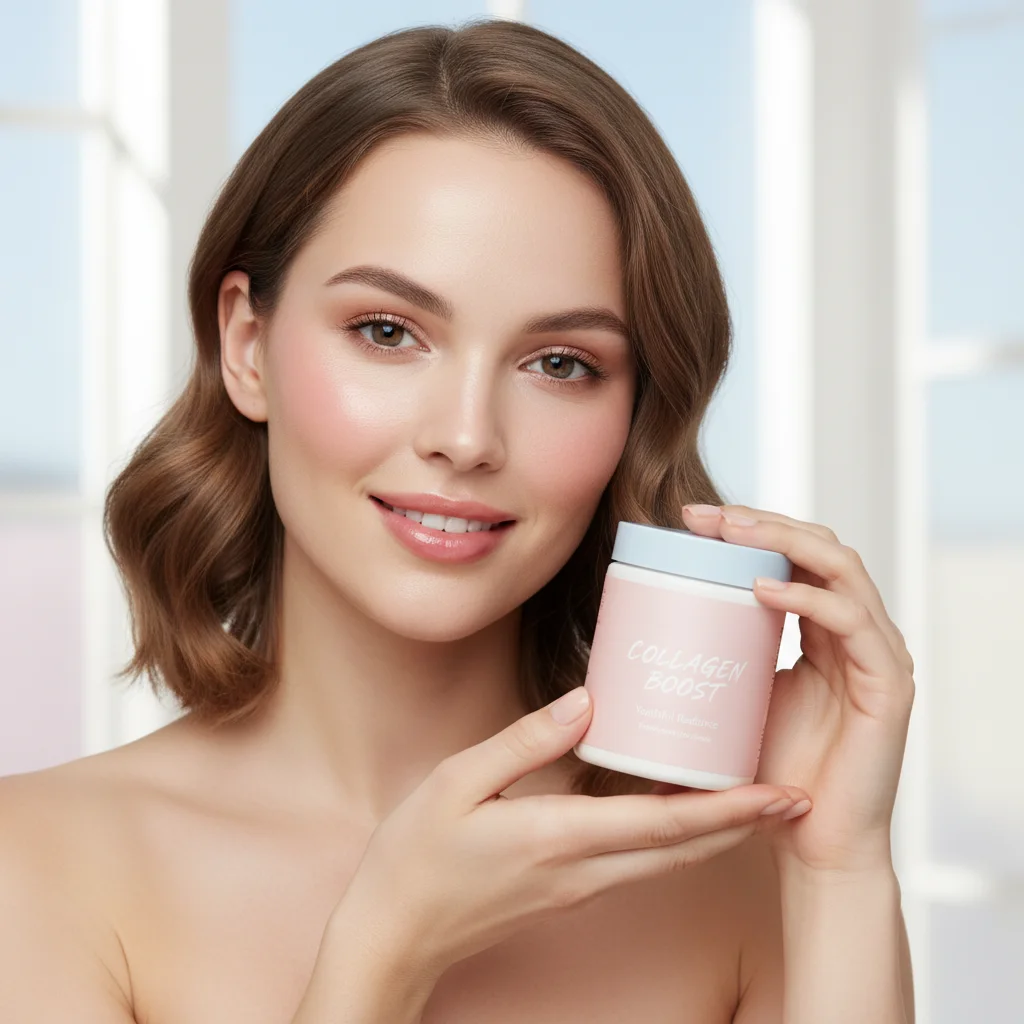
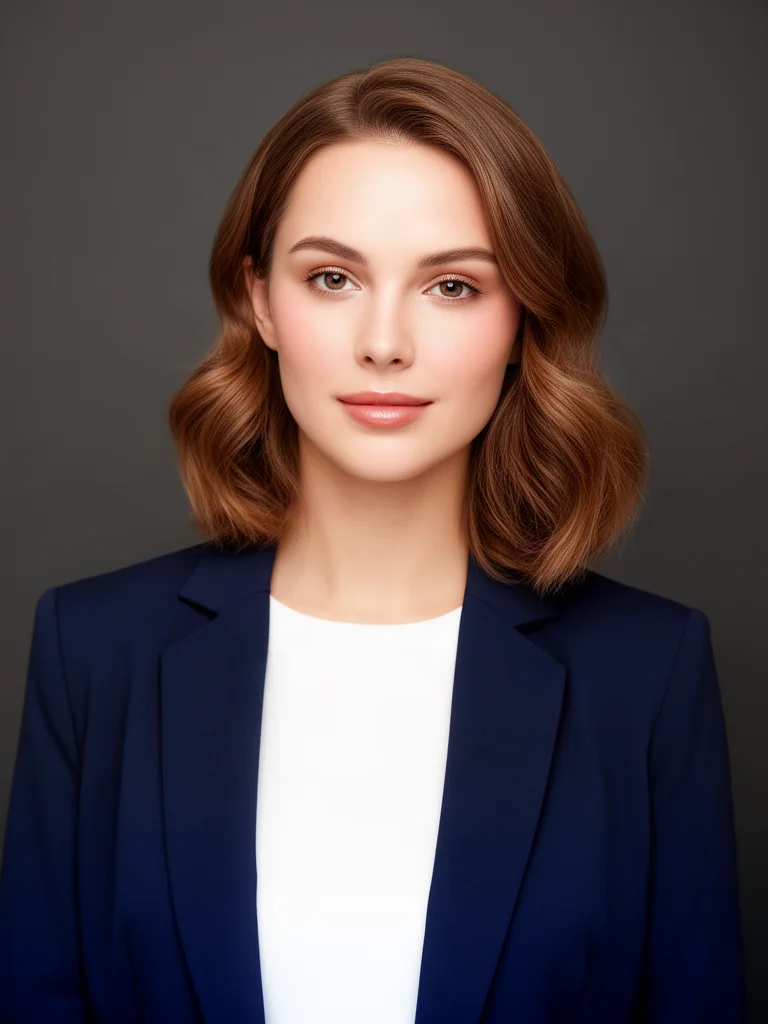
Prompt: Turn this into a professional corporate headshot: neutral dark grey studio background, navy blazer over a white top, soft flattering studio light, shoulders up framing
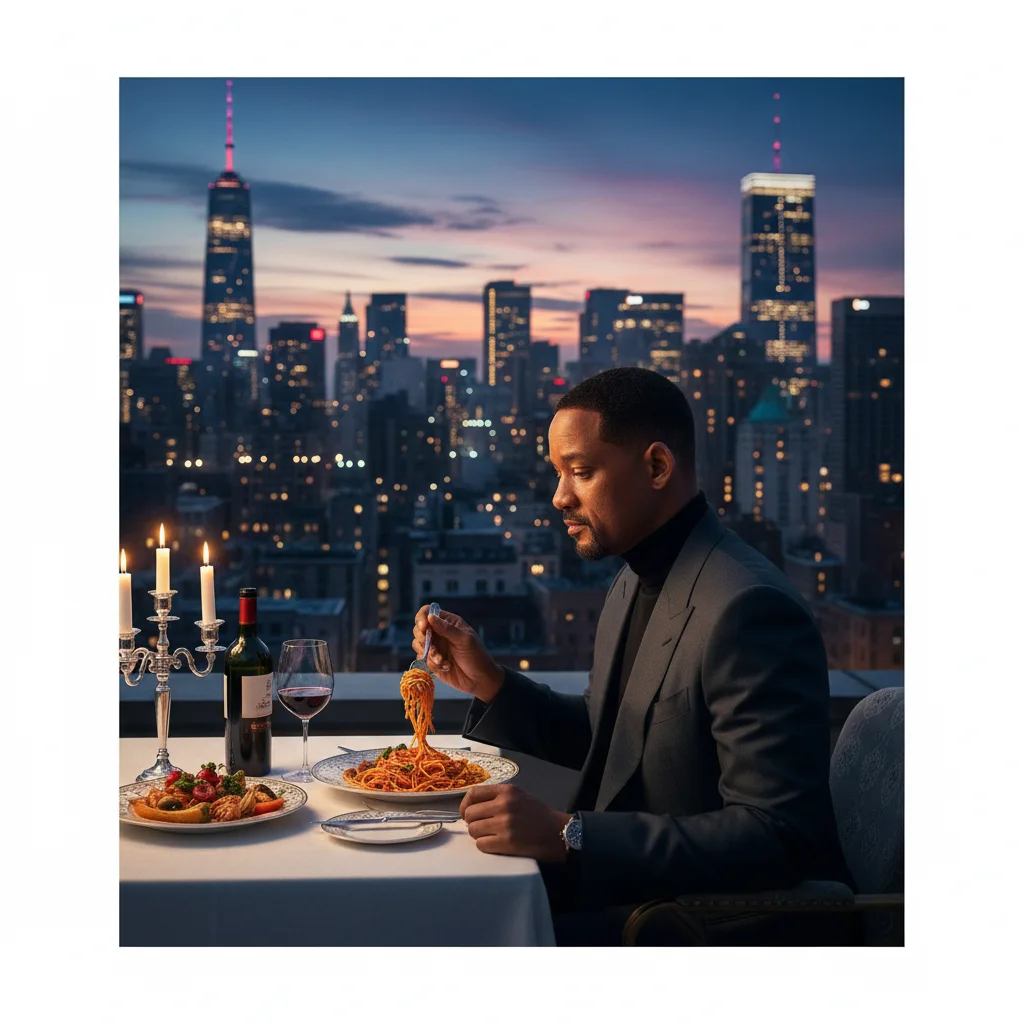
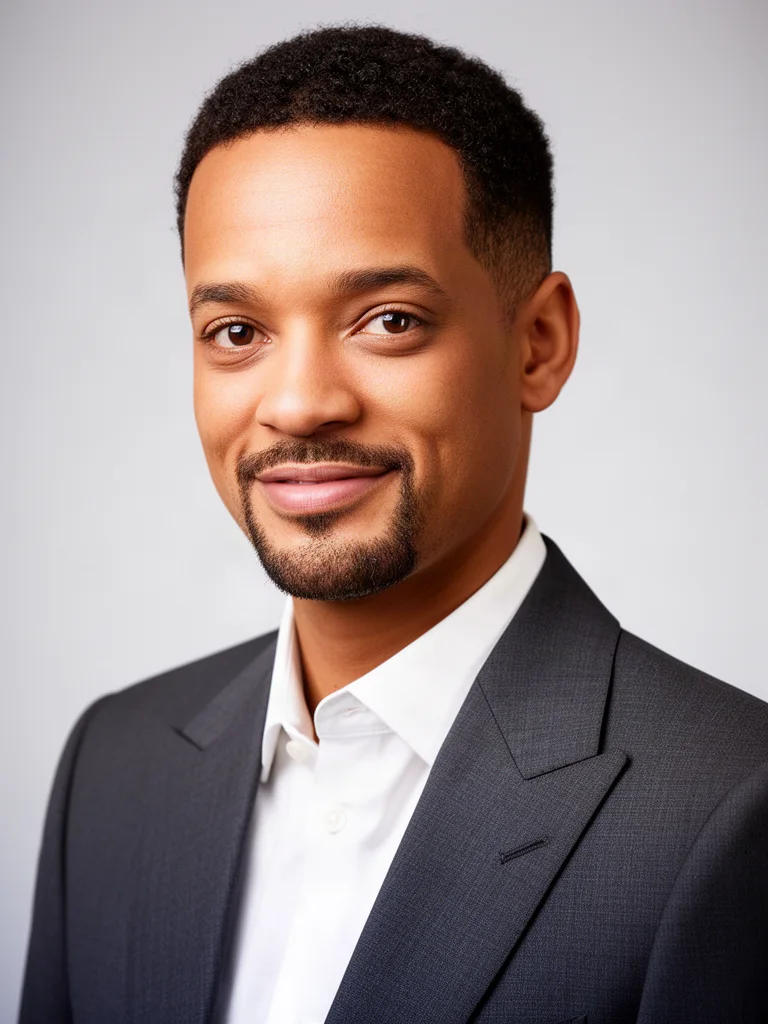
Prompt: Turn this into a LinkedIn profile headshot: clean light grey studio background, charcoal suit and white shirt, confident slight smile, sharp focus on the face
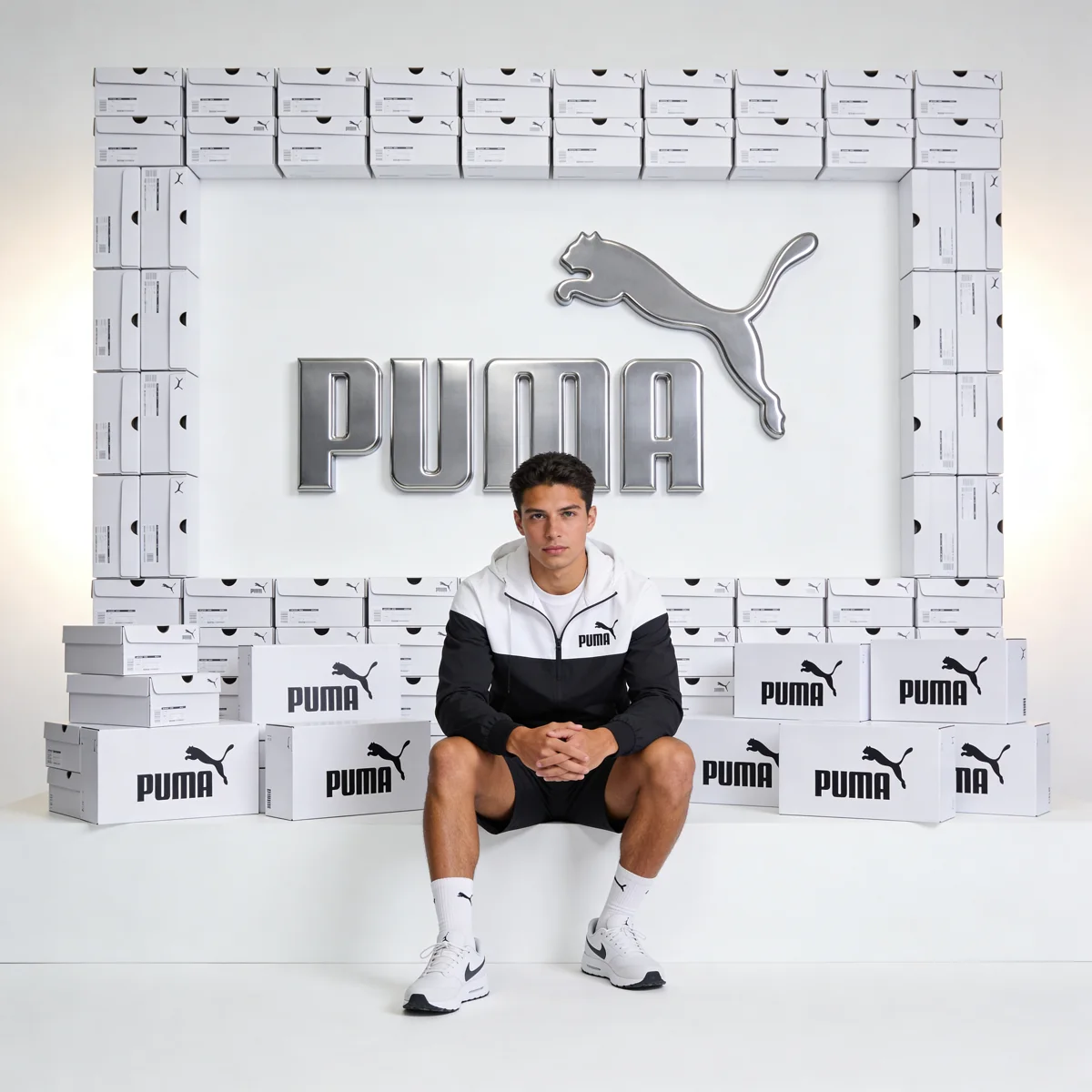
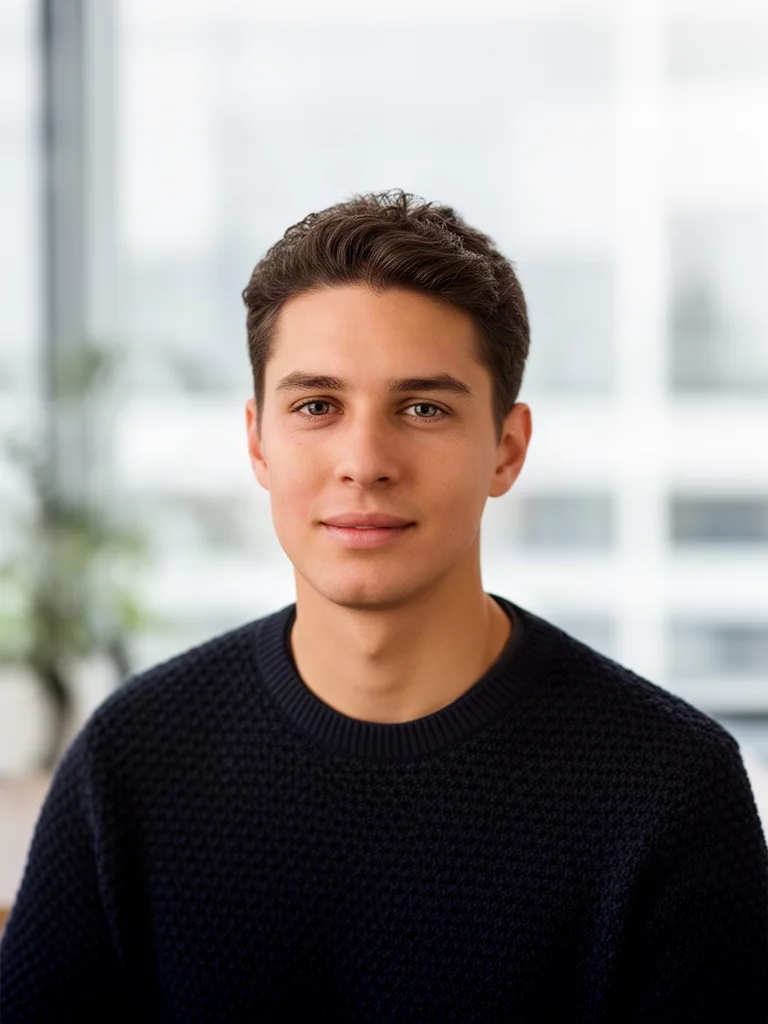
Prompt: Turn this into a business casual headshot in a bright modern office with a softly blurred background, dark knit sweater, natural window light, shoulders up framing
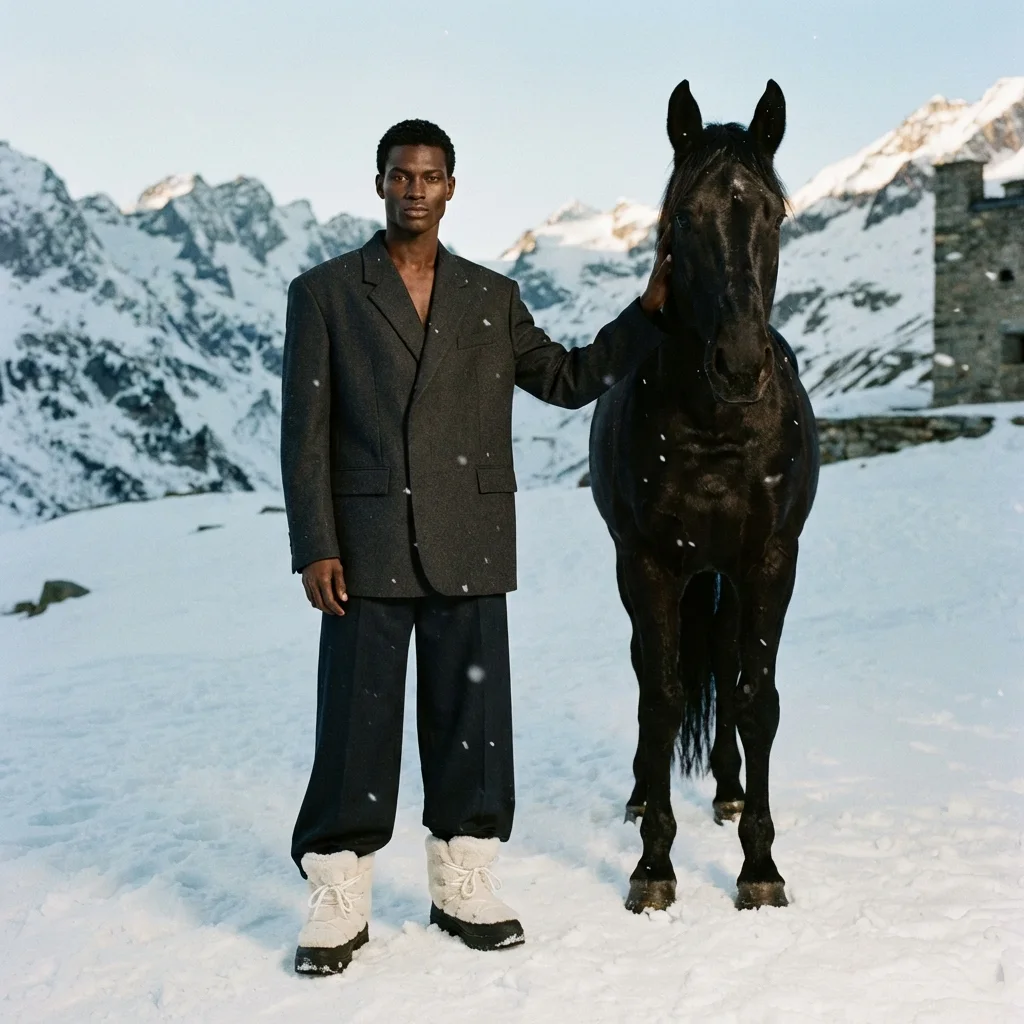
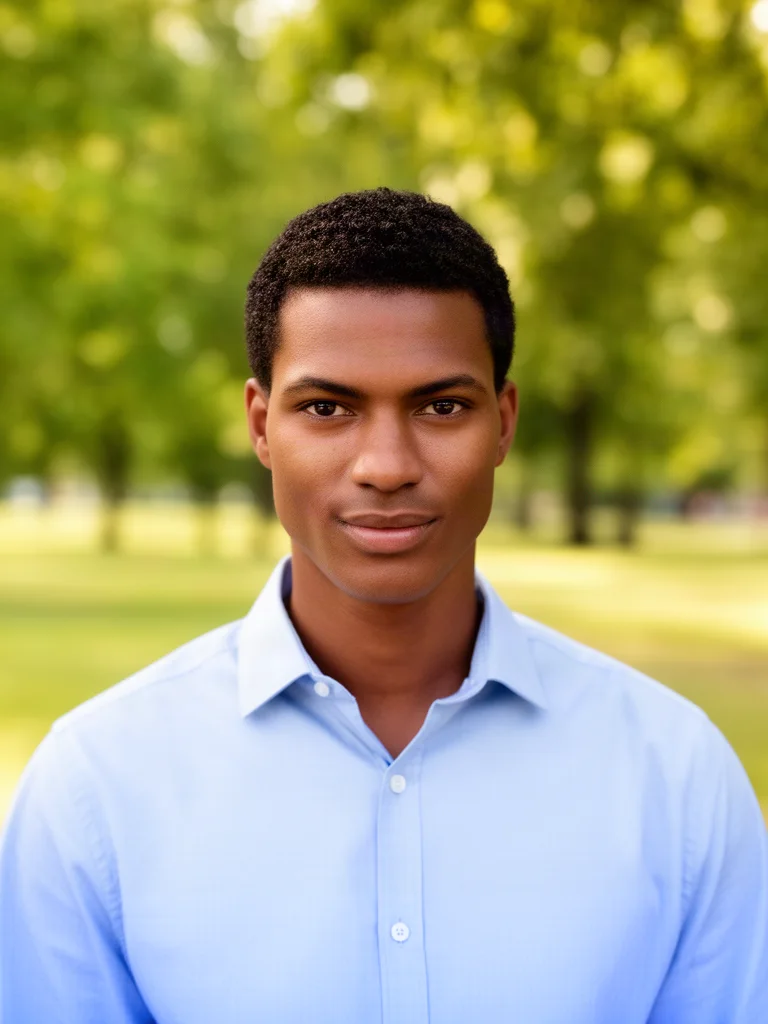
Prompt: Turn this into an outdoor professional headshot with a softly blurred green park background, light blue shirt, warm natural light, shoulders up framing
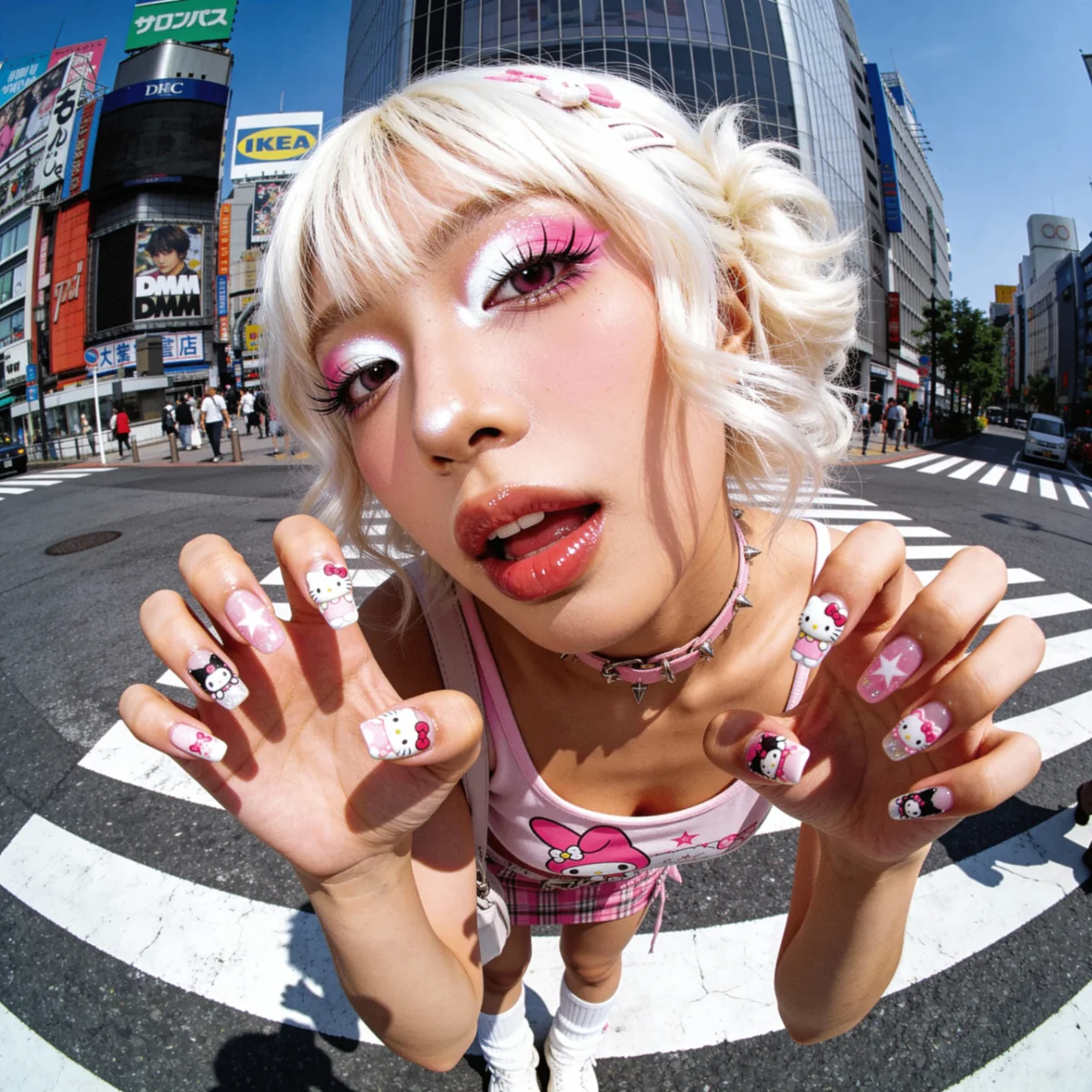
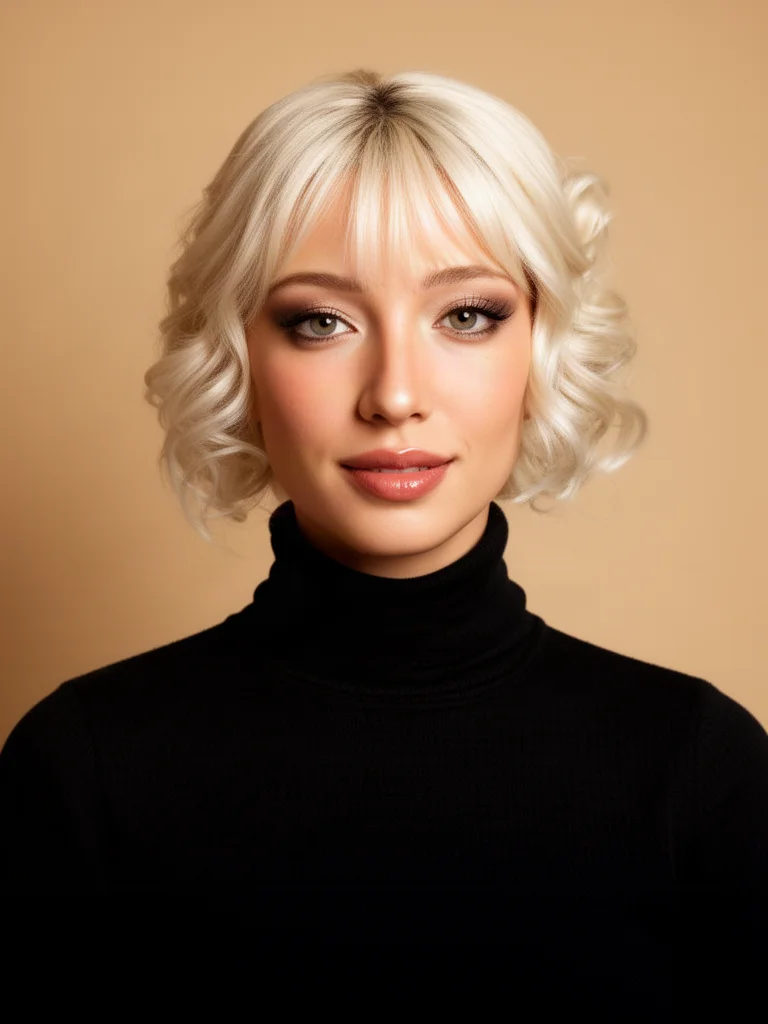
Prompt: Turn this into a polished creative professional headshot: black turtleneck, warm beige studio background, soft light, natural makeup, shoulders up framing
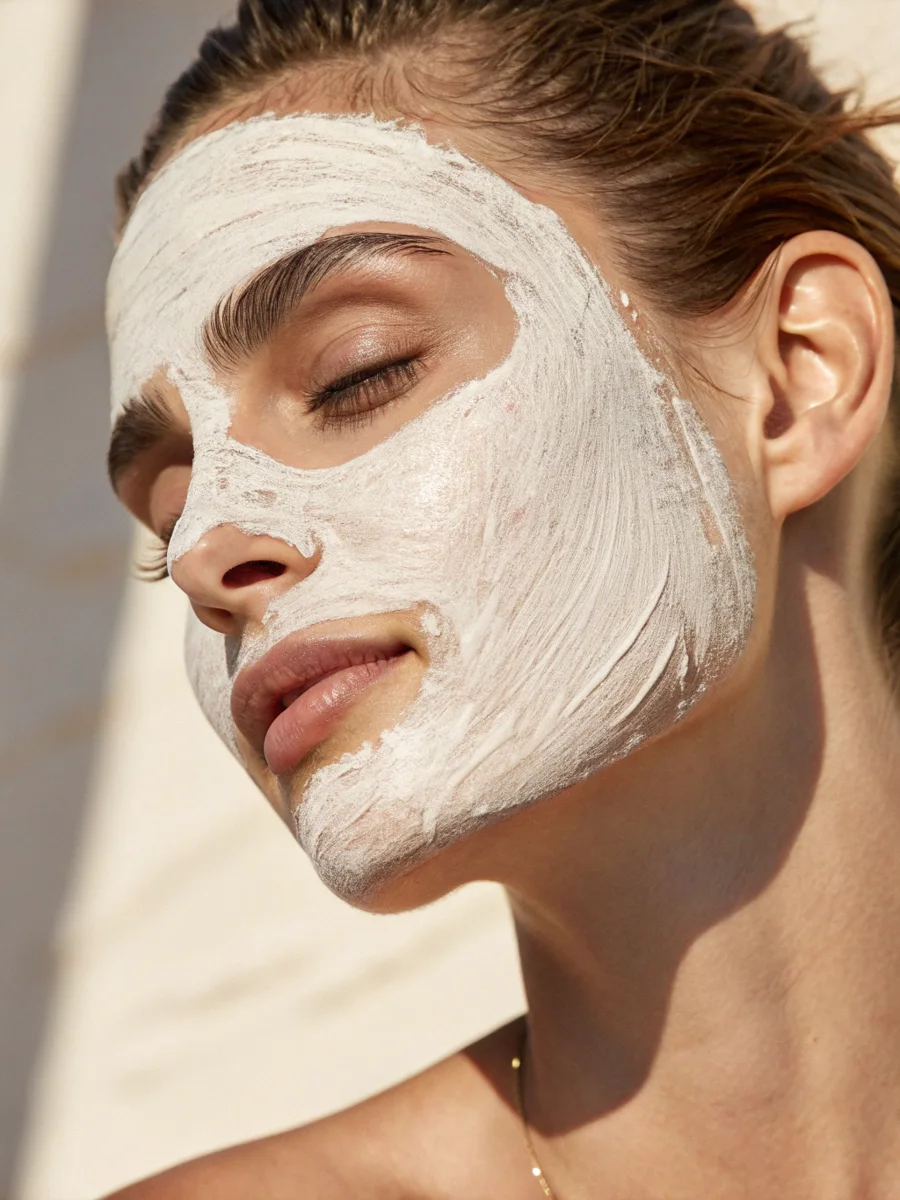
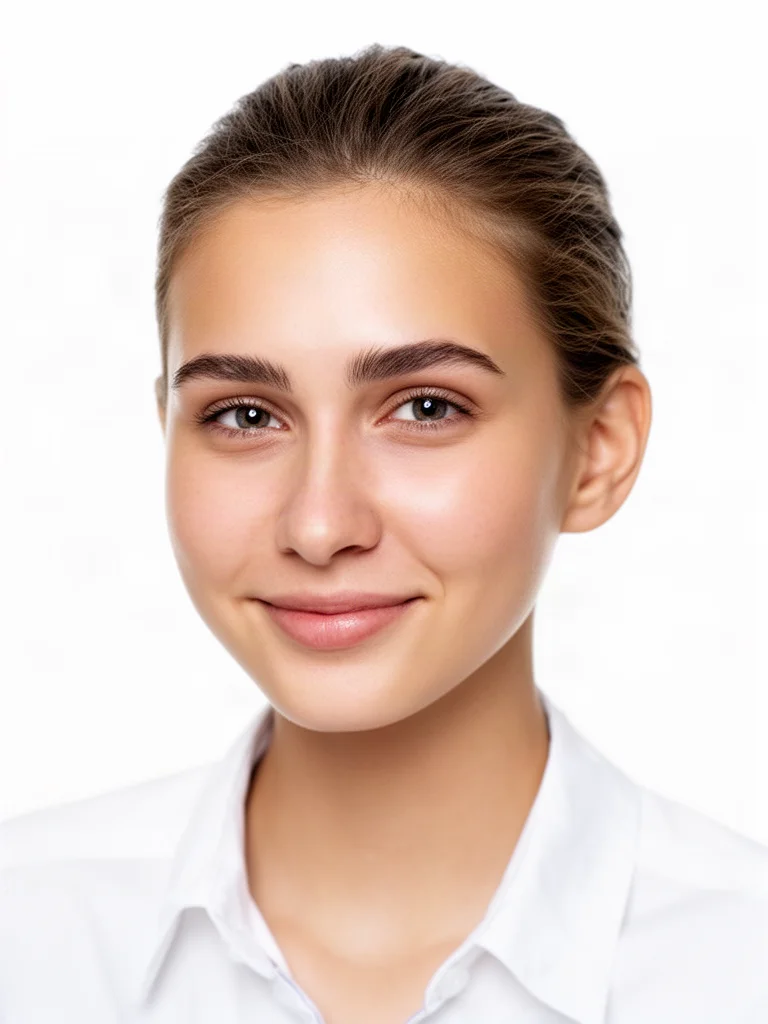
Prompt: Remove the face mask and turn this into a clean team page headshot: white shirt, soft white studio background, even light, gentle smile, shoulders up framing
Professional headshot AI
An AI headshot generator takes an ordinary photo of you and produces a professional portrait: a clean studio or office background, business attire, flattering soft light and a tight shoulders up crop. Unlike older headshot apps, it does not need twenty training photos or a day of processing. One clear picture and one instruction are enough, and your face stays exactly as it is.
People use AI headshots for LinkedIn and other profile pictures, company team pages, CVs and job applications, speaker bios, press kits, email signatures and internal directories. Teams use them to give everyone a consistent look without booking a photographer for every new hire or office.
On this page you can create one professional headshot free with our fast default model. Inside Krater the same selfie works with every image model we host, with more styles, higher resolutions and several variations per run.
Every portrait model in one place
The free headshot uses Flux 2, a fast model that keeps faces consistent. Inside Krater you can run the same selfie through every model below and keep the most flattering version.
Styles
The setting, outfit and light define the impression. These are the four looks people ask for most, and how to prompt them.
Neutral grey or white studio background, suit or blazer, soft even light, confident slight smile. Ask for "sharp focus on the face" and "shoulders up framing" for the classic profile picture crop.
A softly blurred modern office, knit sweater or open collar shirt, natural window light. Reads approachable and current, ideal for startups, agencies and team pages.
Blurred park, street or campus background with warm daylight. Works well for consultants, coaches, real estate and anyone who wants a friendlier, less formal picture.
Black turtleneck or textured jacket, warm beige or deep colored backdrop, softer directional light. Suits designers, founders, speakers and personal brands.
What people create with AI headshots
A professional headshot is the first thing people see on your profile, your site and your applications. Get it right in a minute.
A clean, confident headshot that gets more profile views and replies than a cropped holiday photo.
Give every team member the same background, light and crop without scheduling a photographer.
A polished portrait for your CV, portfolio and application forms in any style the role calls for.
Editorial quality headshots for conference pages, podcasts, articles and media requests.
Consistent, friendly portraits for signatures, Slack, intranets and customer facing tools.
Match your headshot to your brand: creative, warm, formal, outdoors, all from the same photo.
Suitable for everyone
Whether you need one profile picture or headshots for a whole company, the workflow is the same: upload, pick a style, download.
Look polished on LinkedIn, your CV and application portals without paying for a studio session.
Professional portraits for your website, pitch deck, press page and social profiles in minutes.
Onboard new hires with a consistent team page photo on day one, in any office or remote.
Friendly, trustworthy headshots for outreach, signatures and video call thumbnails.
Editorial style portraits for event pages, course platforms and media features.
Refresh your profile picture whenever your brand or platform changes, in the style that fits.
Every image model, every app
Every leading portrait capable image model and the apps you already use, working together in one workspace.
Why Krater
Krater is The All-in-One AI Workspace. Headshots are one of hundreds of things you can do in a single chat, with 500+ AI models behind it.
Flux 2, Nano Banana, GPT Image, Seedream, Qwen Image and more, all on the same selfie so you can pick the most flattering result.
A headshot in under a minute, not a day. Higher resolutions and several variations are one click away.
Uploads are used only to produce your result. Inside Krater everything you create is stored in your own workspace.
Continue in the same chat: write your LinkedIn summary, upscale the portrait for print, or create a matching banner.
AI image generation in Krater Flux image models Nano Banana image editing GPT Image Krater for teams and enterprise Krater pricing
More free AI tools
An AI headshot generator turns an ordinary photo of you into a professional portrait: studio or office background, business attire and flattering light, while your face and identity stay the same.
Yes, your first headshot on this page is free and needs no account. To create more styles and variations, and to unlock every image model and higher resolutions, get started on Krater with a paid workspace.
A sharp, well lit photo where your face is fully visible and roughly facing the camera. A phone selfie is fine. Avoid sunglasses, heavy shadows and group photos.
Yes. The model is instructed to keep your face, skin tone, hair and expression as in the source photo and to change only the setting, clothing, light and crop. Start from a clear photo for the most faithful result.
Yes. The output is a standard image you can download and use for LinkedIn, your CV, your company website, email signatures and social profiles.
No. Unlike headshot apps that train on a set of photos, this works from a single picture and returns a result in under a minute.
The free run uses Flux 2, a fast model that keeps faces consistent. Inside Krater you can run the same selfie through Nano Banana, GPT Image, Seedream and every other image model we host.
Yes. Inside Krater you can run the same style prompt on every team member for a consistent team page, and share the workspace with colleagues.
Uploads on this page are used only to produce your result and are not shown to anyone else. Inside Krater everything you create is stored in your own private workspace.
Only with their consent. Do not upload photos you have no right to use, and do not try to impersonate or mislead; those requests are refused.
One workspace, 500+ AI models, portraits, images, video, text and more. Get started and create the full set for your profiles and team.