Upload the blurry photo
Motion blur, missed focus, a zoomed in crop, a compressed screenshot or an old scan. PNG, JPG and WebP up to 6 MB work.


Unblur an image online for free. Upload a blurry or pixelated photo and get a sharp, enhanced 2x version in seconds. Faces and text restored. No sign-up.
Home / AI tools / Unblur Image
PNG, JPG or WebP, up to 6 MB. Larger images are resized to 1024 px before enhancing.
Free run: deblur plus 2x enhancement, up to 2048 px. Inside Krater: up to 4x, 8K and video enhancement.
One free run per visitor, verified automatically, no account needed.
How it works
No sliders, no masks. Upload, wait a few seconds, download.
Motion blur, missed focus, a zoomed in crop, a compressed screenshot or an old scan. PNG, JPG and WebP up to 6 MB work.
The model recognises faces, text, edges and textures under the blur and reconstructs them at twice the resolution, instead of just raising contrast on the edges.
Get a sharp, natural looking version. Inside Krater you can go up to 4x, fix video and edit the result with every image model.
Before and after
Every pair below was fixed on Krater from the blurry image on the left, with no manual retouching. Same tool as the one at the top of this page.
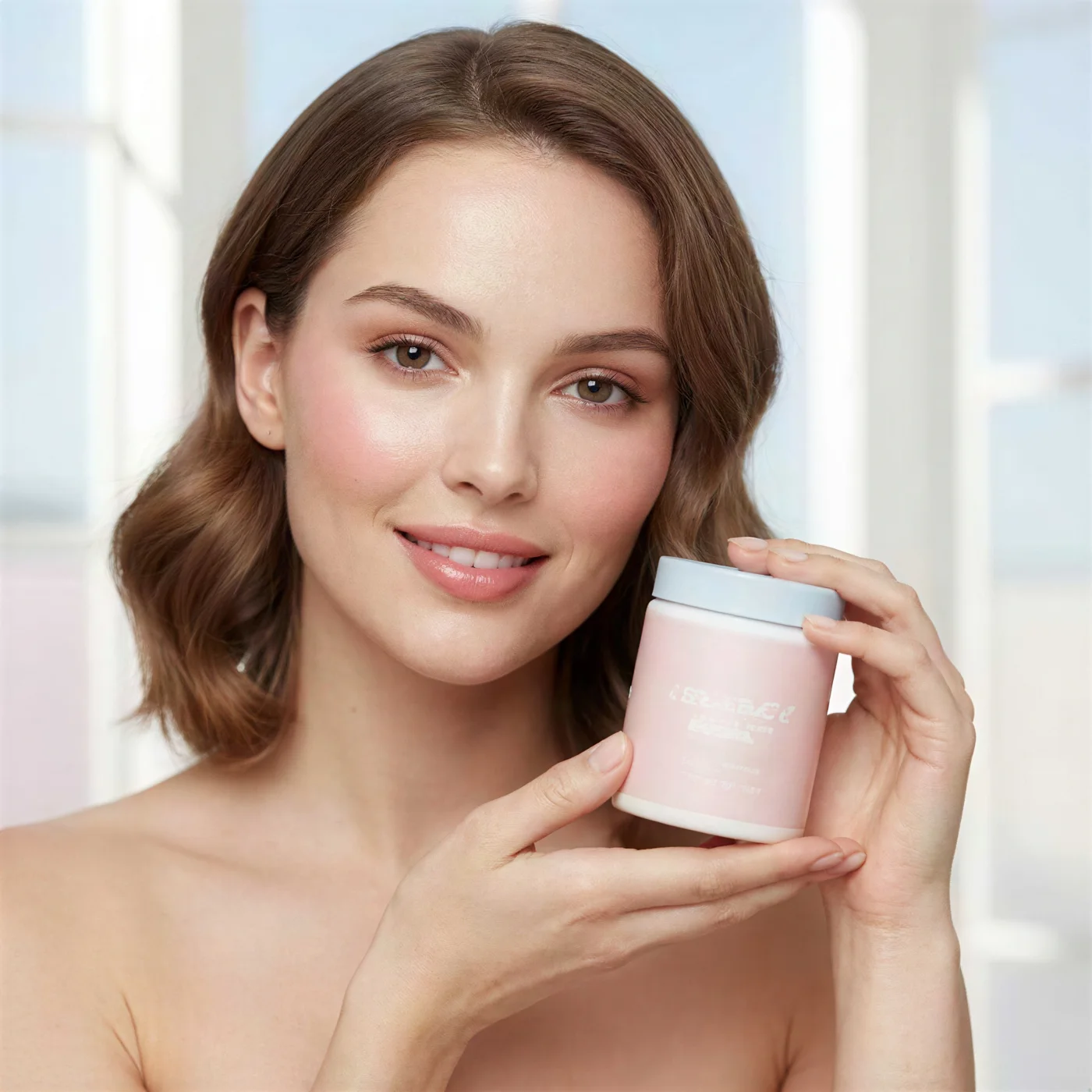
What changed: Soft, missed focus portrait restored to crisp eyes, skin texture and hair strands
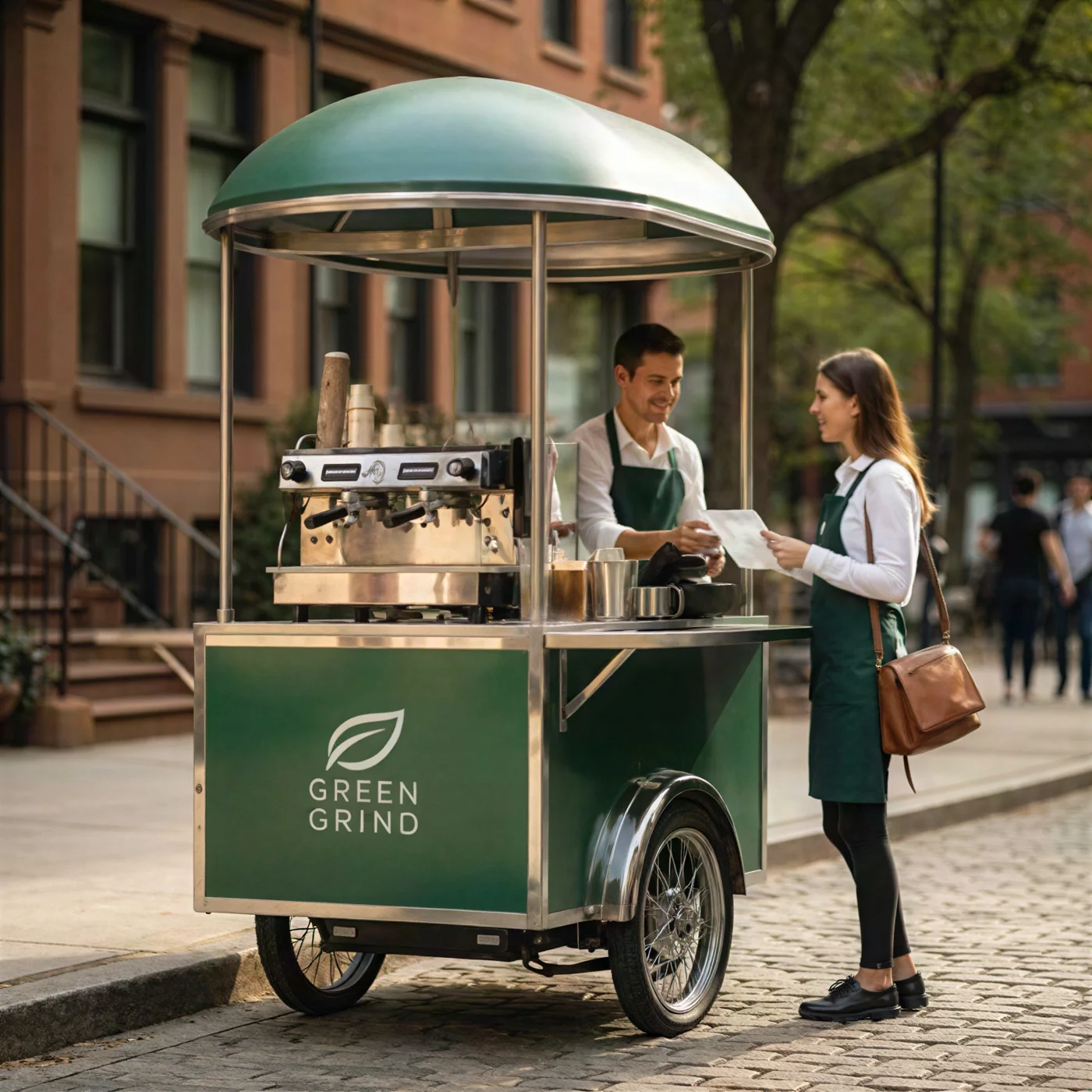
What changed: Soft handheld street shot, signs, lettering and edges reconstructed
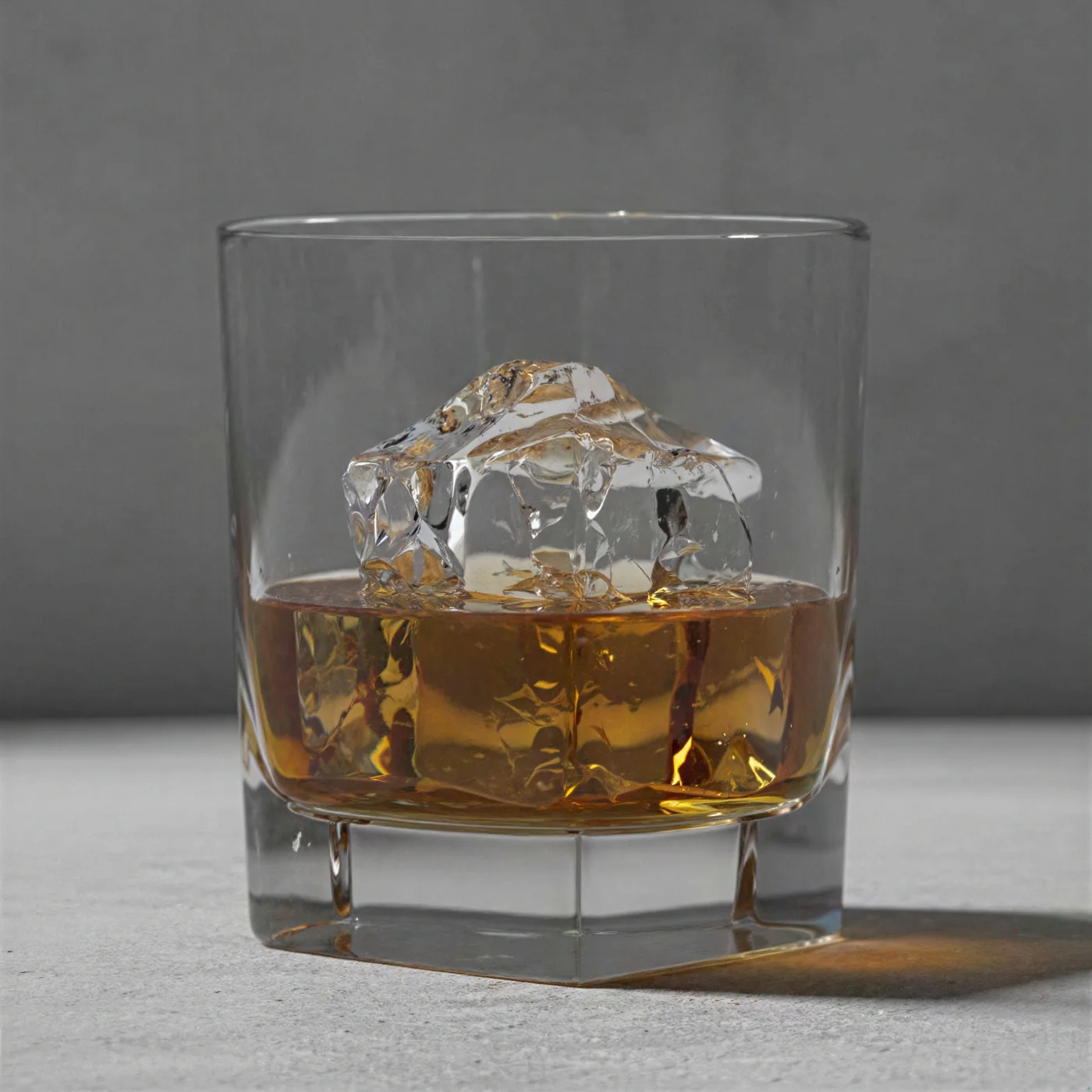
What changed: Small, compressed product photo enlarged with clean edges and crisp glass detail
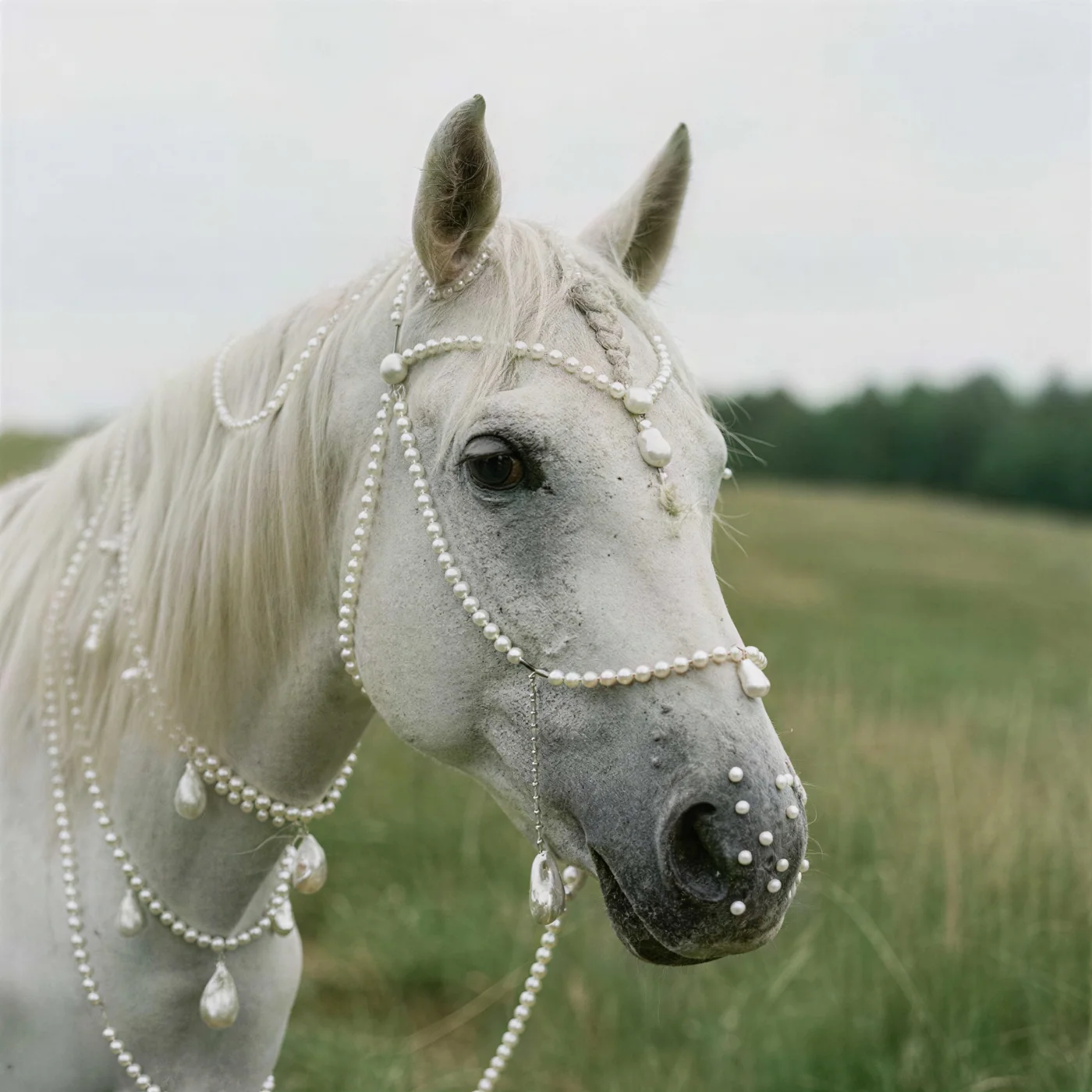
What changed: Soft, low resolution photo of a horse with mane, eyes and grass detail recovered
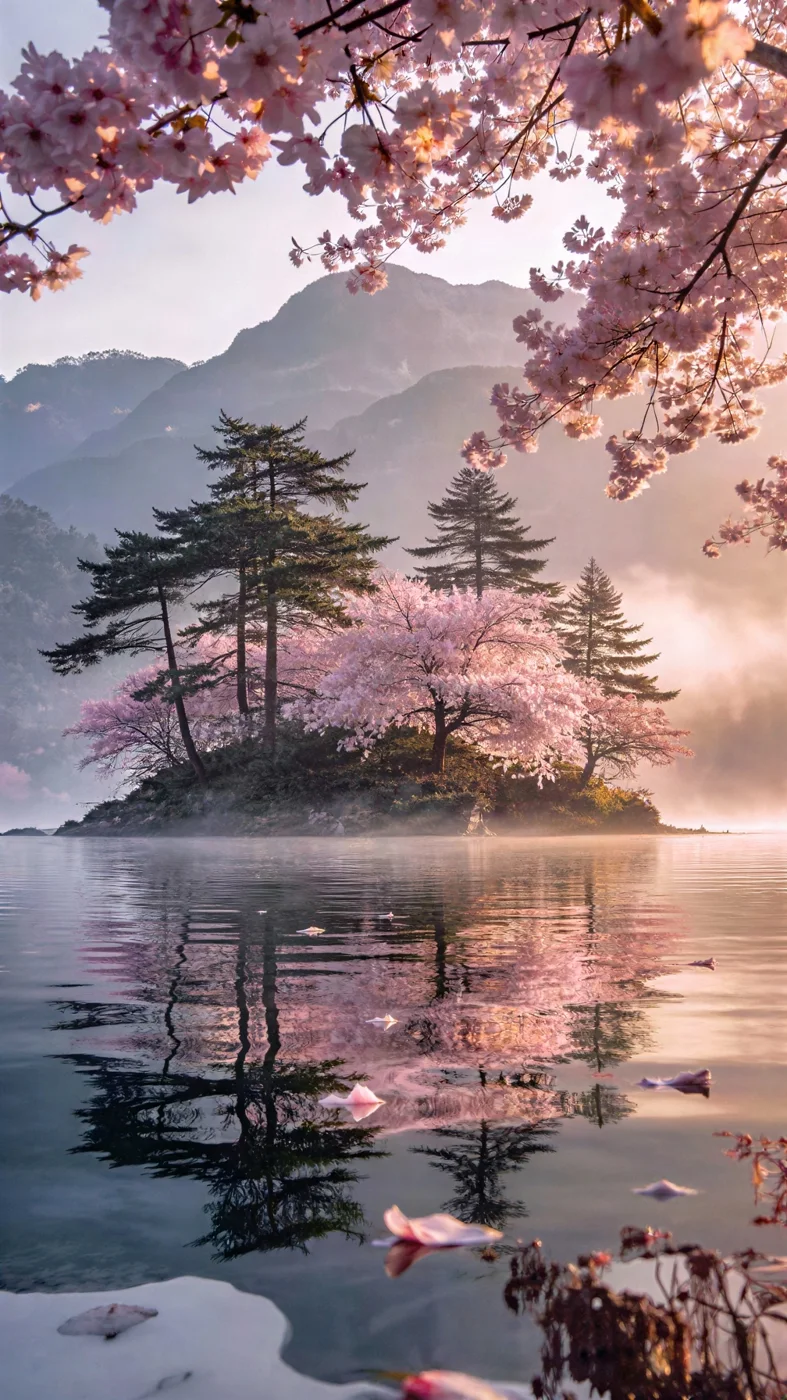
What changed: Low resolution phone photo sharpened, foliage and horizon detail rebuilt
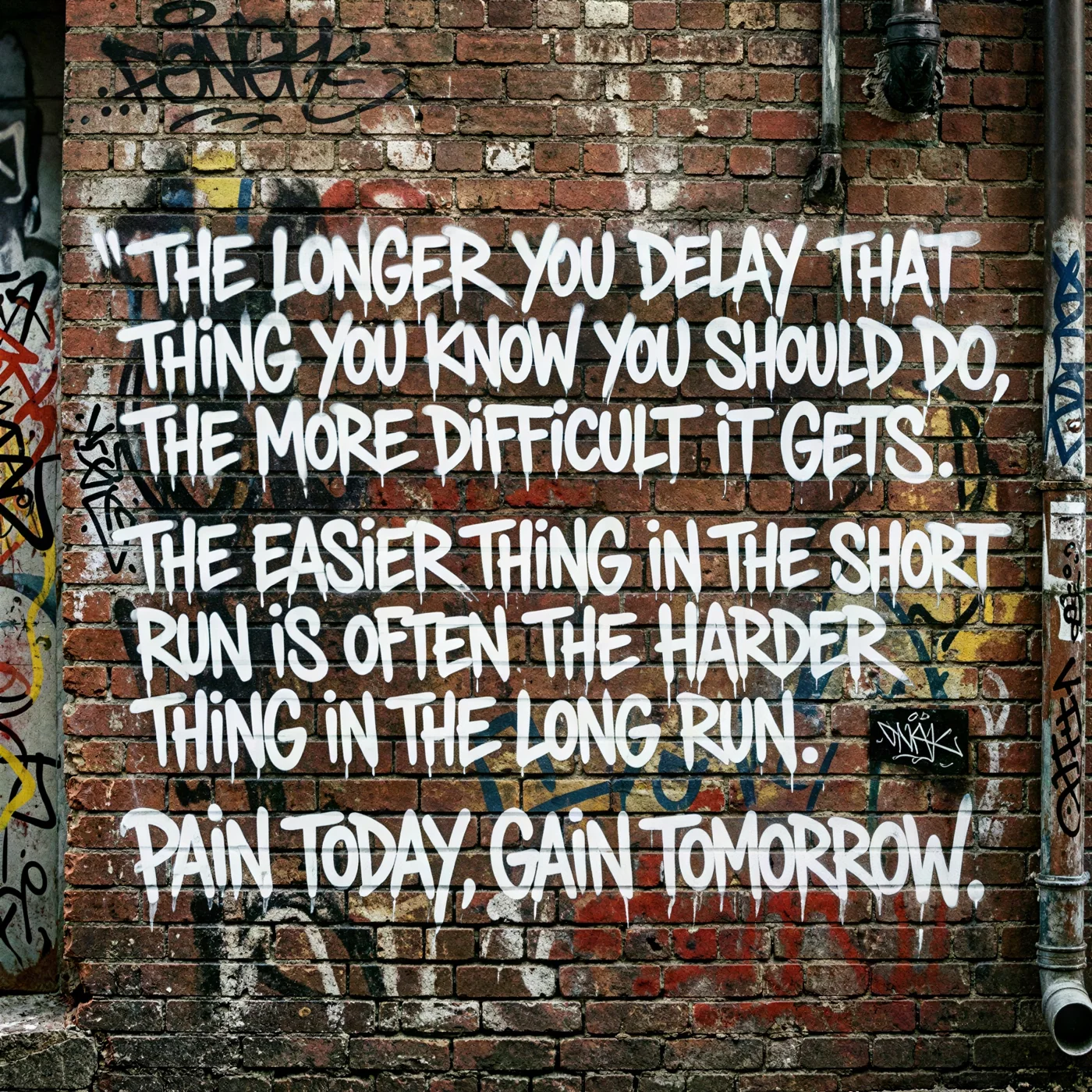
What changed: Blurry photo of painted lettering on a wall made readable, every word reconstructed
AI photo deblur
A blurry image is missing information: the camera moved, the focus landed behind the subject, or the file was scaled down and compressed so many times that the edges dissolved. Classic sharpening filters only raise the contrast along the edges that are left, which is why they make blur look harsher instead of clearer.
An AI unblur tool works differently. It has learned what faces, letters, fabric, foliage and product edges look like when they are sharp, so it can infer the detail that the blur hid and reconstruct it. The output is a clear photo at twice the resolution, with natural skin, readable text and clean lines rather than a crunchy, over sharpened one.
On this page you can unblur one image free with our default model. Inside Krater you can enhance up to 4x, fix blurry video frame by frame, and continue in the same chat with every editing model we host to relight, crop or restyle the result.
Every enhancement model in one place
The free run uses Crystal, a model that reconstructs real detail while it sharpens. Inside Krater you can push to 4x, enhance video, and then retouch the result with every image editor we host.
Techniques
Not all blur is the same. Knowing which one you have helps you judge the result and pick the right next step.
The whole subject is soft while the background may be crisp. AI restores edges and texture on the subject and keeps the depth of field natural.
Streaks from a moving camera or subject. The model reconstructs the underlying shapes; light streaks usually clear completely, heavy streaks improve a lot.
Blocky edges and JPEG artifacts from a small or heavily compressed file. Upscaling with detail reconstruction is exactly the right fix.
Grain and smearing from a dark scene. The enhancer denoises while it sharpens, so faces stop looking painted.
What people unblur
A blurry image is rarely one you can retake. Unblurring rescues the picture you already have so it is good enough to publish, print or send.
Fix soft supplier images and zoomed in shots so listings look professional and pass marketplace quality checks.
Restore a slightly out of focus headshot so it holds up on LinkedIn, a website and a press kit.
Bring scanned photos, brochures and archived images back to a resolution you can reuse.
Make blurry photos of whiteboards, receipts, labels and printed pages readable again.
Rescue the one good shot from a dark venue or a moving crowd before posting it.
Sharpen phone photos of rooms and exteriors so listings and presentations look intentional.
Suitable for everyone
Whether you fix one family photo or an entire product catalog, the model, the caps and the quality are the same. Inside Krater you also get 4x, video and every editing model.
Turn soft supplier photos into crisp listing images without reshooting a single product.
Salvage client assets and social photos that arrived too small or too soft to use.
Fix decks, case study screenshots and event photos minutes before they go out.
Recover the frames that missed focus by a hair instead of deleting them.
Sharpen phone photos of rooms, exteriors and dishes for listings and menus.
Restore scans, prints and early digital photos to a resolution worth framing.
Every image model, every app
Unblurring, upscaling, editing and generation models plus the apps you already use, all inside one workspace.
Why Krater
Krater is The All-in-One AI Workspace. Fixing a blurry photo is one of hundreds of things you can do in the same chat, with the same files and the same team.
Go beyond 2x: 4x enhancement for print, and frame by frame video deblurring to 4K, all from the same chat.
Most fixes finish in seconds. Drop several photos into one conversation and download them together.
Uploads are used only to produce your result. Inside Krater everything you create is stored in your own workspace.
Continue in the same chat: remove a background, restyle the photo or turn it into a short video.
AI upscaling in Krater AI image generation Flux image models Nano Banana image editing Krater pricing
More free AI tools
Upload the blurry photo at the top of this page and click Unblur image. The AI reconstructs the detail and returns a sharp version at twice the resolution in seconds. One run is free per visitor with no account; inside Krater you can enhance as many as you need.
Yes, within limits. The model has learned what sharp faces, text and textures look like, so it can infer and rebuild detail that light to medium blur hid. Extremely heavy blur where the subject is unrecognisable cannot be recovered exactly, but even those images become noticeably cleaner.
Faces are what the model is best at. Eyes, skin texture and hair are reconstructed naturally, without the plastic look of a simple sharpening filter, and the identity of the person is preserved.
Usually, yes. Signs, labels, receipts and printed pages that are soft or pixelated come back with clean letter shapes. Text that is completely illegible in the original may still be approximated rather than exact.
Upscaling increases resolution; unblurring recovers sharpness. Our model does both in one pass: it reconstructs the detail behind the blur and outputs the image at 2x. That is why this tool and the AI image upscaler share the same engine.
PNG, JPG and WebP up to 6 MB. Images over 1024 px on the longest side are resized before enhancing on this free page. Inside Krater you can enhance larger files and go up to 4x.
No. The free run on this page is verified automatically and needs no sign-up. Get Started on Krater when you want more runs, higher limits and every other model.
Not on this page, but inside Krater you can. The Crystal video upscaler sharpens and upscales clips frame by frame up to 4K from the same chat.
Your upload is used only to produce your result and is not used to train models. Inside Krater everything you create is stored in your own workspace under your control.
2x is the sweet spot for fixing blur while keeping the run fast and free. Inside Krater you can go to 4x for print and large screens, and enhance video, with 500+ AI models in the same workspace.
One workspace, 500+ AI models, unblurring up to 4x, video enhancement, editing, writing and automation. Get Started free.