

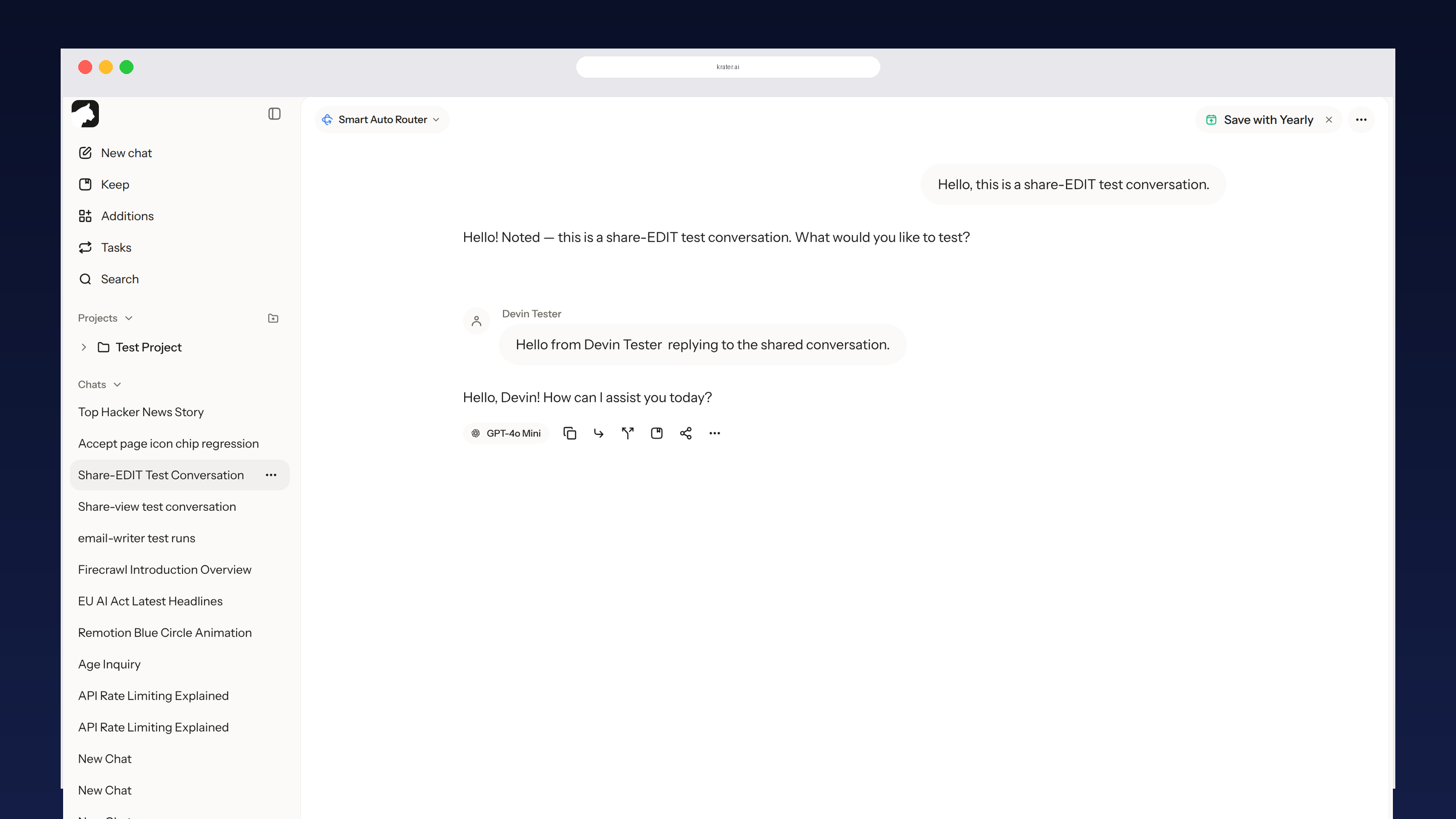
The Best AI-Powered Collaboration Tools in 2026
Most AI tools are single-player. The tools that actually let people work together inside shared AI chats and projects, compared.
What real AI collaboration needs
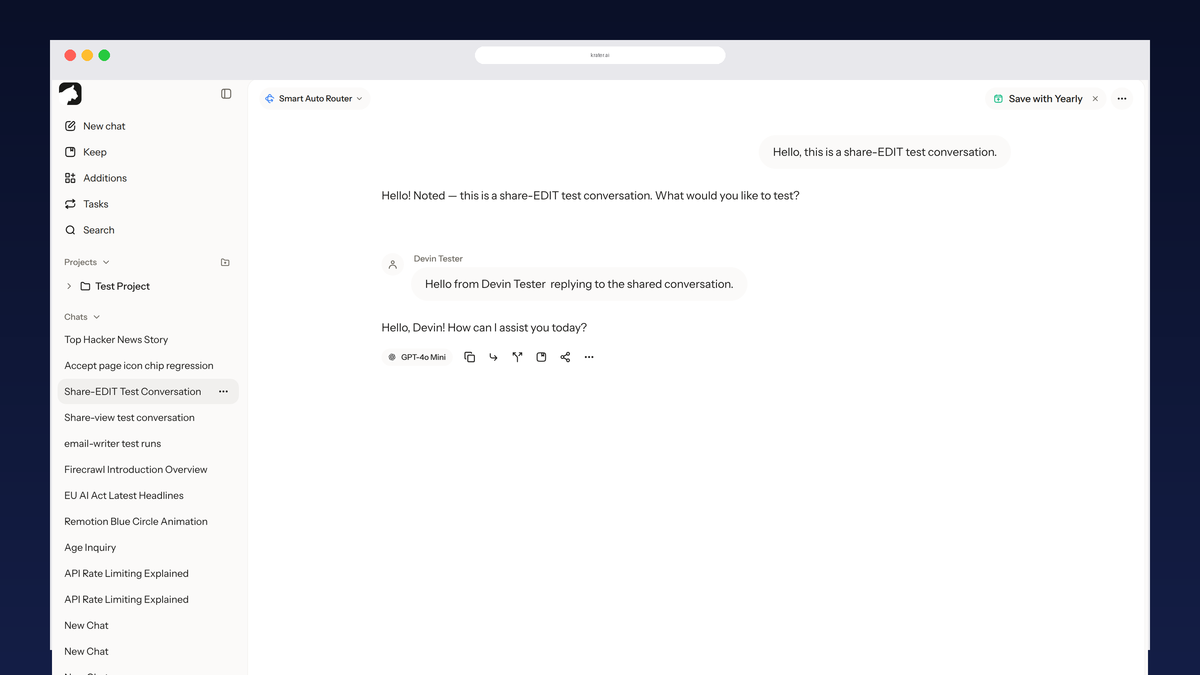
- Replies inside the same thread. A shared conversation people can post into, not a snapshot they fork.
- Shared context. Files, instructions and memory that travel with the project, not per-chat workarounds.
- Roles. View and edit access levels so owners stay in control of the share.
The best AI collaboration tools
- Krater: the only tool that shares the conversation itself. An invite link set to Can edit lets another person post inside the same thread, and a shared project carries every chat, file and memory with it. Because one thread can span 400+ models, a shared Krater chat is also the only place where GPT, Claude and Gemini answers sit side by side in one conversation. See how sharing works.
- Claude Team and Enterprise. The only AI-native tool with real project sharing: workspace members see shared projects with chats and knowledge. Locked to Anthropic models and a paid workspace plan; on Free and Pro there is no project sharing at all.
- Notion. The strongest document collaboration: shared pages, comments, real-time editing, with AI drafting on top. The shared object is the page, not an AI conversation.
- ChatGPT Business and Enterprise. Workspace sharing covers custom GPTs and chats inside the team, but links stay read-only and recipients fork private copies. Single vendor, per-seat pricing.
- Google Workspace with Gemini. Gemini inside Docs, Gmail and Meet with Drive context. The collaboration is Google's document model; the AI is a layer on shared files, not a shared chat.
Where each one fits
- Two or more people inside one AI conversation: Krater's edit invite is the only option that does this without a workspace plan.
- Whole AI project shared with files and memory: Krater on any plan, or Claude on Team and Enterprise.
- Document-first teams: Notion or Google Workspace, where AI assists the shared docs.
More guides: how sharing works in every AI app, the best AI workspaces, sharing a ChatGPT conversation, sharing Claude chats and projects.
FAQ
What is an AI collaboration tool? A tool where several people work with AI together: shared chats they can post into, shared projects with common files and memory, or AI features inside collaborative docs. Most single-vendor chat apps only offer read-only sharing.
Which AI collaboration tool is best for teams? For document workflows, Notion or Google Workspace. For teams whose work happens inside AI chats and projects, Krater: edit invite links and shared projects work without buying a workspace plan, and threads can span multiple model providers.
Do collaborators need accounts? For editing, yes: Krater edit invites and Claude project sharing ask collaborators to sign in, so owners know who is inside. For viewing, both Krater public snapshots and every vendor's read-only link open without an account.
Can GPT and Claude chats be collaborated on in one place? Only on Krater. One shared thread can contain turns from different model providers, so collaborators see GPT, Claude and Gemini answers side by side in the same conversation.
Compared on 3 October 2026 against each product's current public plans and sharing documentation.
More guides: Sharing an AI subscription.