

How to Share a ChatGPT Conversation (And Its Limits)
Share a ChatGPT conversation by link in three clicks. What the link actually does, the snapshot limits nobody mentions, and the edit-access alternative.
Share a ChatGPT conversation as a link
- Open the conversation on chatgpt.com or in the ChatGPT app.
- Click the Share icon at the top of the conversation.
- Choose Create link, then Copy link.
Send the URL to anyone. The page they open is read-only: they can read the entire shared thread without signing in, and they can continue the conversation on their side. That continuation is a private copy on their account, so none of it comes back to your original chat.
What a ChatGPT share link cannot do
- It is a snapshot. Messages added after you create the link are invisible until you go back to Share and update the link.
- Nobody can reply inside your chat. There is no edit or collaborate mode. Continuing means forking a private copy.
- Access is all or nothing. You can delete the link for everyone, but you cannot remove one person or set a role. On business workspaces, links can be restricted to workspace members, but the share is still read-only.
- It shares one chat at a time. There is no way to hand someone a folder or project of chats.
If you wanted them to reply inside the chat
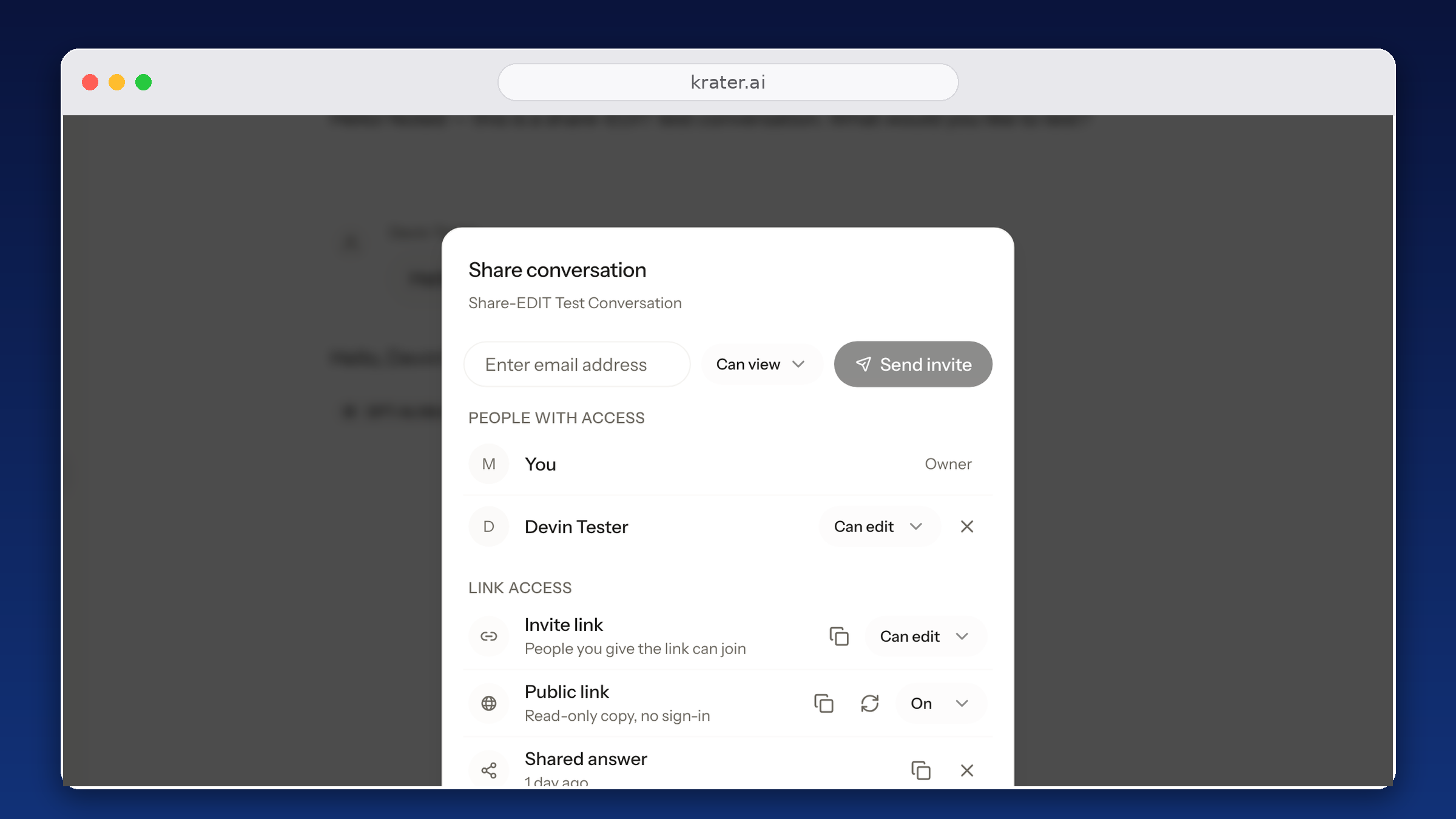
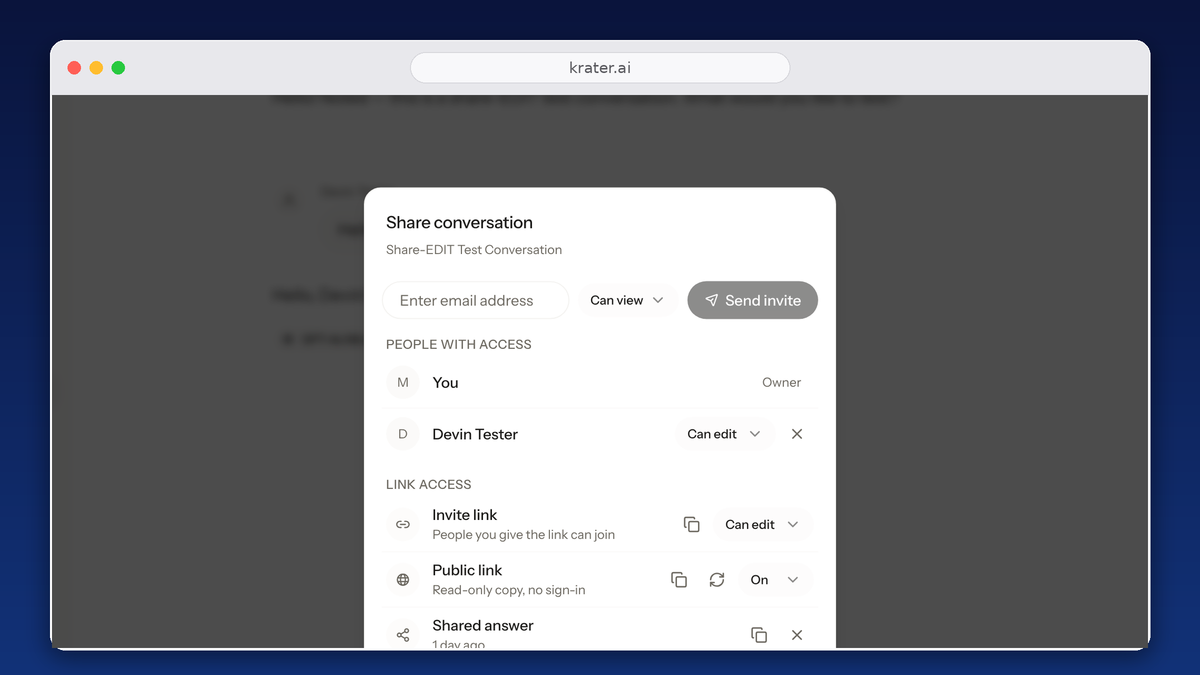
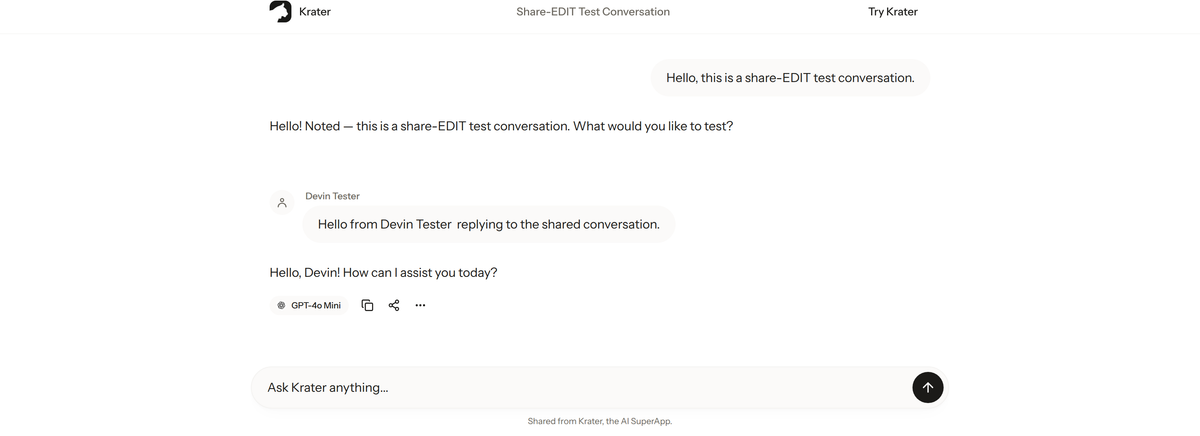
That is the real gap. When the point is working on something together, a snapshot does not help: you need a shared conversation. On Krater, an invite link set to Can edit lets the other person post inside the same thread, and because a Krater chat can hold turns from different models, one shared link can show GPT, Claude and Gemini answers side by side.
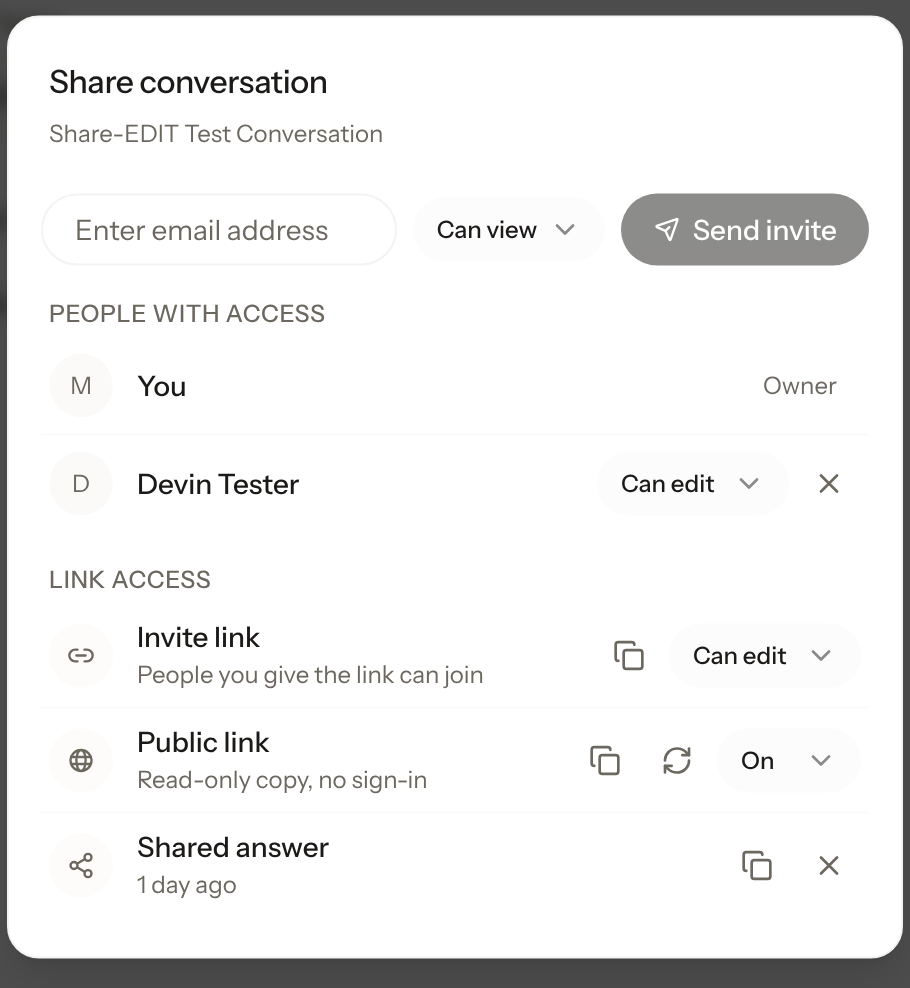
To share a chat on Krater: open the conversation, click Share, create an invite link set to View or Edit, or invite a specific person by email. If you only need to show a finished result, turn on the public link and send a read-only snapshot that needs no sign-in, just like a ChatGPT share page. The full walkthrough is on the sharing feature page.
More guides: sharing in every AI app, share Claude chats, share a Gemini chat, share a Grok conversation.
FAQ
Does someone need a ChatGPT account to open my share link? No. A shared link opens as a public read-only page in the browser. Signing in is only needed if they want to continue the conversation in their own copy.
Do new messages appear on a ChatGPT share link automatically? No. The link is a snapshot of the conversation at the time you created it. Go back to the Share menu and update the link to include newer messages.
Can two people edit the same ChatGPT conversation? No. ChatGPT has no shared editing mode: a recipient who continues a shared chat gets a private copy. For replies inside the same thread, use an edit invite link on Krater.
How do I unshare a ChatGPT conversation? Open the Share menu on the conversation and delete the link. Anyone with the old URL loses access.
Checked 3 October 2026 on chatgpt.com and OpenAI's shared-links documentation.