

How to Share a Gemini Chat (g.co/gemini/share Links)
Gemini chats share as public g.co/gemini/share links or export to Google Docs. How each option works and where real chat collaboration starts.
Share a Gemini chat as a link
- Open the conversation in gemini.google.com or the Gemini app.
- Open Share and export, then choose Share and create the public link.
- Copy the link. It looks like g.co/gemini/share/ followed by a code.
The recipient gets a read-only page of the conversation in the browser, no sign-in needed. If they want to continue it, the continuation lives in their own Gemini chat, not yours.
Other ways to share a Gemini conversation
- Export to Docs. In Share and export, send the conversation to Google Docs when the deliverable is a document people will edit or comment on.
- Share a Gem. A custom Gem you created can be shared so other people can use it, but that shares the Gem itself, not your conversation history.
What a Gemini share link cannot do
- It is read-only. There is no way for the recipient to post inside your conversation.
- It shares one chat. No folder, project or workspace-level sharing.
- New messages need a fresh share. If the conversation grows, create the link again so the latest turns appear.
If the recipient should answer inside the chat
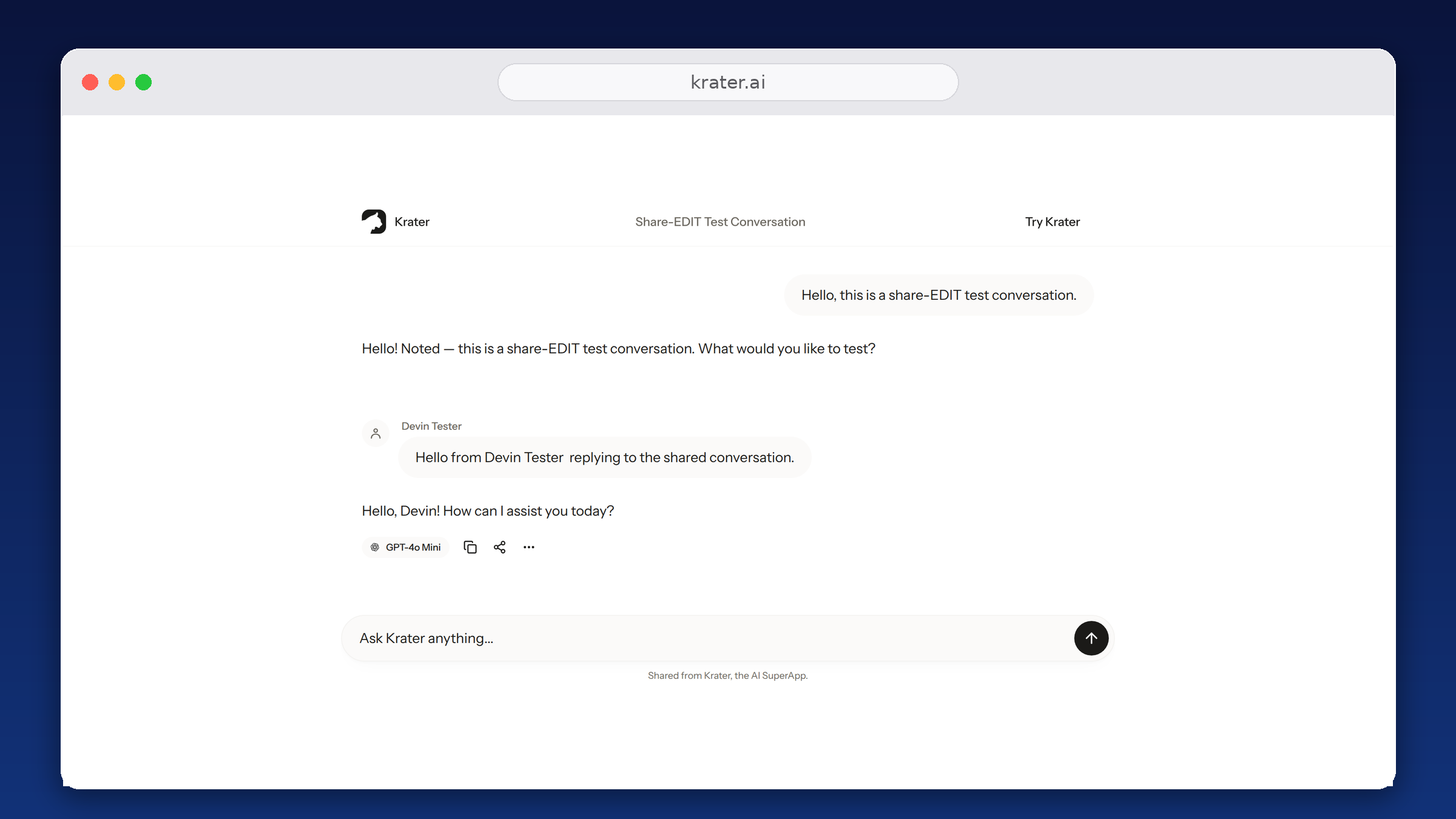
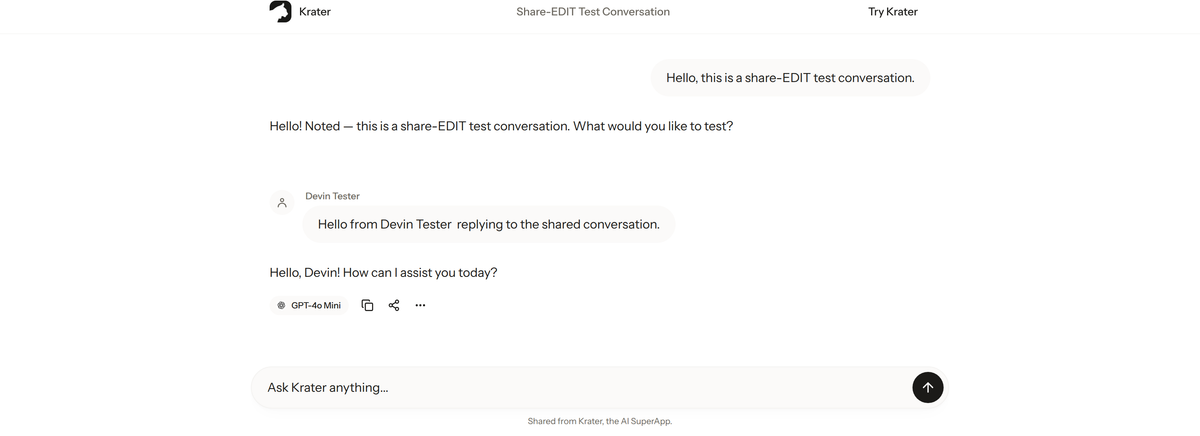
That is the gap: Gemini, like the rest, shares pages, not conversations. On Krater, an invite link set to Can edit lets the other person reply inside the same thread, and one shared chat can contain turns from different models, so a single link can hold GPT, Claude and Gemini answers side by side.
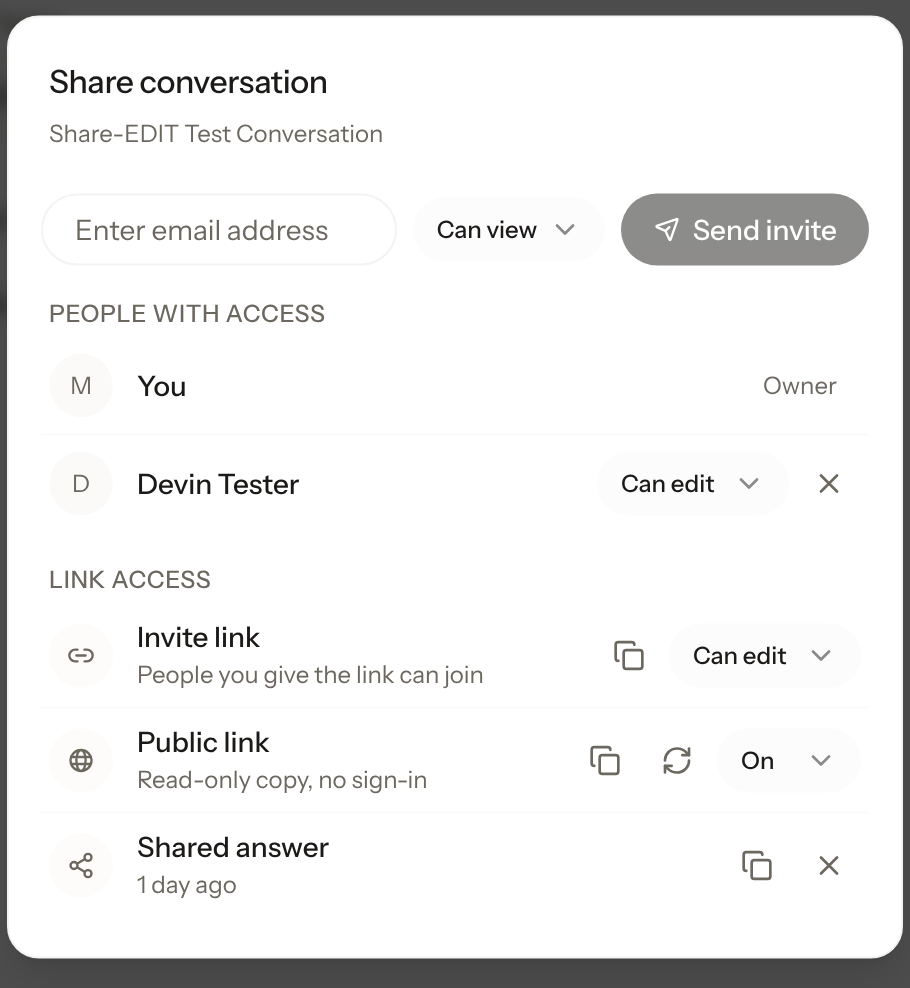
To share on Krater: open the conversation, click Share, then create an invite link set to View or Edit or send an email invite. For a read-only page like Gemini's, turn on the public link and send the snapshot, which needs no sign-in. The full walkthrough is on the sharing feature page.
More guides: sharing in every AI app, share a ChatGPT conversation, share Claude chats, share a Grok conversation.
FAQ
Does someone need a Google account to open a Gemini share link? No. The public link opens a read-only page in the browser without a sign-in.
Can a recipient edit or reply inside my shared Gemini chat? No. Gemini share links are read-only. Continuing the conversation happens in the recipient's own Gemini account.
Do new messages appear on a Gemini share link? The shared page captures the conversation as shared. If the chat grows, share it again so the newer turns are included.
How do I unshare a Gemini chat? Go back to Share and export and delete the public link. Everyone with the URL loses access.
Checked 3 October 2026 on gemini.google.com and Google's Gemini sharing documentation.