

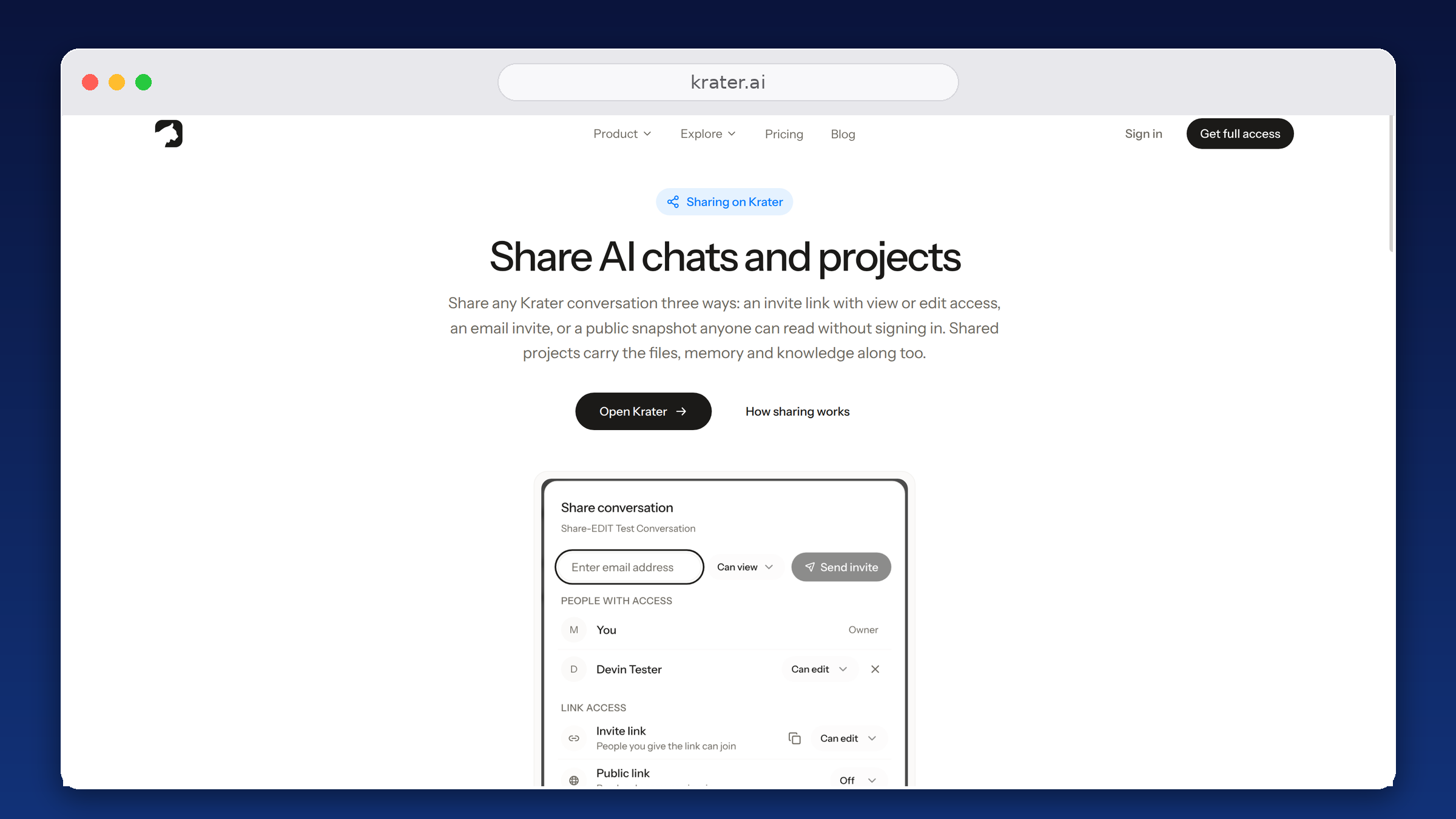
How to Share an AI Conversation: ChatGPT, Claude, Gemini and Grok
Every major AI app can produce a link you can send, but all of them are read-only snapshots. How sharing works in each tool, and what real chat collaboration takes.
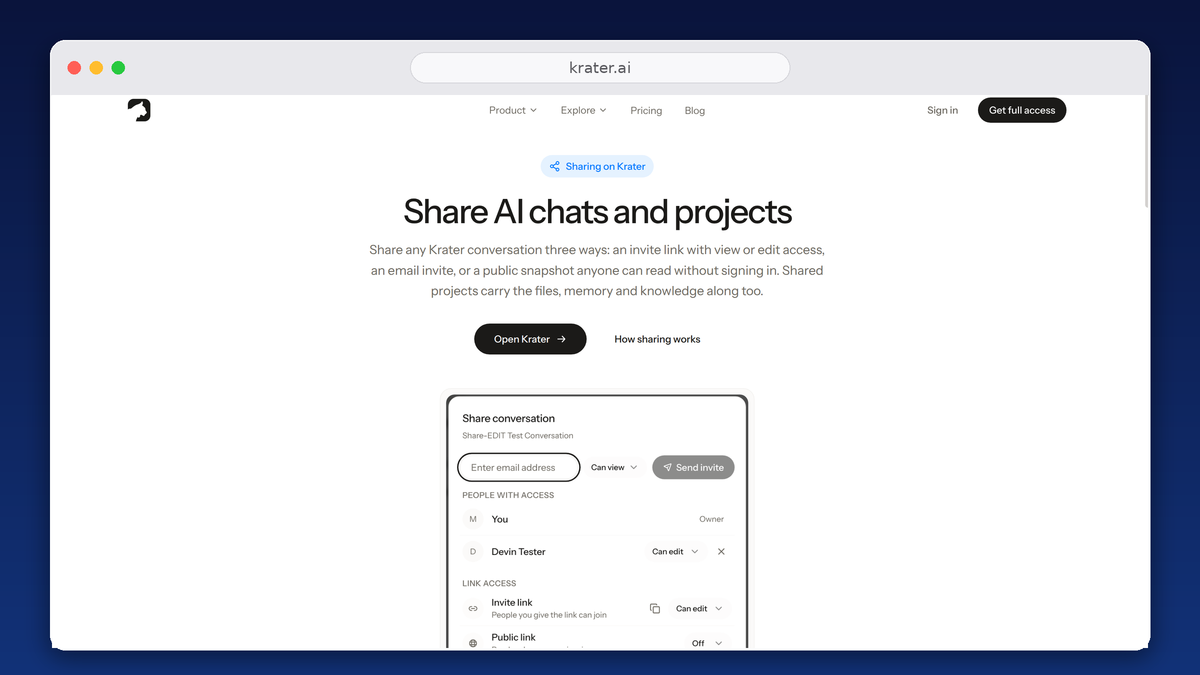
How to share in each AI app
- ChatGPT. Open the conversation, click Share, create the link. It is a snapshot: messages you add later only appear after you update the link, and recipients who continue the chat get their own private copy. Full ChatGPT sharing guide.
- Claude. Open the chat, click Share, send the link. Read-only, no sign-in needed to read it. Claude Projects can only be shared inside Team and Enterprise workspaces. Full Claude sharing guide.
- Gemini. Open the chat, use Share and export to create a public g.co/gemini/share link. Read-only. Full Gemini sharing guide.
- Grok. Open the conversation, click the share icon, copy the link. Read-only. Full Grok sharing guide.
The limits every AI share link has
- Read-only, always. Nobody can reply inside your conversation in any of the four apps. The share is for viewing.
- Snapshots go stale. A ChatGPT link needs a manual update before new messages show; the other apps freeze the share at the moment you create it.
- Continuing is forking. When a recipient keeps chatting, they are working in their own account on their own copy. Your original thread never sees it.
- No project-level sharing for individuals. Claude Projects share only on Team and Enterprise plans; everywhere else you send chats one by one.
Sharing where people can reply inside the chat
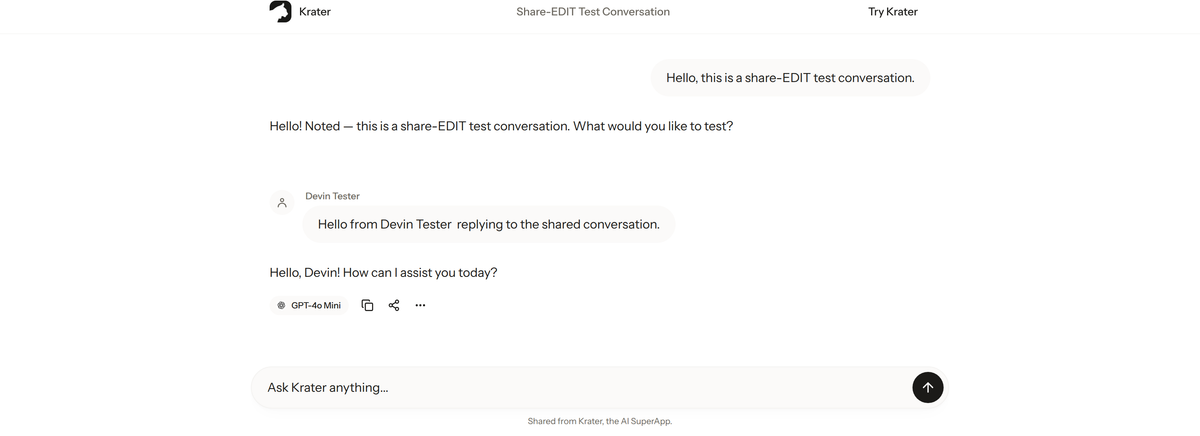
The gap all four apps share is collaboration: nobody can answer inside your thread. On Krater, an invite link set to Can edit lets the other person post in the same conversation. And because one Krater chat can contain turns from different models, a single shared link can show GPT, Claude and Gemini answers side by side.
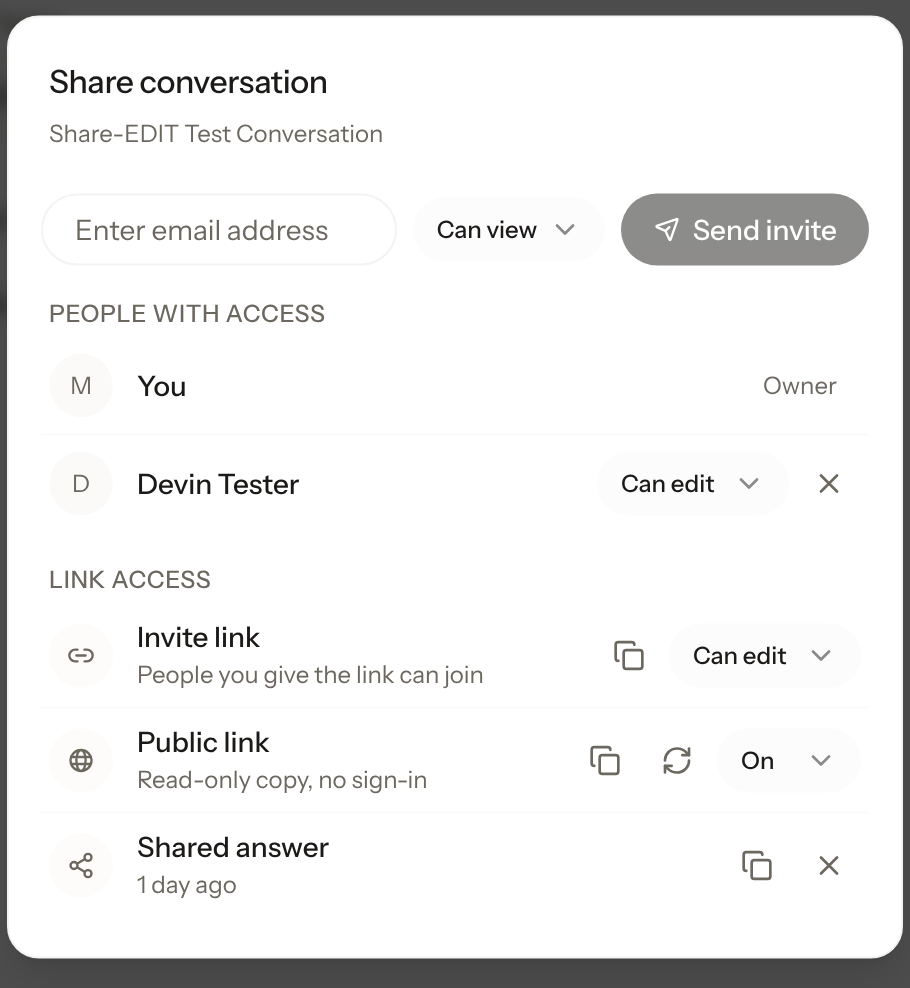
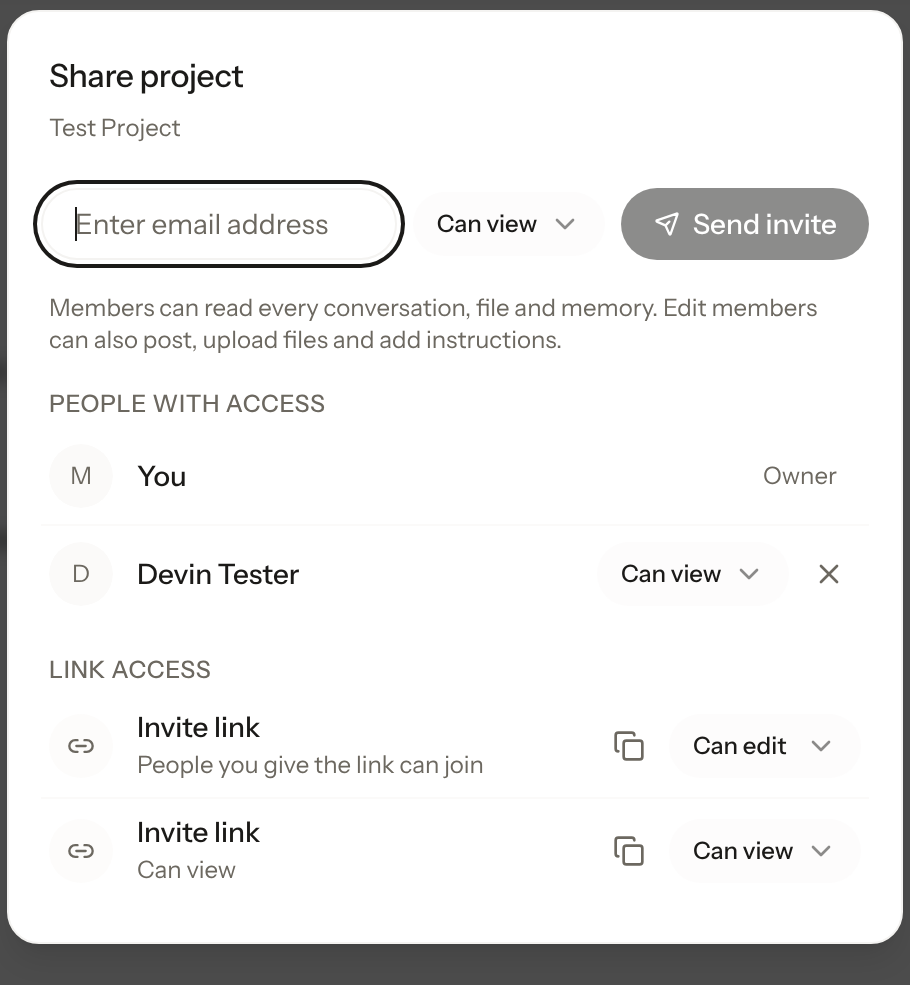
To share on Krater: open the conversation, click Share in the header, then create an invite link set to View or Edit, or send an email invite. Members and pending invites are listed in the same dialog, and you can remove anyone or turn the link off whenever you want. The full walkthrough is on the sharing feature page.
Publish a public copy instead
If the goal is to show a finished result rather than collaborate, publish a public snapshot. It opens as a clean read-only page, no account or app needed, and it stays frozen at that version until you update it or turn it off.
Share a whole project, not one chat at a time
A Krater project groups related chats, files and a knowledge base. Sharing the project once gives people access to all of it: view members can read every conversation, file and memory inside it, and edit members can post, upload files and add instructions. That is the equivalent of sharing a Claude Project, except it works on individual plans, not only Team and Enterprise.
Which share to use when
- Working on something together: an Edit invite link, so the other person replies inside the same chat.
- Showing a finished result: a public snapshot, frozen at the version you publish.
- Ongoing teamwork: a shared project, so every chat, file and instruction stays in one place.
- Feedback without replies: a View link, read-only.
More guides: share a ChatGPT conversation, share Claude chats and projects, share a Gemini chat, share a Grok conversation, or see sharing on Krater.
FAQ
Do people need an account to open a shared AI chat? Public links in ChatGPT, Claude, Gemini and Grok all open without a sign-in, and so does a public Krater snapshot. Private shares on Krater ask the recipient to sign in, so you always know who is inside the conversation.
Can someone reply inside my shared ChatGPT or Claude chat? No. Every native share link is read-only, and a recipient who continues the conversation is forking a private copy. Replies inside the same thread need an edit invite, which Krater links support.
Does a shared AI chat link update when the conversation grows? A ChatGPT link stays frozen until you update it from the Share menu, and Claude, Gemini and Grok links capture the chat at share time. A Krater public snapshot behaves the same way on purpose: frozen until you update it.
Can I share a whole AI project instead of single chats? In Claude, only on Team and Enterprise workspaces. In Krater, any project can be shared with view or edit access, including its files, memory and instructions.
Can I turn a shared link off? Yes. Deleting or disabling the link stops access for everyone who has it. On Krater you can also remove individual members without touching the link.
Share features checked 3 October 2026 against each vendor's own help documentation and in a live Krater workspace.