

The Best AI Workspaces in 2026 (Compared)
An AI workspace keeps your conversations, files and instructions in one place. The five tools that matter in 2026, compared honestly.
What makes something an AI workspace
- Persistent context. Files, instructions and past chats stay loaded, so every new conversation starts with knowledge instead of a blank page.
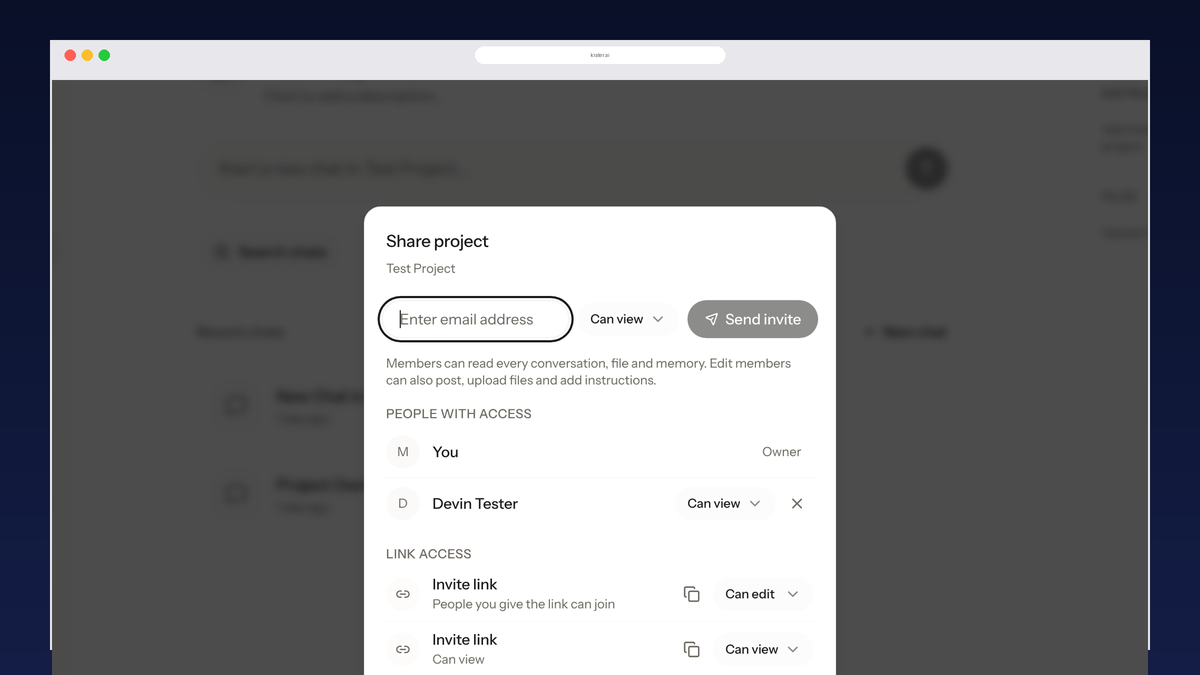
- Sharing and roles. People can join with view or edit access instead of receiving screenshots and read-only links.
- Model access. Some workspaces lock you to one vendor's models; others let one workspace span several providers.
The best AI workspaces, compared
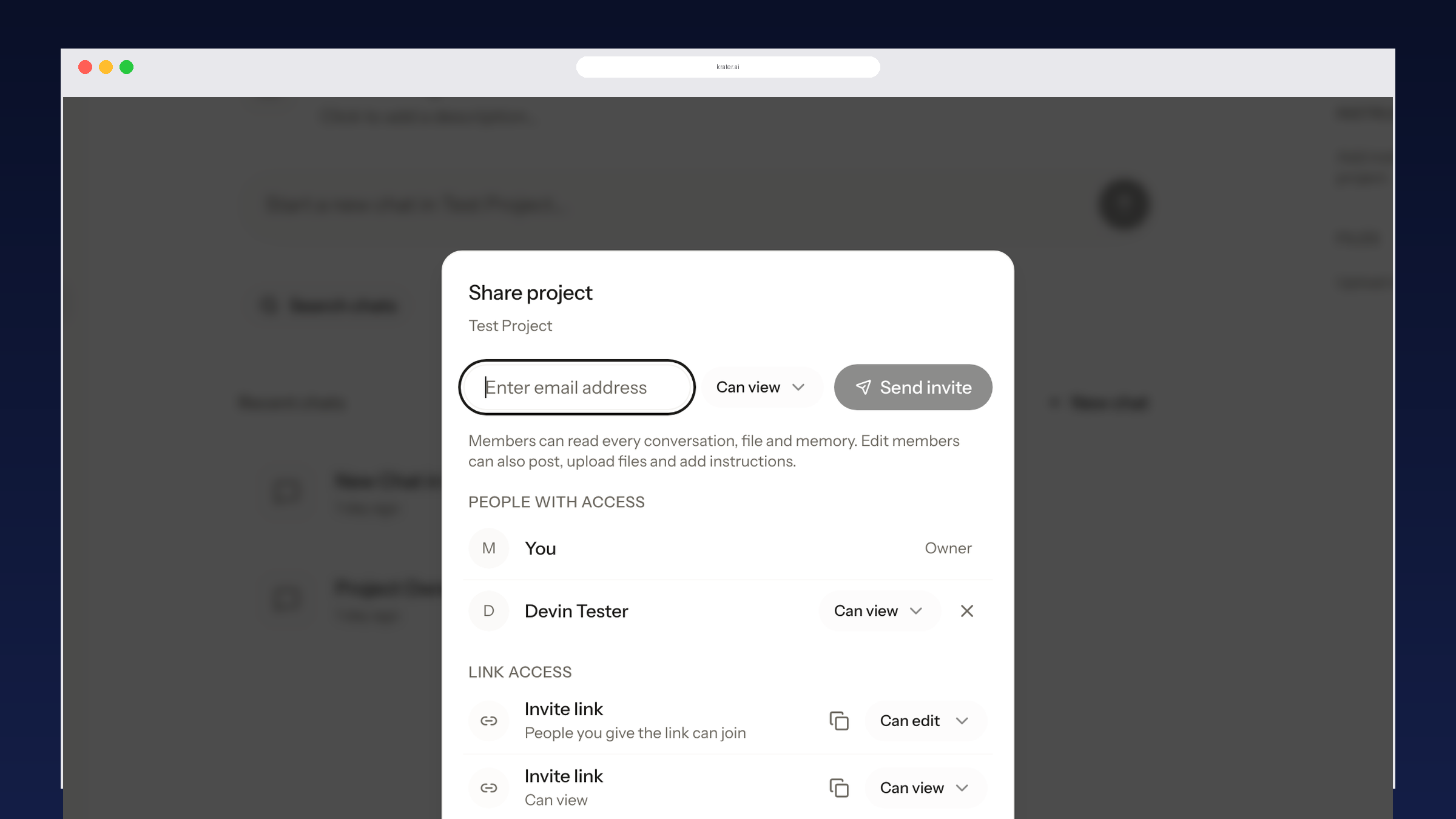
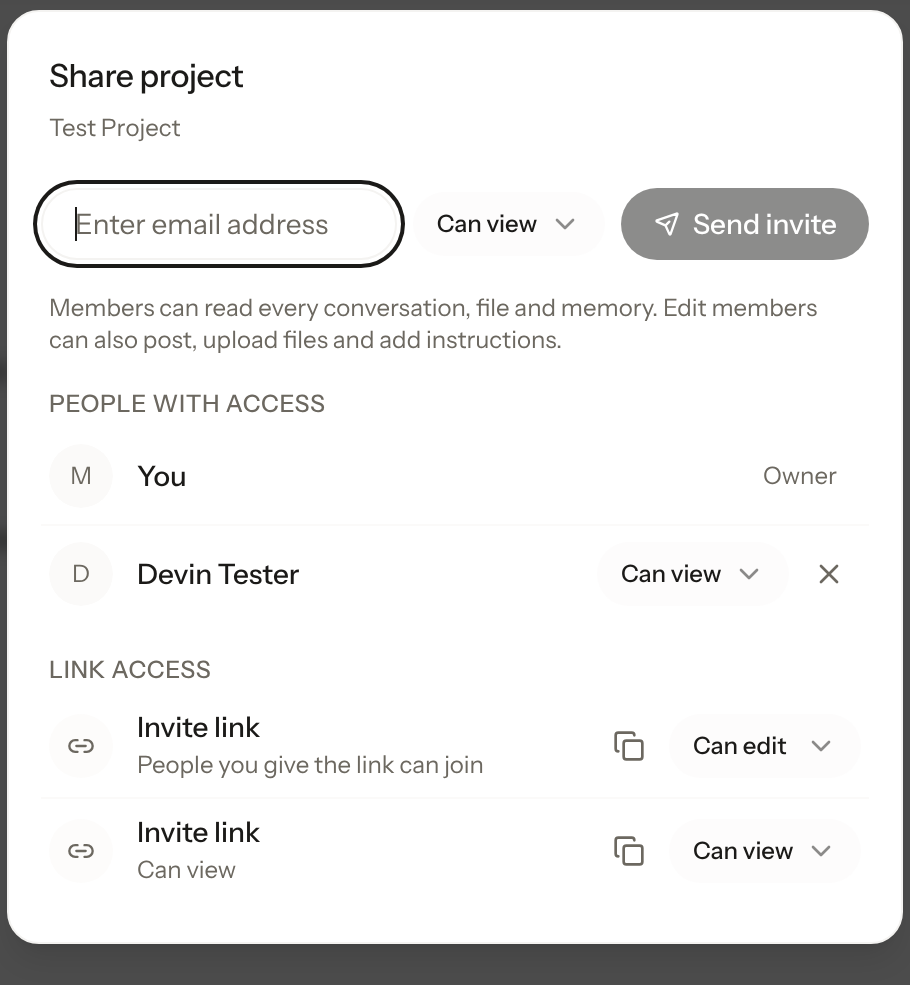
- Krater: best for shared, multi-model AI work. A Krater project bundles conversations, files and memory, and sharing it once grants view or edit access to all of it. One workspace can call 400+ models from different providers, so a shared project can hold GPT, Claude and Gemini answers side by side. Members with edit access post inside the same threads instead of forking private copies.
- Notion: best when your work is documents. Notion's workspace is the strongest for structured docs, wikis and databases, with AI drafting on top. The AI assists the documents; the shared object is the page, not the conversation.
- Google Workspace with Gemini: best if everything already lives in Drive. Gemini answers inside Docs, Gmail and Meet with access to your Drive context. Powerful for Google-heavy teams, priced as a Workspace upgrade rather than a standalone AI tool.
- Genspark: best for agentic task runs. An agent-style workspace that executes multi-step tasks. Strong single-user automation, less built around shared chats and project context for teams.
- ChatGPT Projects: simplest single-vendor option. Projects keep related chats and files together, but everything is GPT-only and sharing stays inside paid business workspaces.
Which AI workspace should you pick
- You want people working inside shared AI chats and projects: Krater. Edit invite links and shared projects are the only option here where the conversation itself is the shared object. See how sharing works.
- Your work is docs, wikis and databases: Notion.
- Your team already pays for Google Workspace: Gemini inside it is the path of least resistance.
- You mainly need one agent running tasks: Genspark or a single-vendor app fits.
More guides: how sharing works in every AI app, the best AI collaboration tools, or browse the models available in one Krater workspace.
FAQ
What is an AI workspace? A workspace where AI conversations, uploaded files and standing instructions persist together, so each new chat starts with shared context instead of a blank page. The useful ones also share that context with teammates.
Is Google AI Workspace free? Gemini inside Google Workspace comes with paid Business and Enterprise tiers; the consumer Gemini app has its own free and paid plans. Either way it is a single-model experience tied to Google's stack.
Which AI workspace is best for teams? If the work is documents, Notion. If the work is shared AI conversations and projects across multiple models, Krater is the only option where people post inside the same shared thread.
Can you share an AI workspace with people outside your team? On Krater, yes: invite links or email invites grant view or edit access to a whole project. Notion shares pages publicly or by email; Google Workspace and ChatGPT Projects keep sharing inside the paid workspace.
Compared on 3 October 2026 against each product's current public plans and sharing documentation.
More guides: The Best AI Apps in 2026, honest picks by job, the all-in-one AI workspace.
More guides: The best AI family plan in 2026.
More guides: ChatGPT pricing in 2026.