Upload Your Photo
Start by uploading a clear photograph of your room. Ensure the image captures the space accurately, including walls, windows, and furniture.


Transform your room photos with AI interior design. Redesign spaces while preserving layout, walls, and windows. Explore styles and get inspired.
Home / AI tools / AI Interior Design
Supports JPG, PNG, WebP. Max 6MB.
Aspect Ratio: 1:1, 4:3, 3:4, 16:9, 9:16
Results may vary. Experiment with prompts for best outcomes.
How it Works
Upload a room photo to test colors, materials, furniture, and styles while keeping the room's layout and camera perspective.
Start by uploading a clear photograph of your room. Ensure the image captures the space accurately, including walls, windows, and furniture.
Enter a text prompt detailing your desired style, color palette, furniture, and lighting. Be as descriptive as possible for the best results.
Click 'Design Room' and let the AI generate a new interior design. Review the results and refine your prompt for further iterations.
Inspiration
Explore these examples to get ideas for your own room redesigns. Our AI can create a wide range of styles, from minimalist to maximalist.
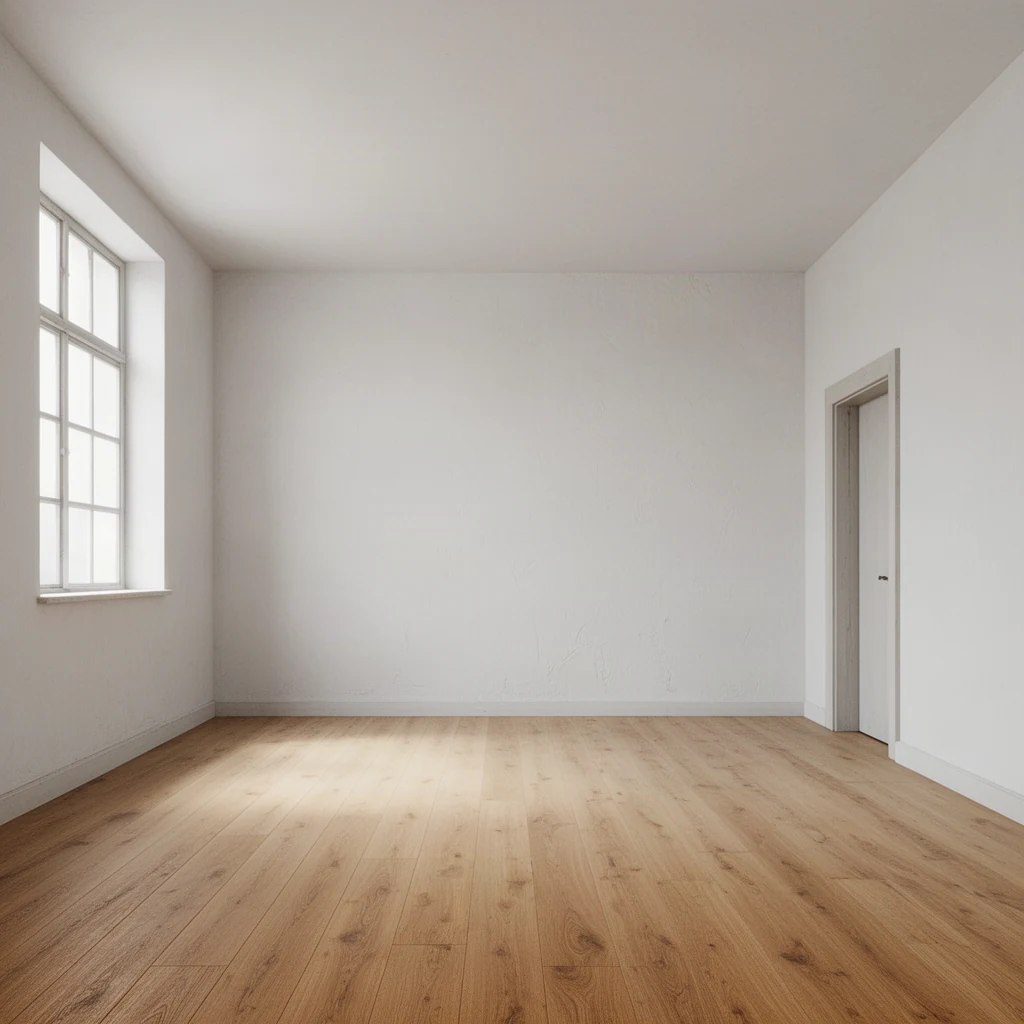
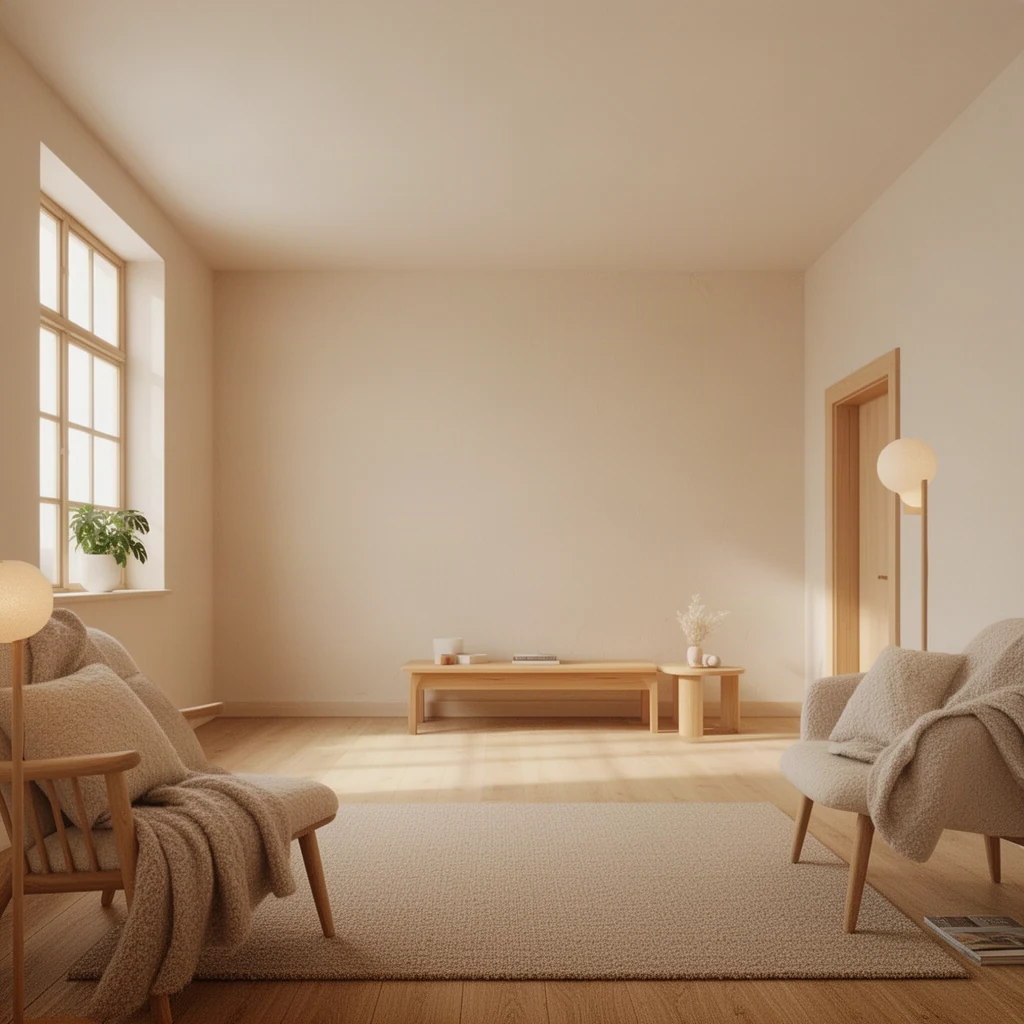
Prompt:: Restyle with warm Scandinavian furniture, pale oak, soft wool textures and gentle morning light.
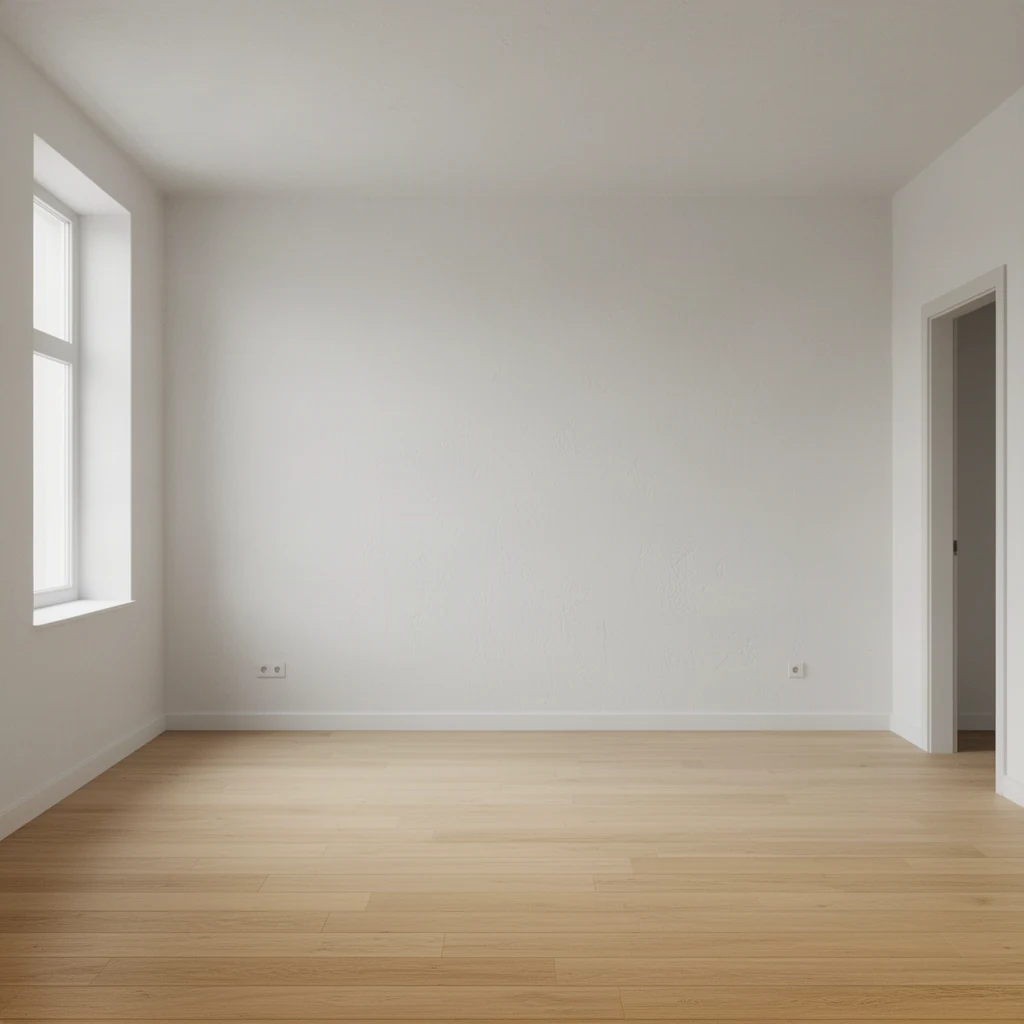
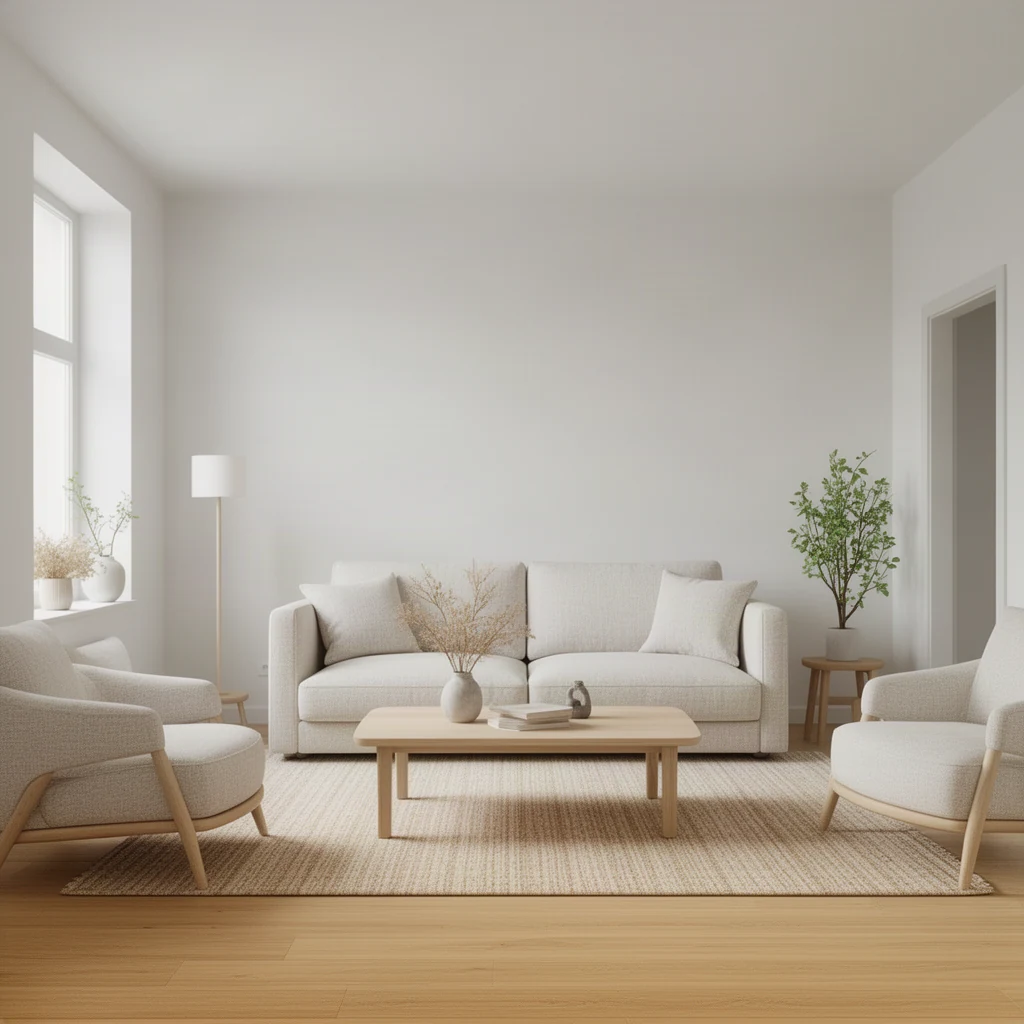
Prompt:: Use a calm Japandi palette with low furniture, natural linen, sculptural wood and subtle greenery.
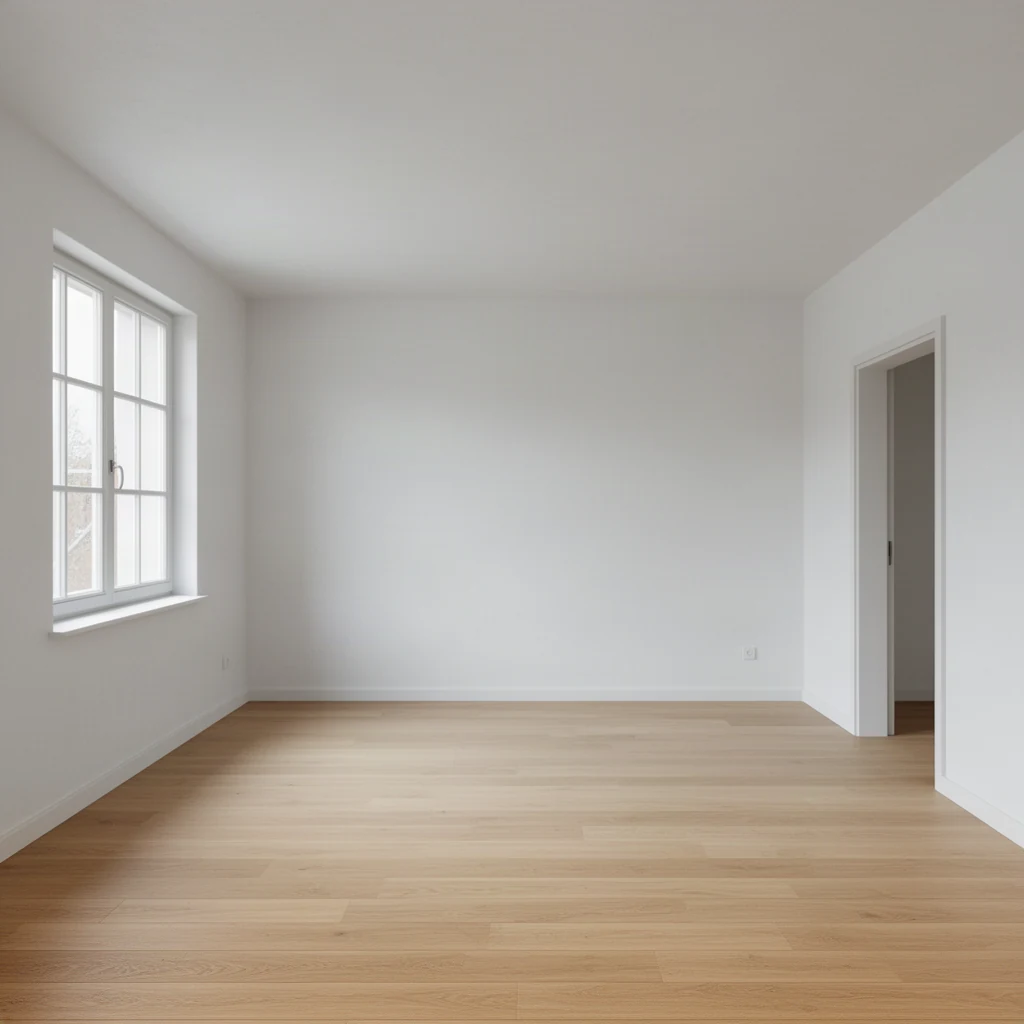
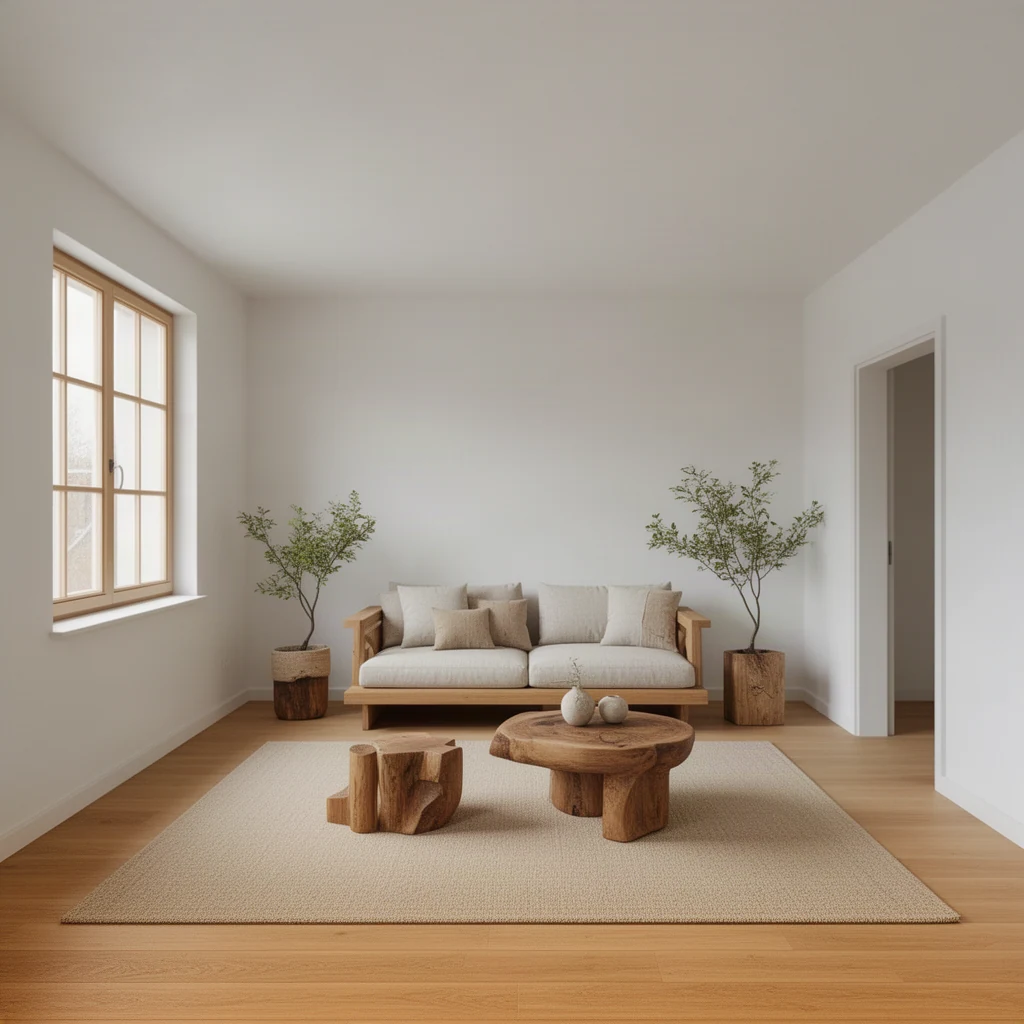
Prompt:: Create a contemporary reading room with a deep green chair, walnut shelving and warm layered lighting.
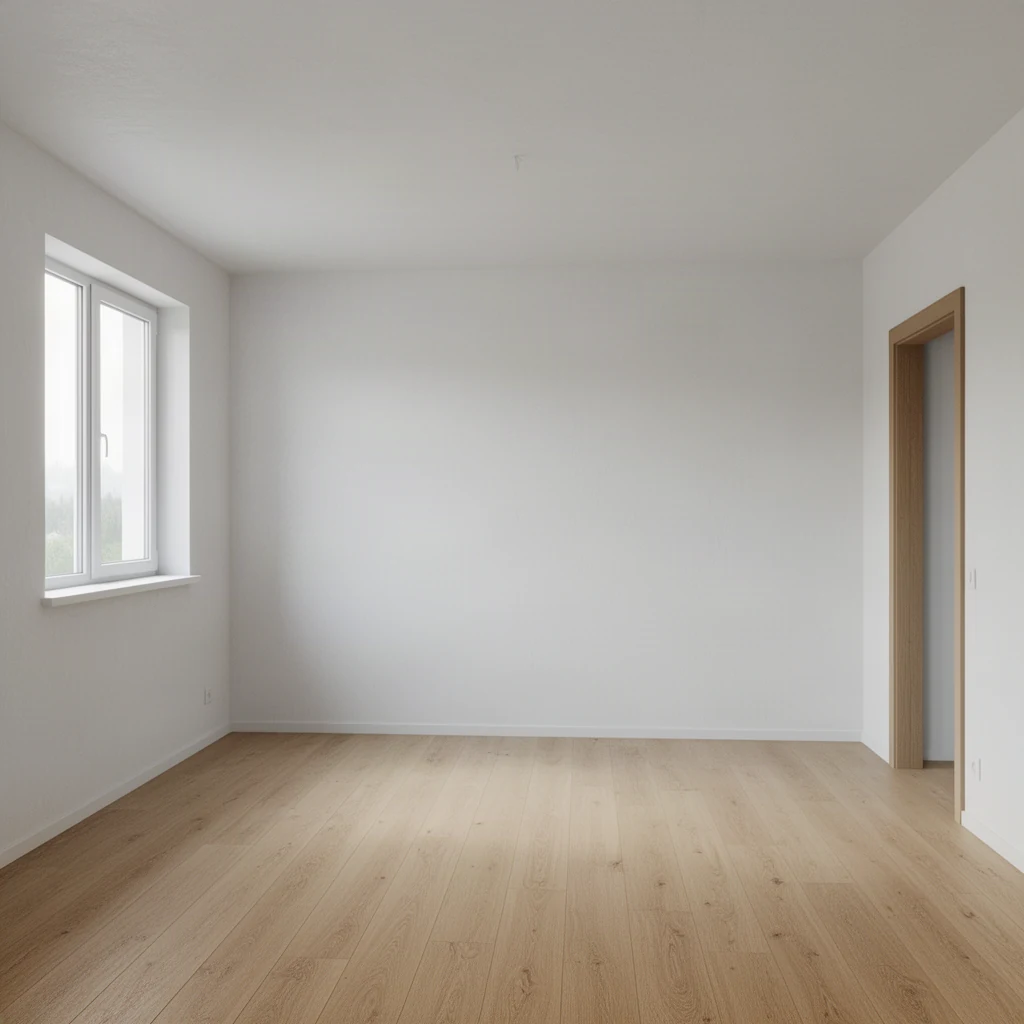
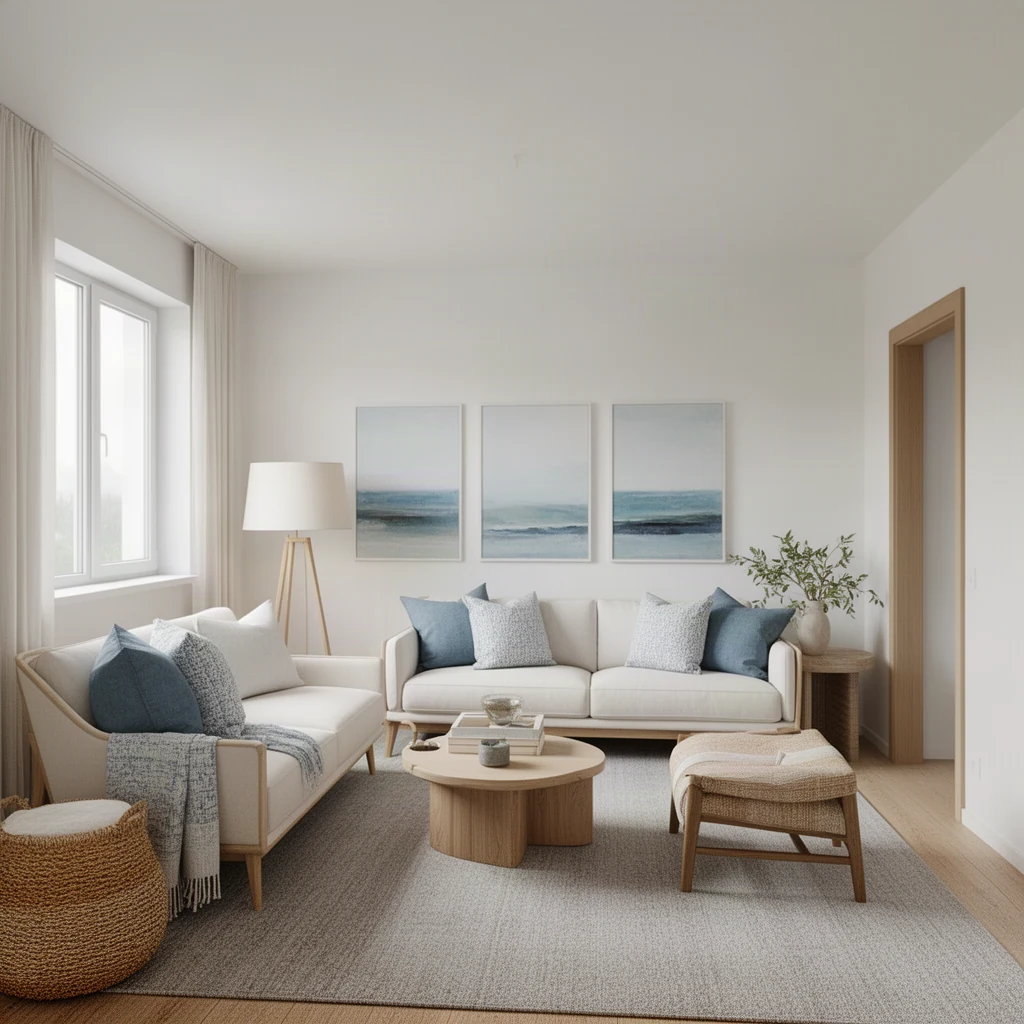
Prompt:: Make the room coastal and airy with white oak, natural fiber textiles, muted blue accents and daylight.
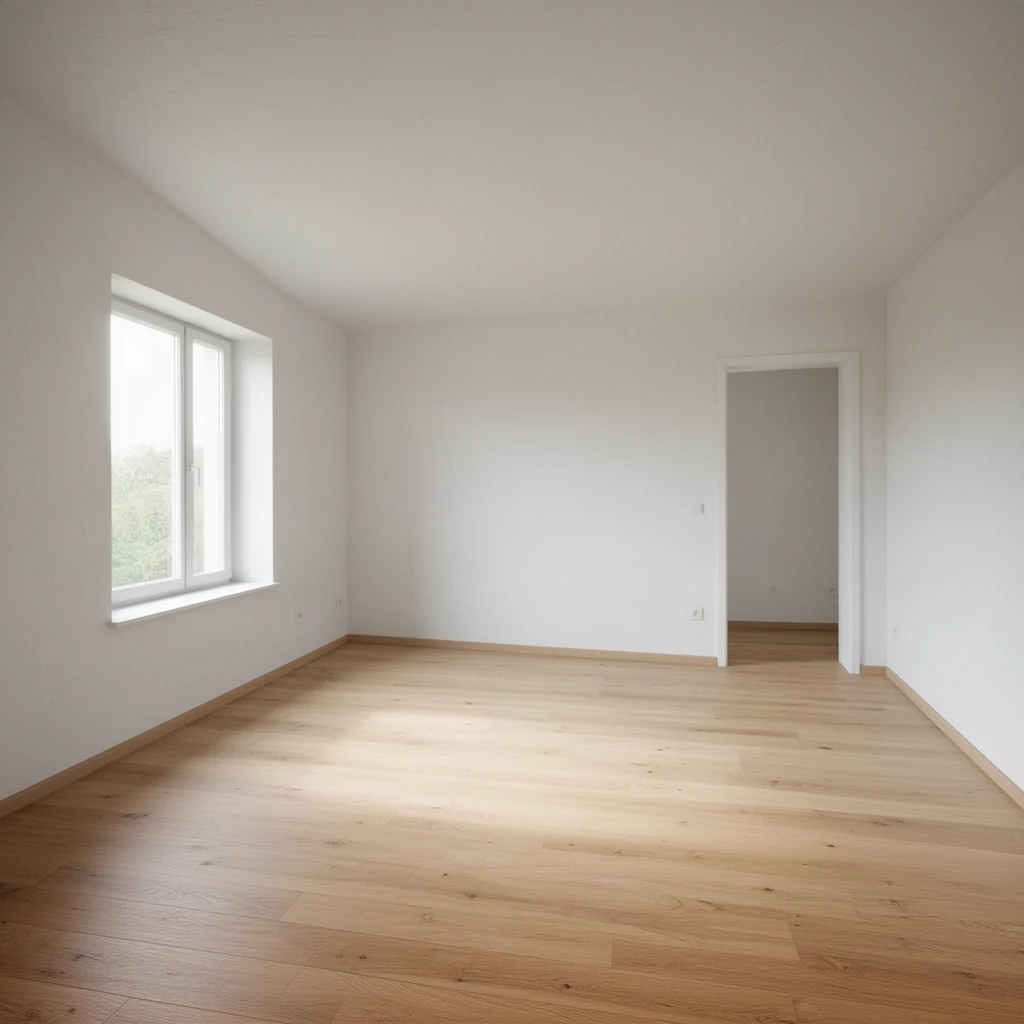
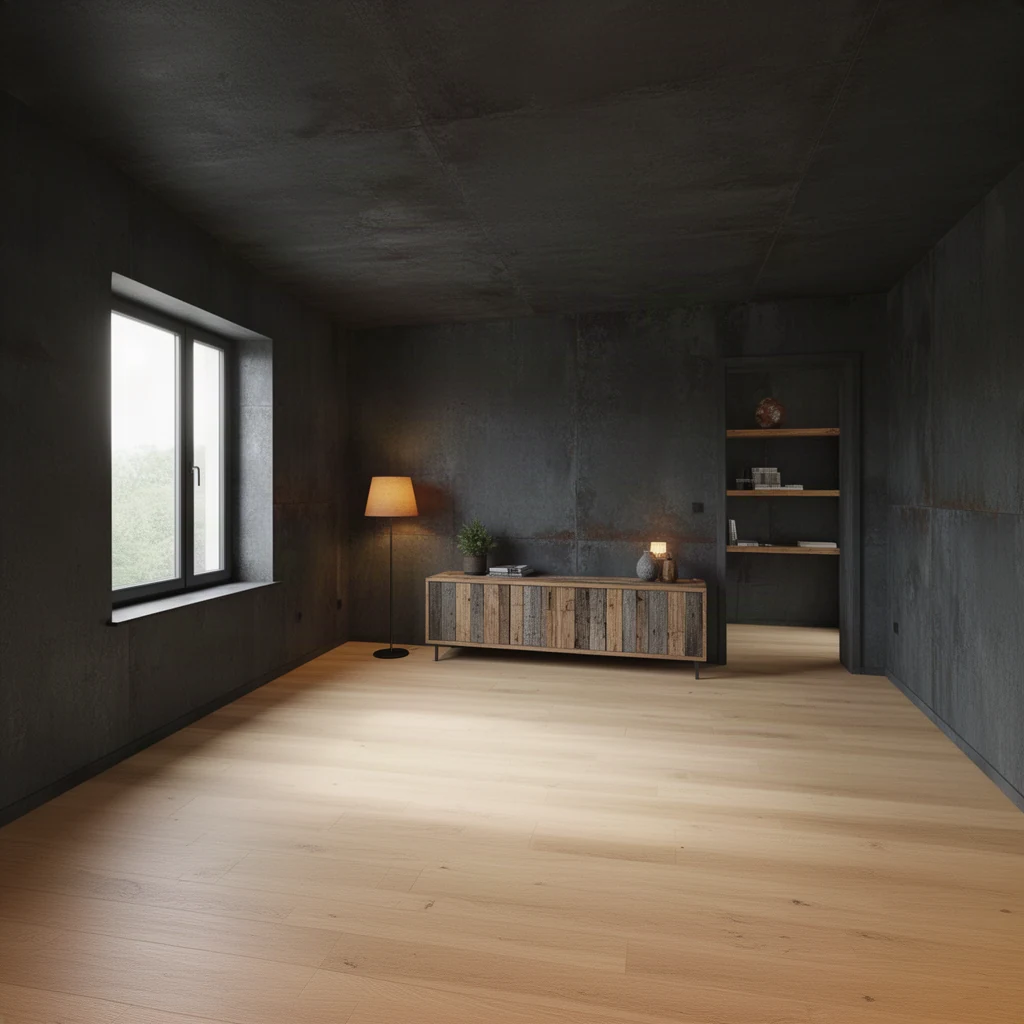
Prompt:: Use a modern industrial look with charcoal metal, reclaimed wood, warm lamps and restrained decor.
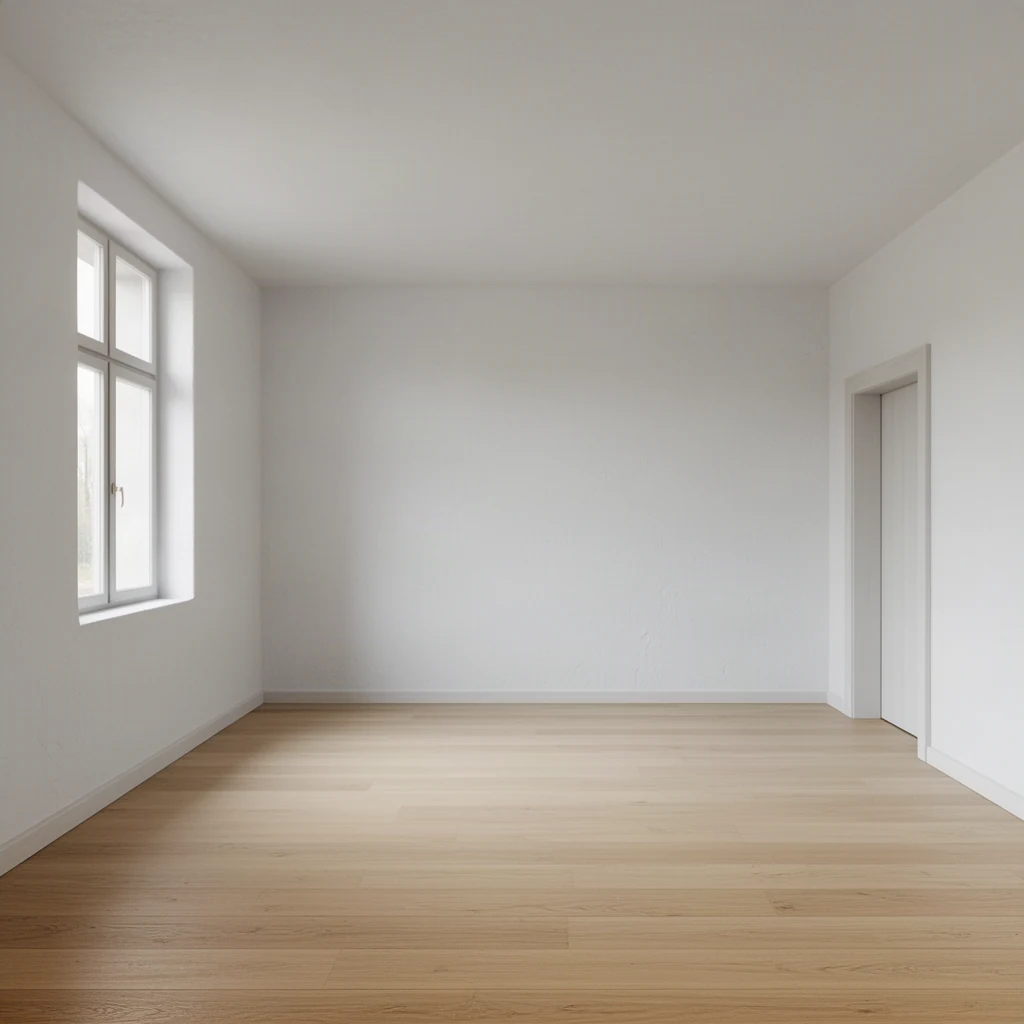
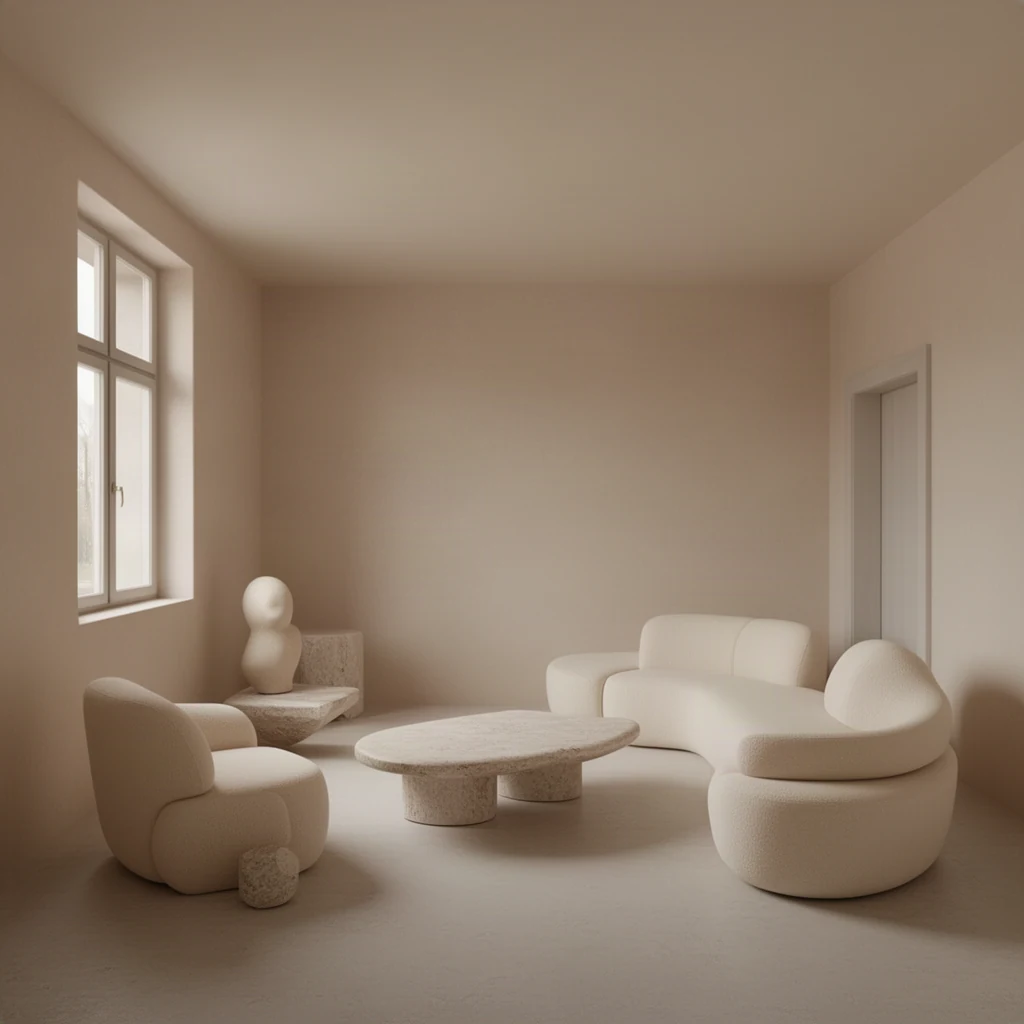
Prompt:: Create a soft minimal interior with cream upholstery, pale stone, rounded forms and diffused evening light.
AI Interior Design
Upload a room photo to try furniture, colors, materials, and styles while keeping the existing walls, windows, and camera perspective.
Whether you are a homeowner looking for inspiration, a designer testing concepts, or a business aiming to showcase properties, this tool provides a powerful way to explore diverse interior styles without physical changes.
Upload a room photo, describe the style you want, and review the result before saving or sharing it.
AI Models
Our platform hosts a vast collection of 500+ specialized AI models, including those for advanced interior design. Find the perfect model for your unique creative needs.
Design Techniques
Understand the core principles behind different interior design styles to better guide the AI and achieve your desired look.
Learn how to use color palettes effectively to evoke specific moods and styles, from calming neutrals to vibrant accents.
Explore the impact of different materials like wood, metal, and fabric, and how textures add depth and character.
Understand how ambient, task, and accent lighting can dramatically alter the atmosphere and functionality of a space.
Discover principles of furniture arrangement and layout to optimize flow and usability within a room.
Who Is It For?
Our AI Interior Design tool is designed to assist a wide range of users, from individuals to professionals, in visualizing and creating beautiful spaces.
Visualize renovations or redecorations before committing to any changes. Experiment with styles easily.
Quickly generate multiple design concepts for clients, saving time and enhancing presentations.
Virtually stage properties or showcase renovation potential to attract buyers.
Generate unique visuals for blogs, social media, or design portfolios.
Showcase products in various room settings to help customers visualize them in their own homes.
Explore personal design interests and learn about different interior styles in a fun, interactive way.
Target Audience
Whether you're an individual seeking personal inspiration or a business looking for professional design solutions, our tool caters to your needs.
Explore personal style, plan home makeovers, or simply get inspired by beautiful interior designs.
Streamline your design process, present ideas effectively, and impress clients with rapid concept visualization.
Enhance marketing materials, visualize product placements, or explore branding through interior aesthetics.
Learn about design principles and experiment with styles for educational projects.
Plan your next home improvement project with confidence by visualizing the end result.
Showcase potential renovations or different design options for properties.
Advanced Capabilities
Our platform integrates current AI technologies, offering access to over 500 specialized models and powerful image editing tools for unparalleled creative control.
Why Choose Us
Discover the advantages of using our AI interior design tool for your creative projects. Experience efficiency, inspiration, and professional results.
Maintains your original walls, windows, floor plan, and camera perspective for realistic redesigns.
Access a wide array of design styles and aesthetics through descriptive prompts and AI interpretation.
Generate multiple design concepts in minutes, significantly reducing the time spent on ideation and visualization.
An intuitive platform makes it easy for anyone to upload, describe, and generate stunning interior designs without technical expertise.
AI image generation AI model directory Flux image editing Krater pricing
More free AI tools
You can upload standard image files like JPG, PNG, and WebP, with a maximum file size of 6MB. Ensure the photo clearly shows the room you want to redesign.
The AI analyzes the uploaded image to detect walls, windows, and the overall floor plan. It uses this information to ensure the redesign respects the existing structure and perspective.
Yes, you can describe specific furniture styles, colors, materials, and lighting in your prompt. The more detail you provide, the closer the AI can get to your vision.
If the AI cannot detect the room's structure, it will proceed with the redesign but may not be able to perfectly preserve the original layout. The results might show alterations to the room's structure.
You can generate multiple designs. Experiment with different prompts and settings to explore various aesthetic possibilities for your room.
Depending on your subscription plan and the specific AI models used, commercial use may be available. Please refer to our terms of service for detailed information.
Presets offer quick starting points for popular styles. Custom prompts allow for highly specific and unique design descriptions, giving you greater creative control.
Generation time can vary based on the complexity of the request and current system load, but typically takes a short amount of time.
The generated image is a final output of the AI. For further edits, you can use external image editing software or explore other AI editing tools available on our platform.
The tool aims to maintain the original aspect ratio of your uploaded photo to ensure the redesign fits naturally within the existing frame.
Start designing your dream interior today. Upload your room photo and bring your vision to life with the power of AI.